> ## Documentation Index
> Fetch the complete documentation index at: https://docs.airscale.io/llms.txt
> Use this file to discover all available pages before exploring further.
# Deduplicate leads between tables
> Identify and merge duplicate leads between your tables to keep your database clean and accurate
## 0. Prerequisites
* You must have tables with contacts or companies
* Each lead (contact or company) must have a LinkedIn profile URL to be identified, as this is the unique identifier that is used
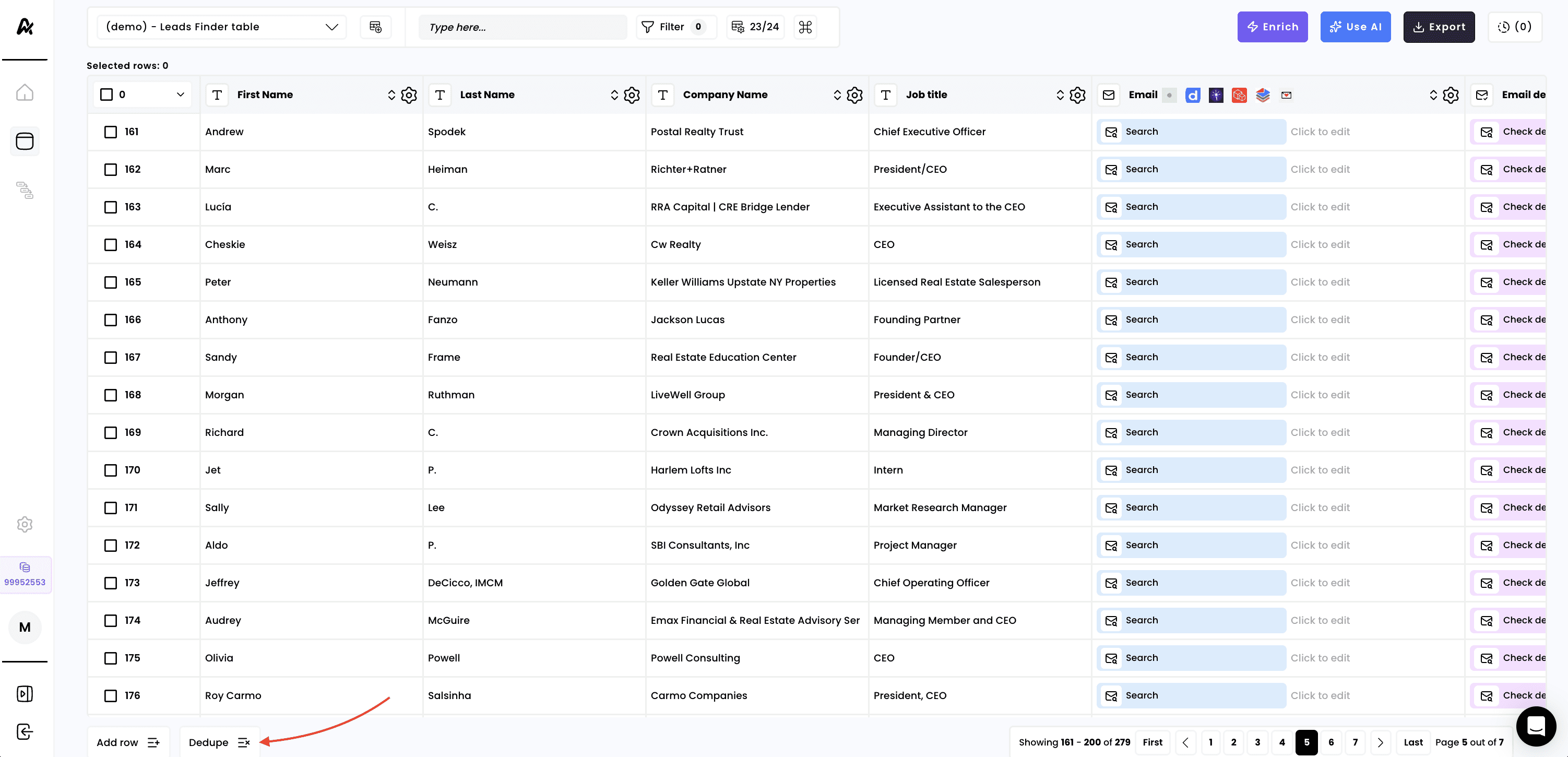
## 1. Click on "Dedupe" at the bottom left of your table
Launch this workflow and all rows in the current table will be checked for potential duplicates across all your other existing tables. If duplicates are found, the corresponding row in the table will be deleted
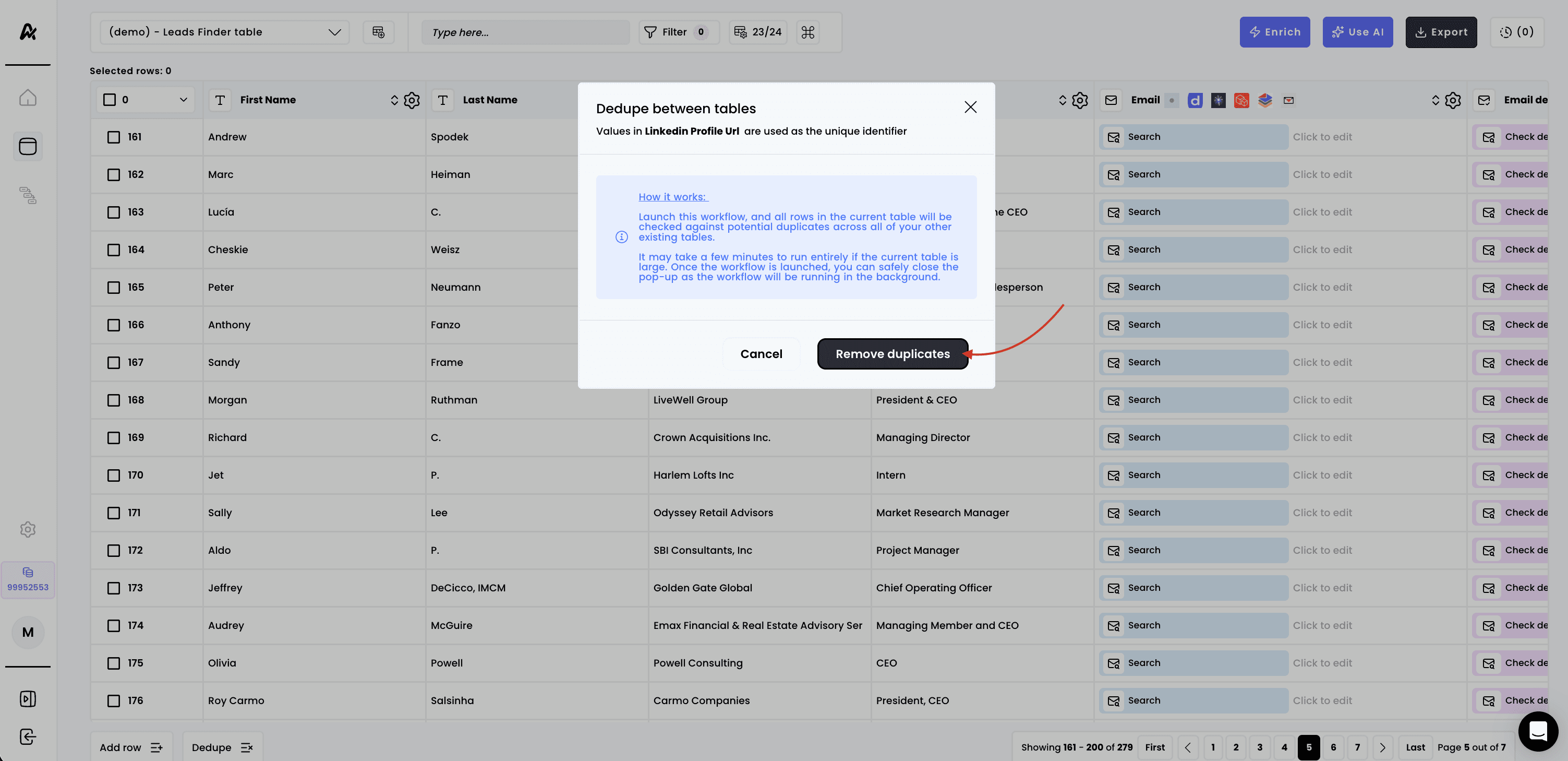 It may take a few minutes to run entirely if the current table is large. Once the workflow is launched, you can safely close the pop-up as the workflow will be running in the background
**Note**: the dedupe workflow runs within the same object type, contacts with contacts, and companies with companies only
This documentation is built and hosted on [Mintlify](https://mintlify.com), a developer documentation platform.
It may take a few minutes to run entirely if the current table is large. Once the workflow is launched, you can safely close the pop-up as the workflow will be running in the background
**Note**: the dedupe workflow runs within the same object type, contacts with contacts, and companies with companies only
This documentation is built and hosted on [Mintlify](https://mintlify.com), a developer documentation platform.