Build lists
Find company lookalikes with Ocean.io
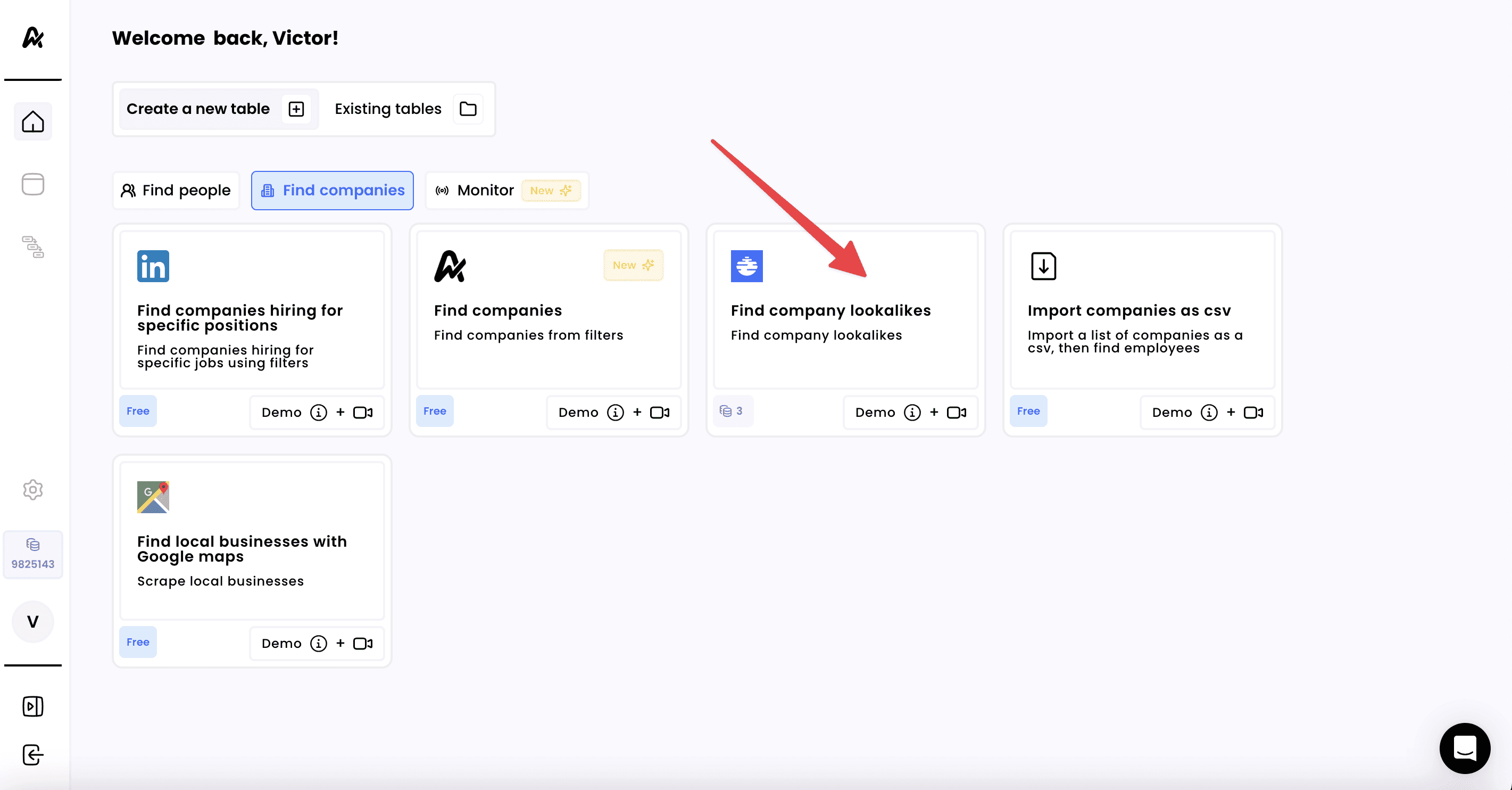
1. Click on "Find company lookalikes"
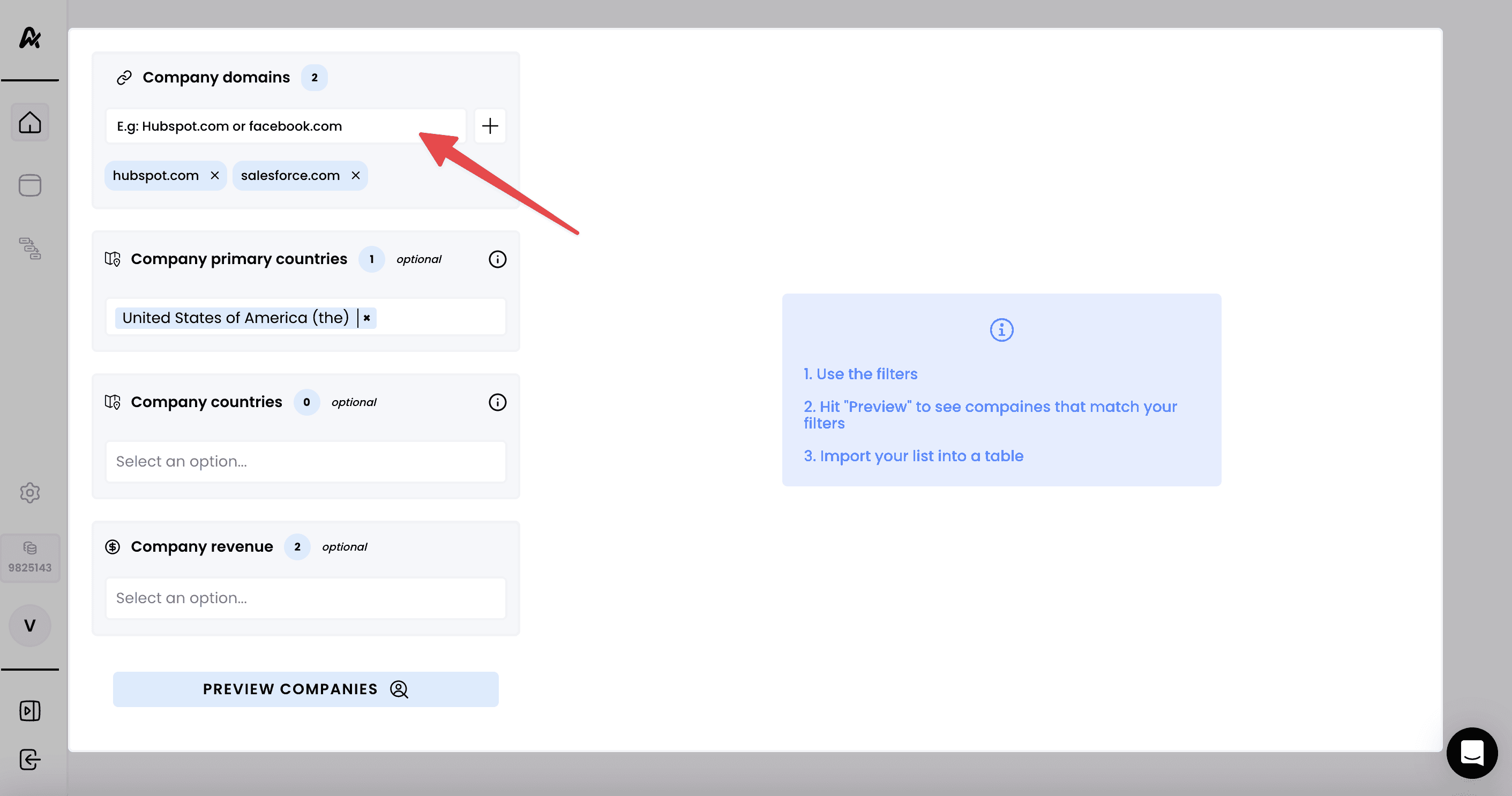
2. Add your search filters
Use the available filters to shape your ideal company profile:
Company Domain – Add the company domain(s)
Company Size – Select by employee count (e.g., 11–50, 51–200, etc.)
Company Revenue – Filter by estimated annual revenue brackets
Country / Region – Focus your search on specific countries or global regions
Keywords – Add relevant terms for targeting niche categories
Technologies Used – Target companies using specific tools (e.g., Salesforce, Hubspot)
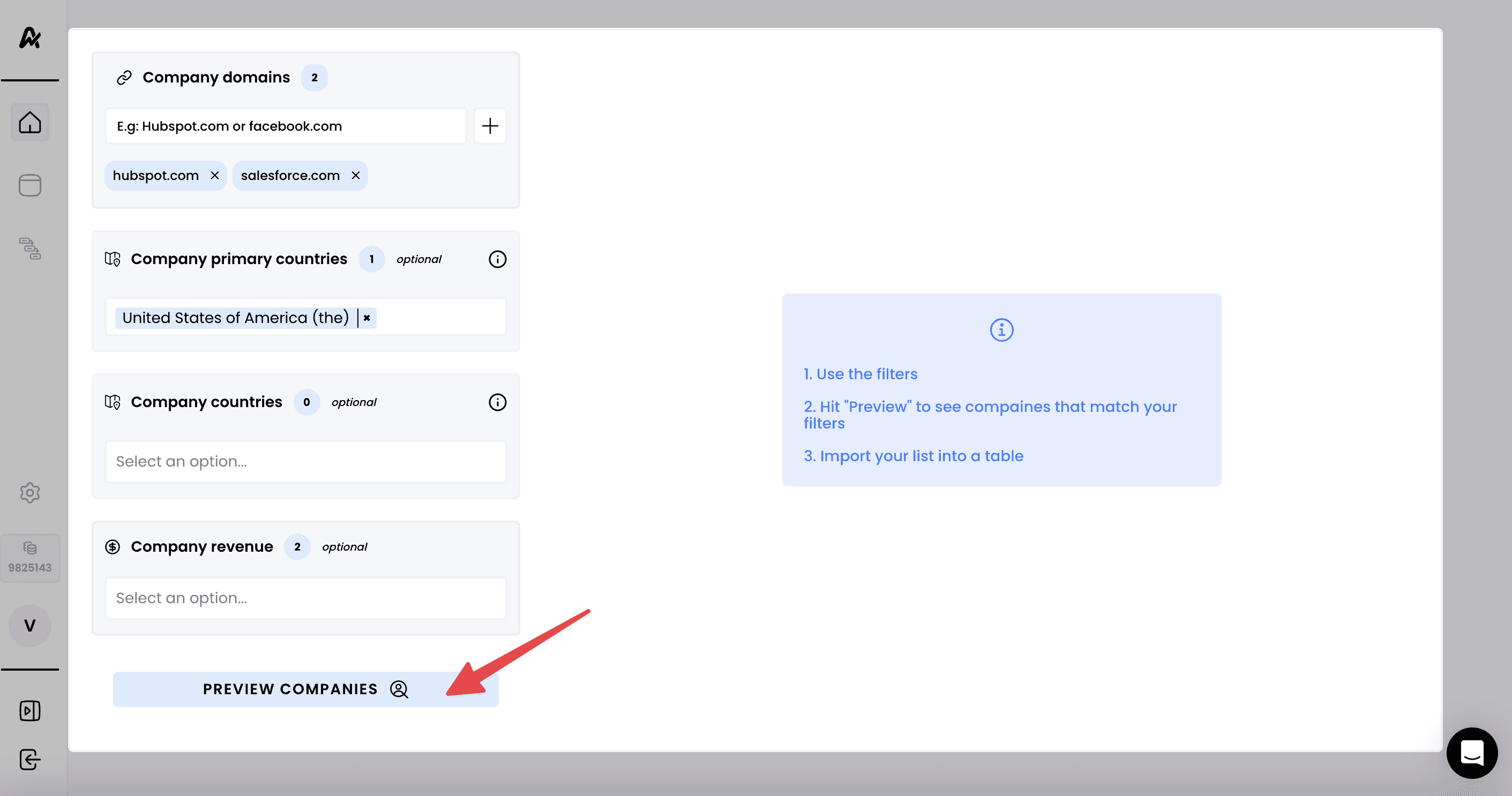
3. Preview your search results
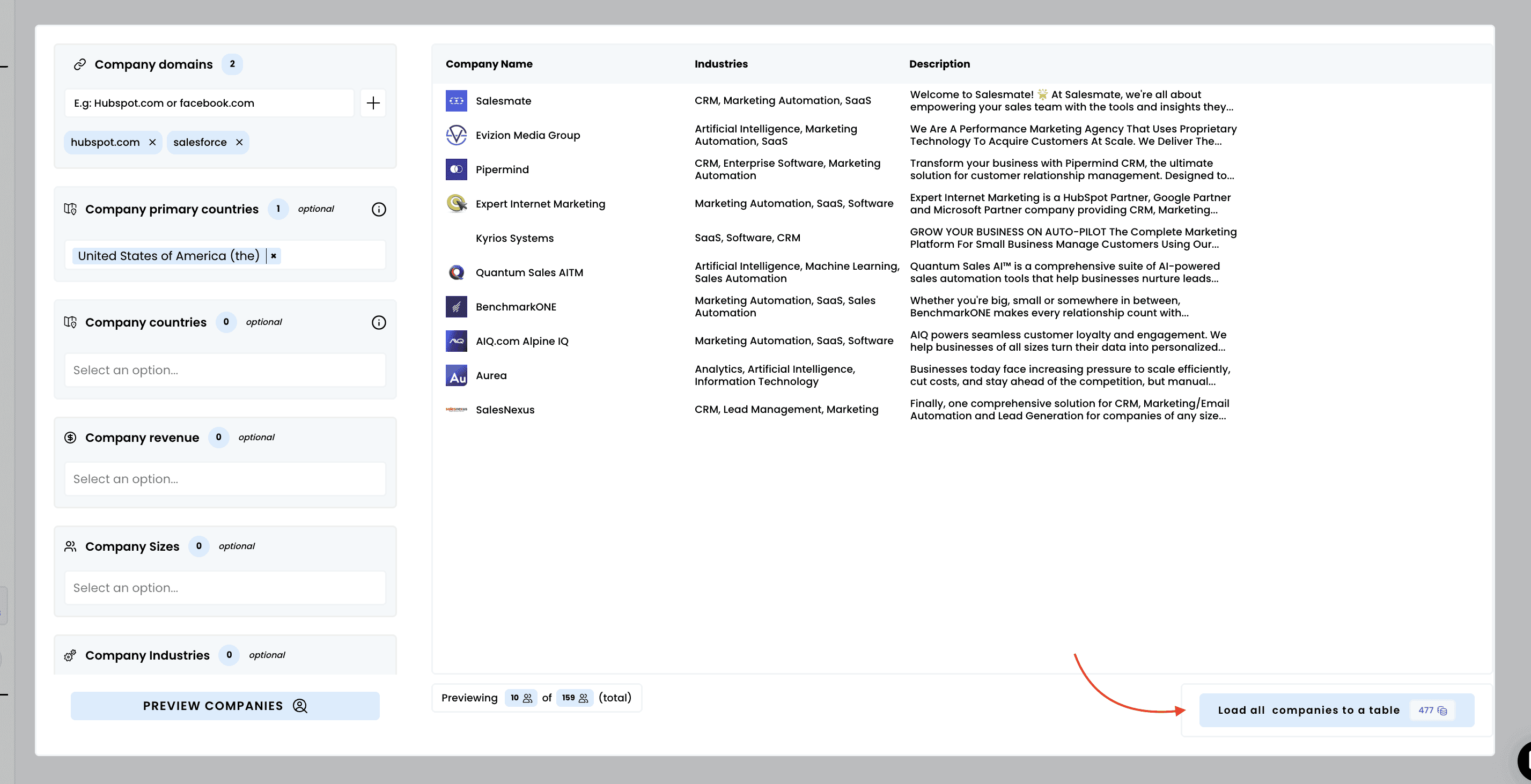
The preview will return up to 10 companies, even if the total search includes more
To access the full list, you’ll need to load all companies into your table
4. Launch the extraction and access your results
Click "Load companies to a table" to begin the scraping process and load the companies to an Airscale table
Need help? Contact Support
Questions? Contact Sales