Enrichments
AI agent (AirSearch)
Use Airscale’s AI agent to browse the web and find any information about a company or a prospect
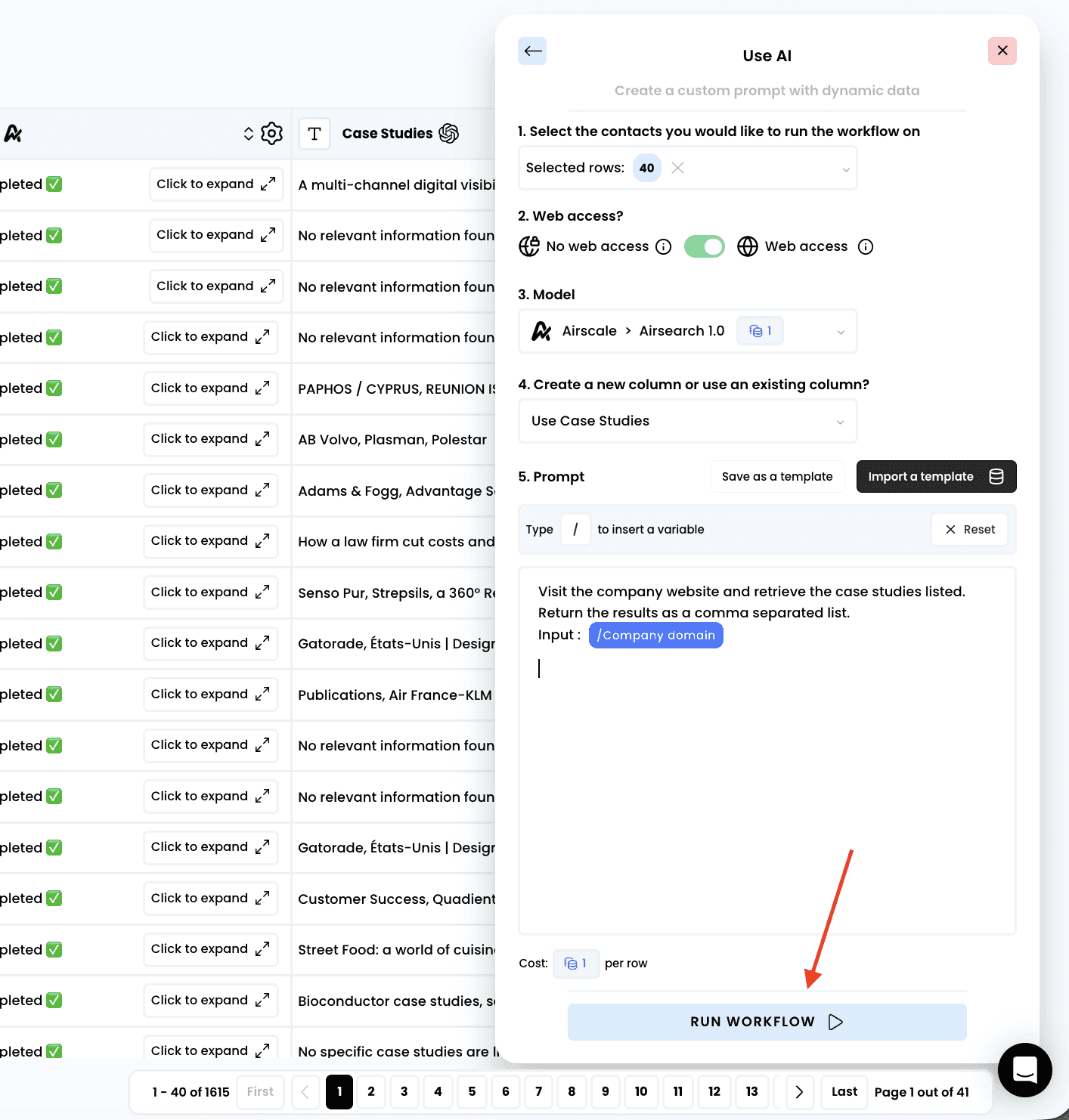
1. Select the enrichment called "Use AI"
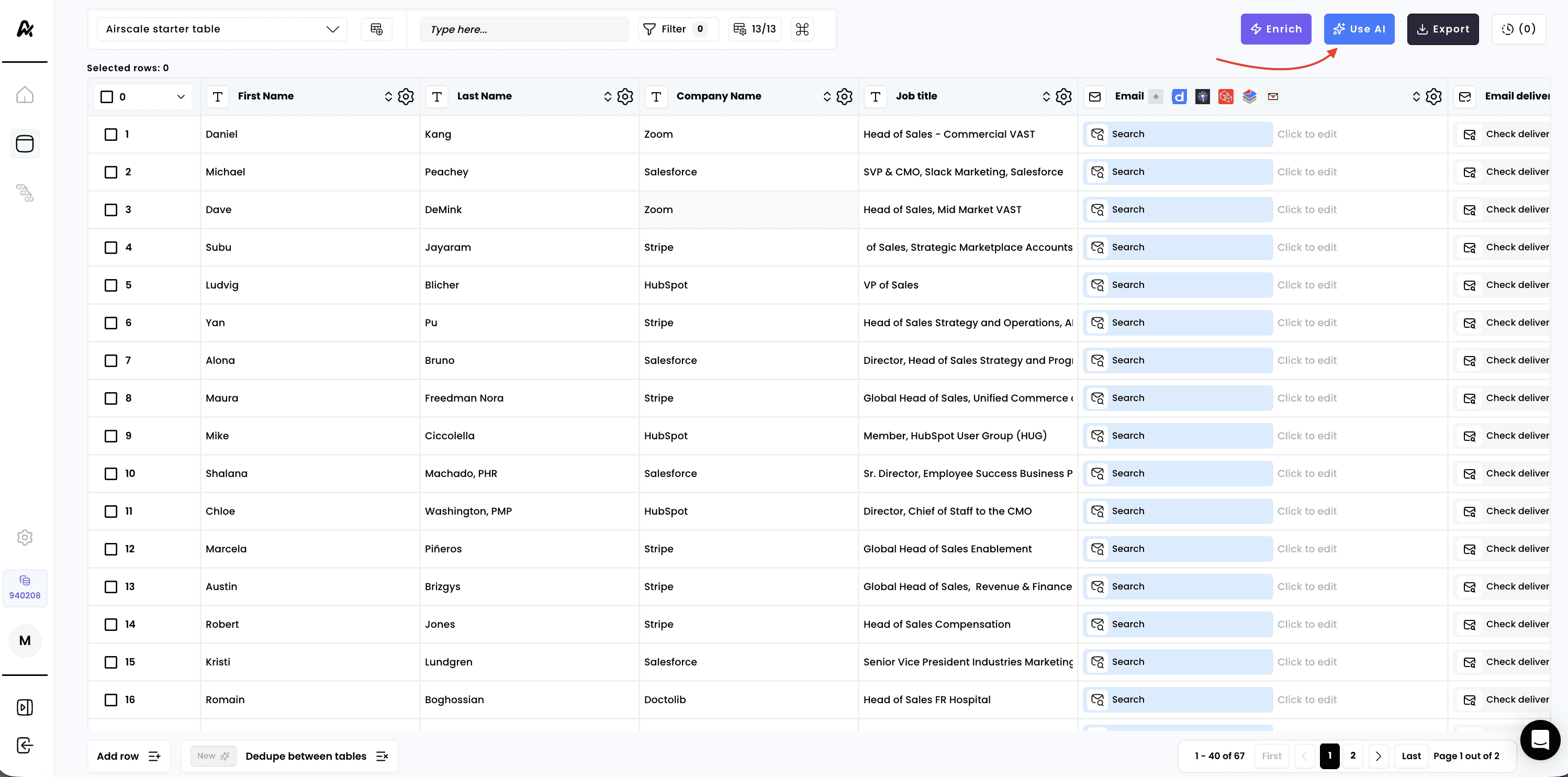
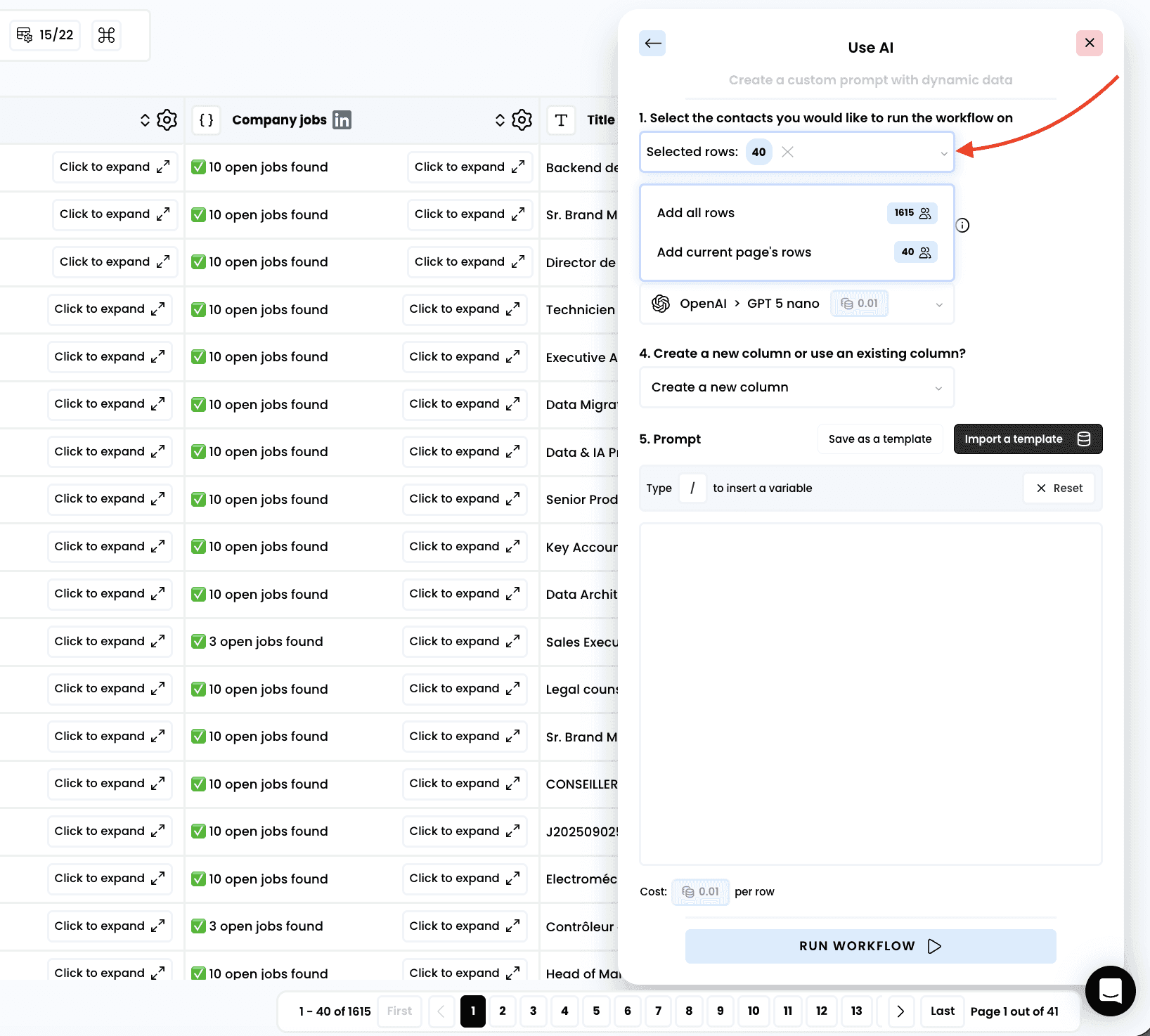
2. Select the rows to enrich
3. Select the mode "Web access"
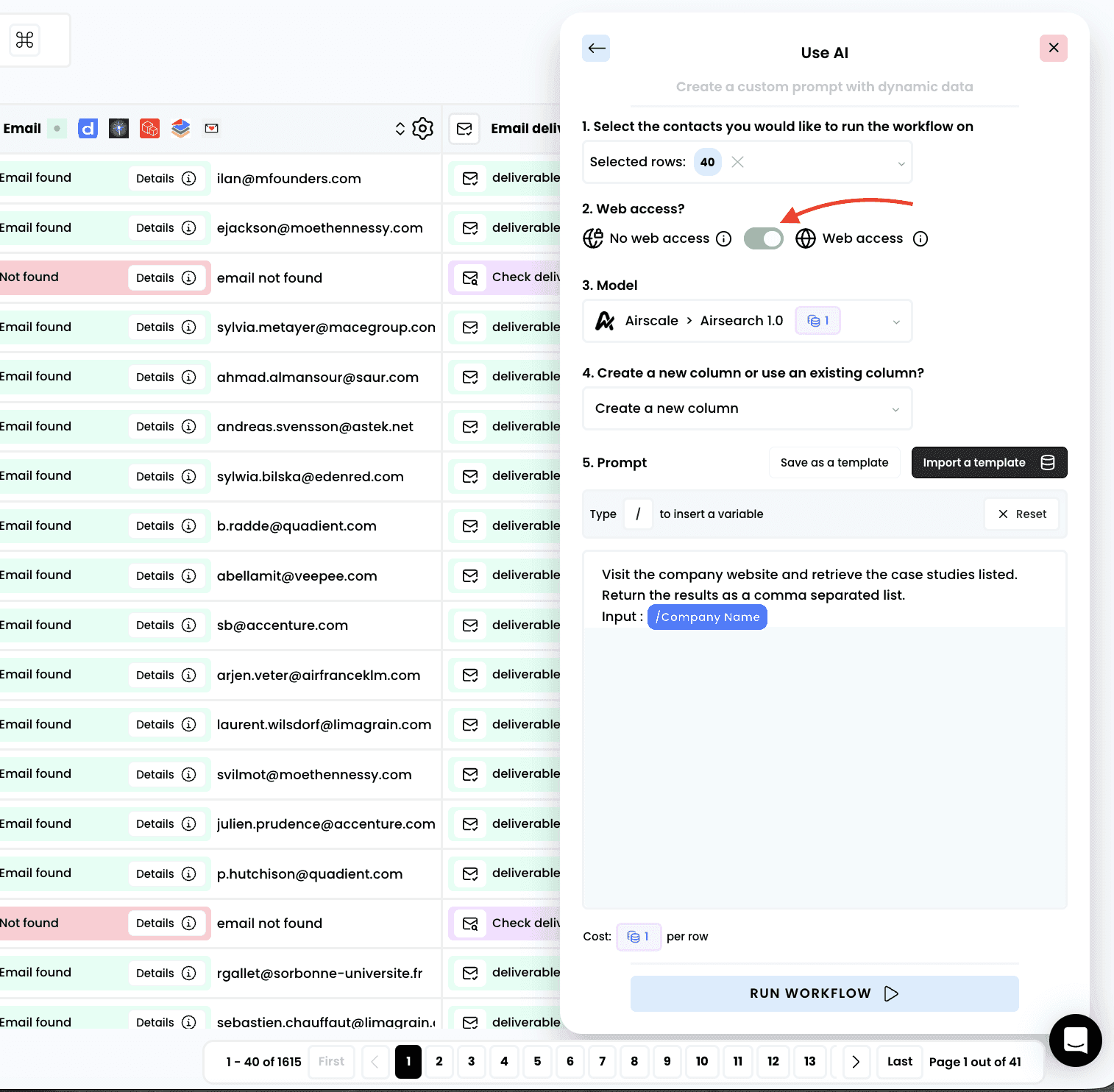
Note: selecting “Web access” mode will automatically choose “Airsearch 1.0”, the model required for web access, including browsing and scraping capabilities
4. Write or import your prompt
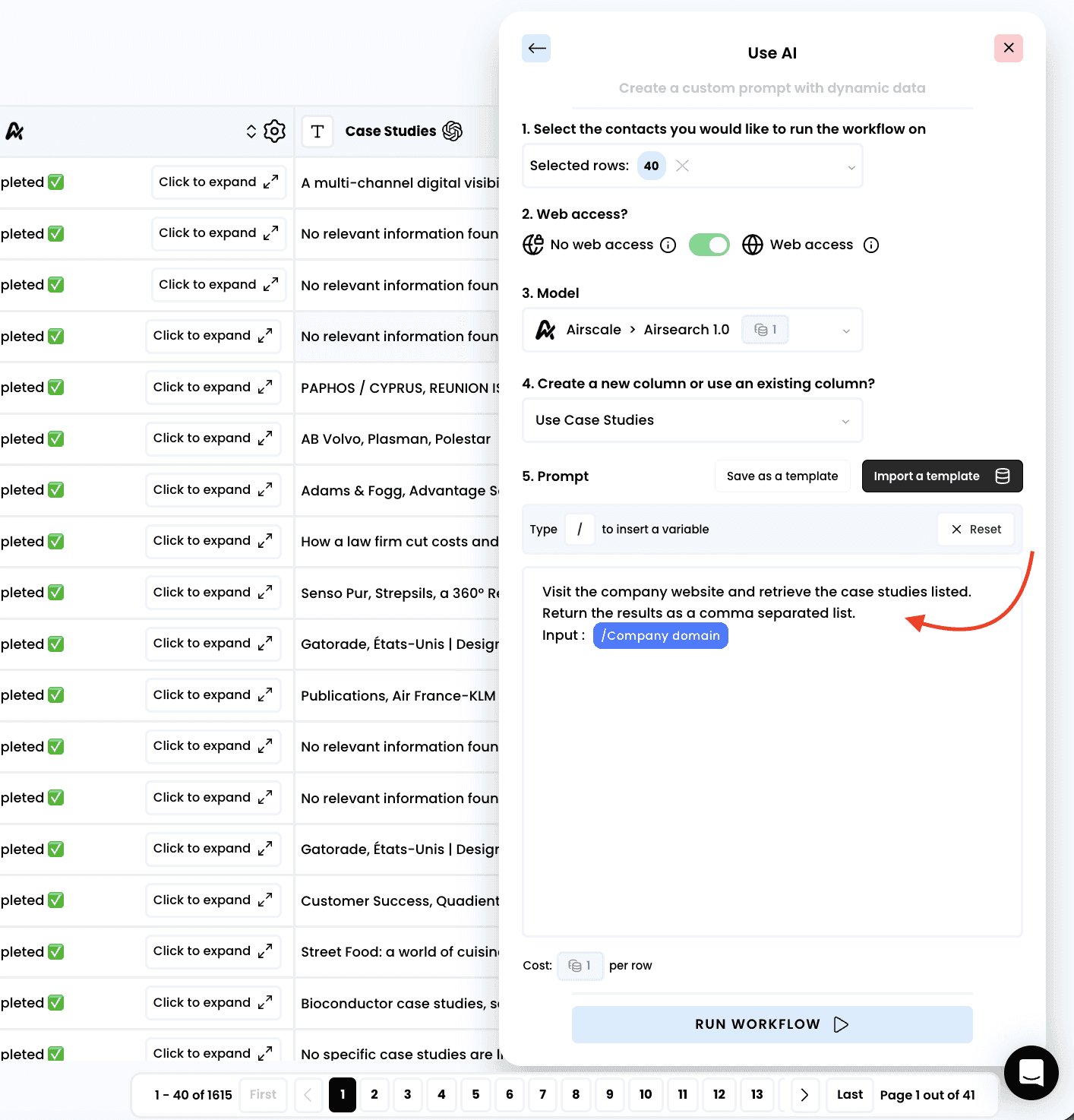
Note: to dynamically use the content of an existing column in your table, press the “/” key on your keyboard
5. Run the workflow
6. Access the results
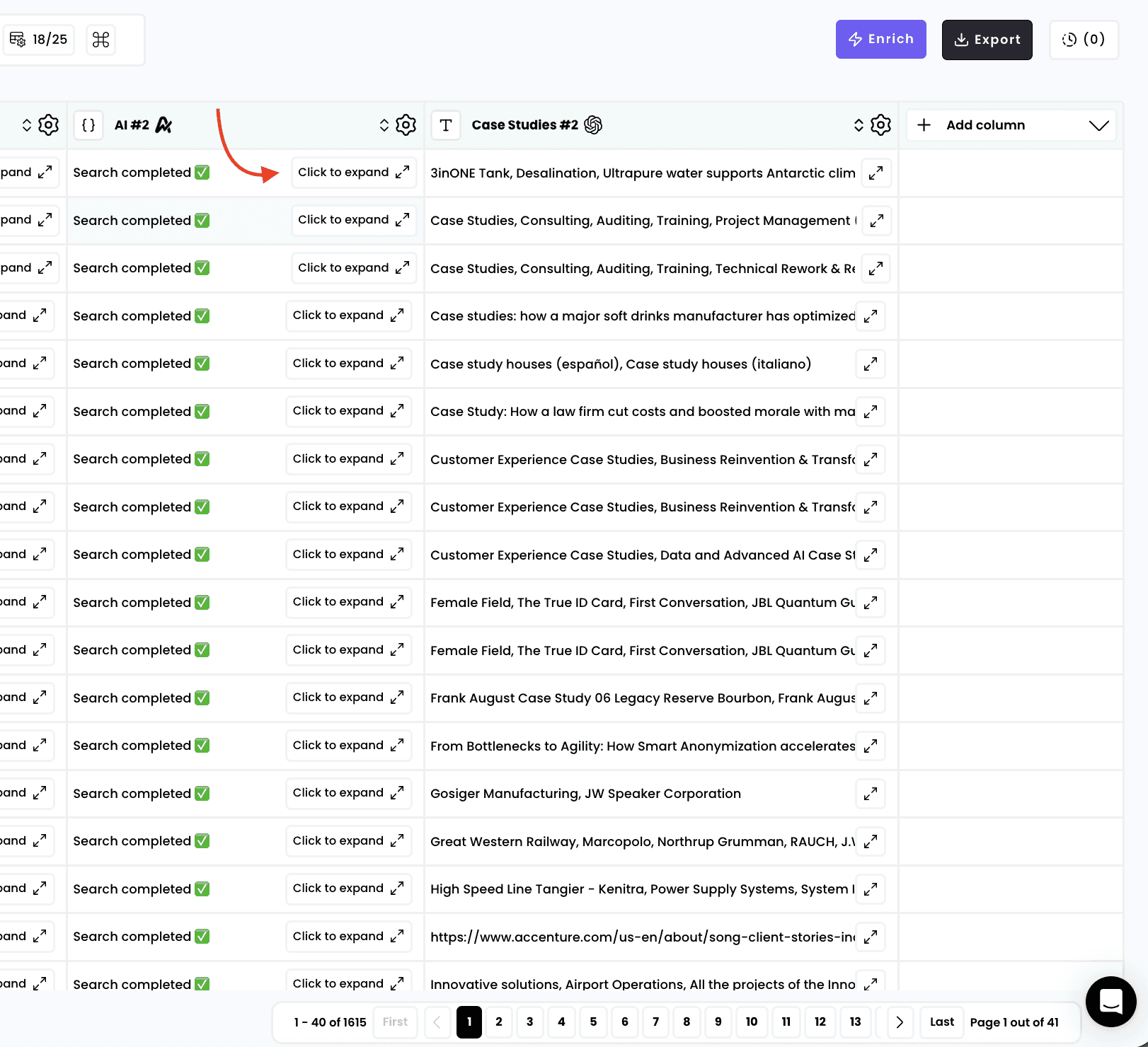
Note: after launching the enrichment, two columns will be automatically created on the right side of the spreadsheet
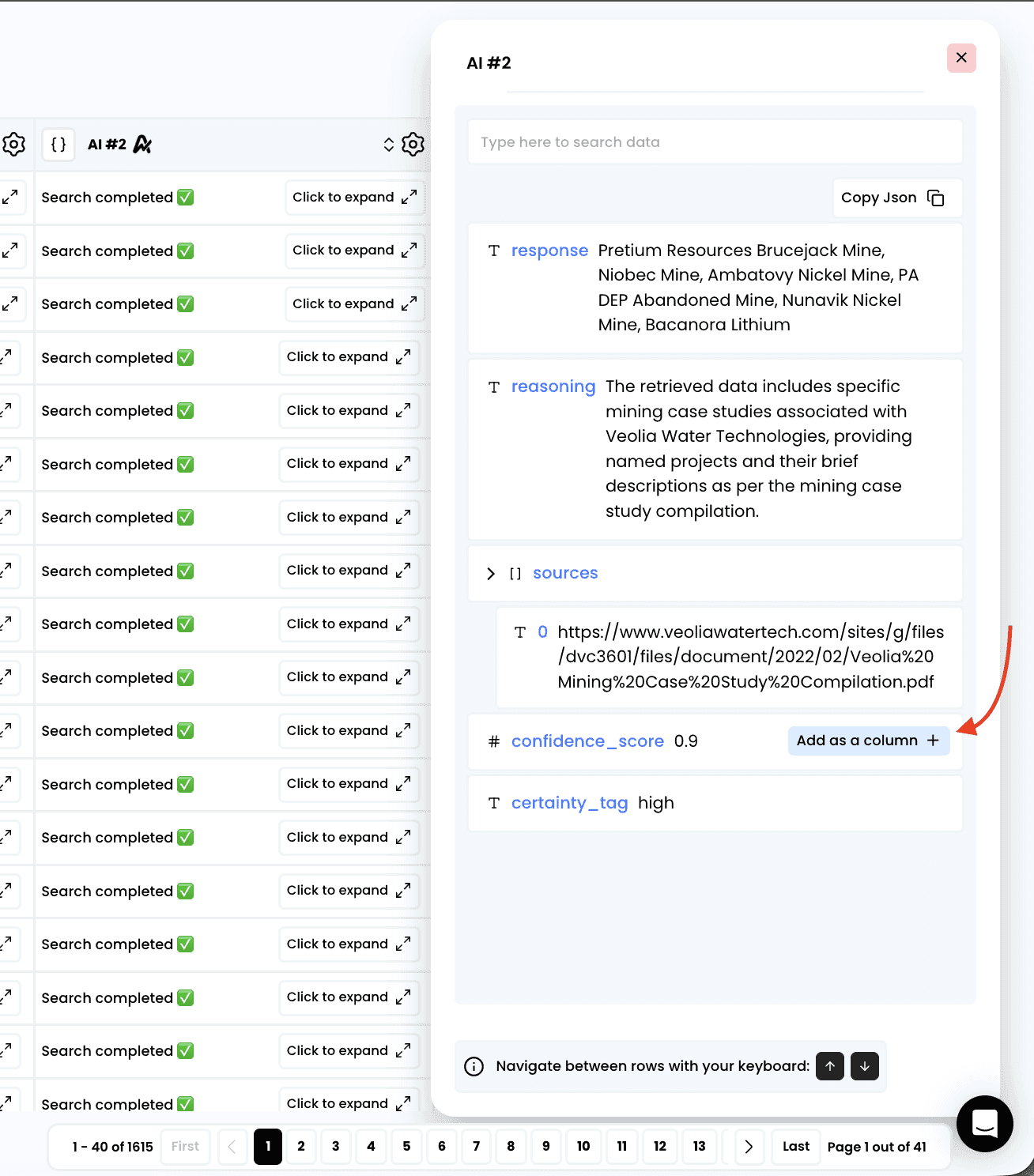
In the first column that is created, you’ll find details about the AI’s reasoning behind the answer. If you click on “Click to expand,” you can view the full enrichment details
The enrichment will return 4 keys:
Response: the output for your prompt
Reasoning: the steps taken by the agent to return the output
Sources: the web pages visited in order to gather the data to return the output
Confidence score: a score of confidence to understand how reliable and accurate the output is
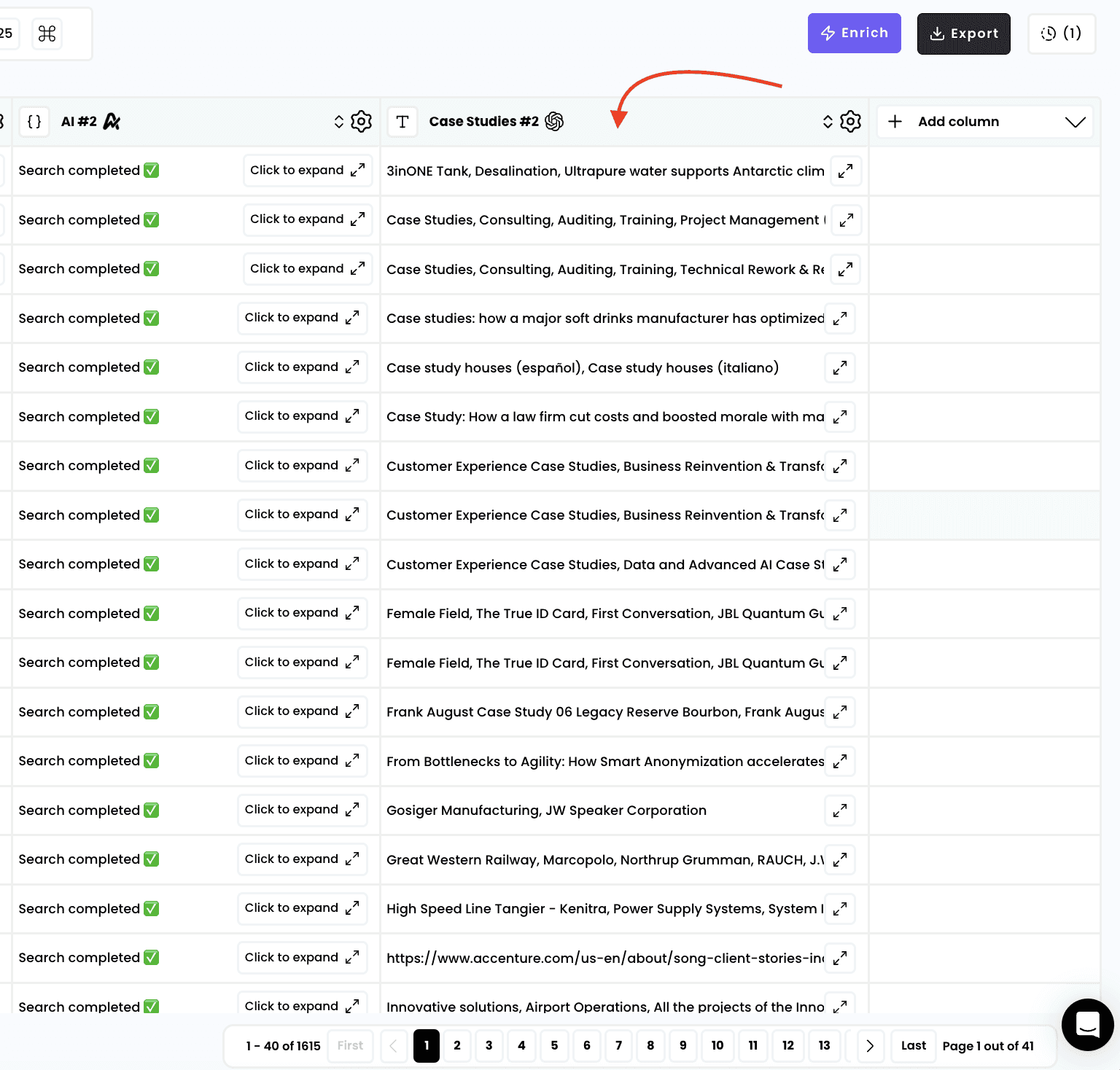
In the second column, you’ll see the result with the output requested in your promp :
Need help? Contact Support
Questions? Contact Sales