Build lists
Find People
Use Airscale's built-in people search to discover prospects based on company, job title, location, and other criteria. This powerful native feature helps you build targeted prospect lists without needing external tools or complex imports
Note
You can import up to 2,500 people per search
Large searches may take several minutes to complete
Use specific filters to get the most relevant results within the limit
0. Prerequisites
An active Airscale account with remaining credits
Clear understanding of your ideal customer profile (ICP)
Specific criteria for your target prospects (job titles, company names, locations)
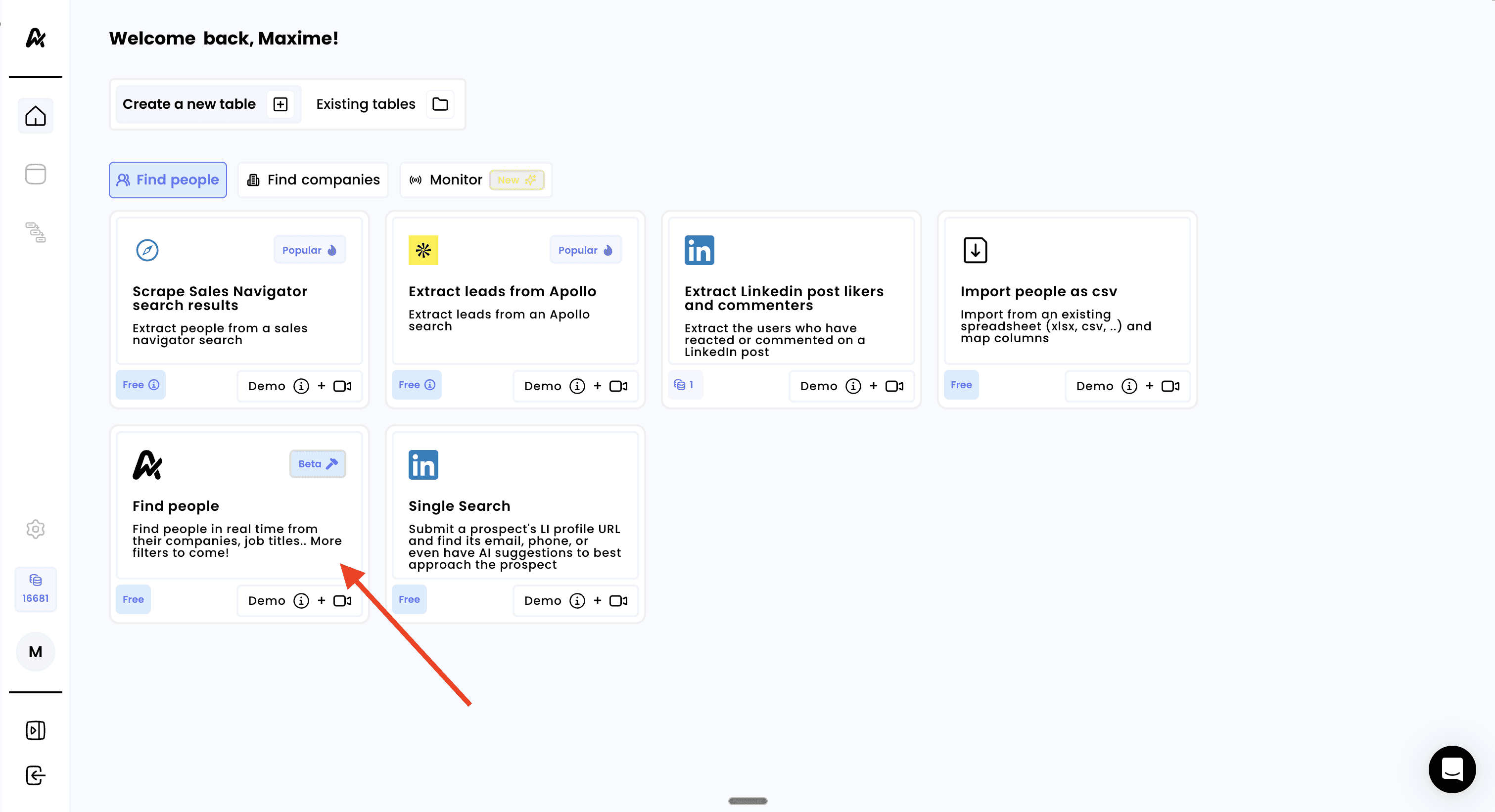
1. Click on "Find People"
Log into your Airscale dashboard
Select "Find people" from the available modules (look for the Airscale logo icon)
Note: the Find People module is Airscale's native search engine, so you don't need any external URLs or account connections
2. Apply your search filters
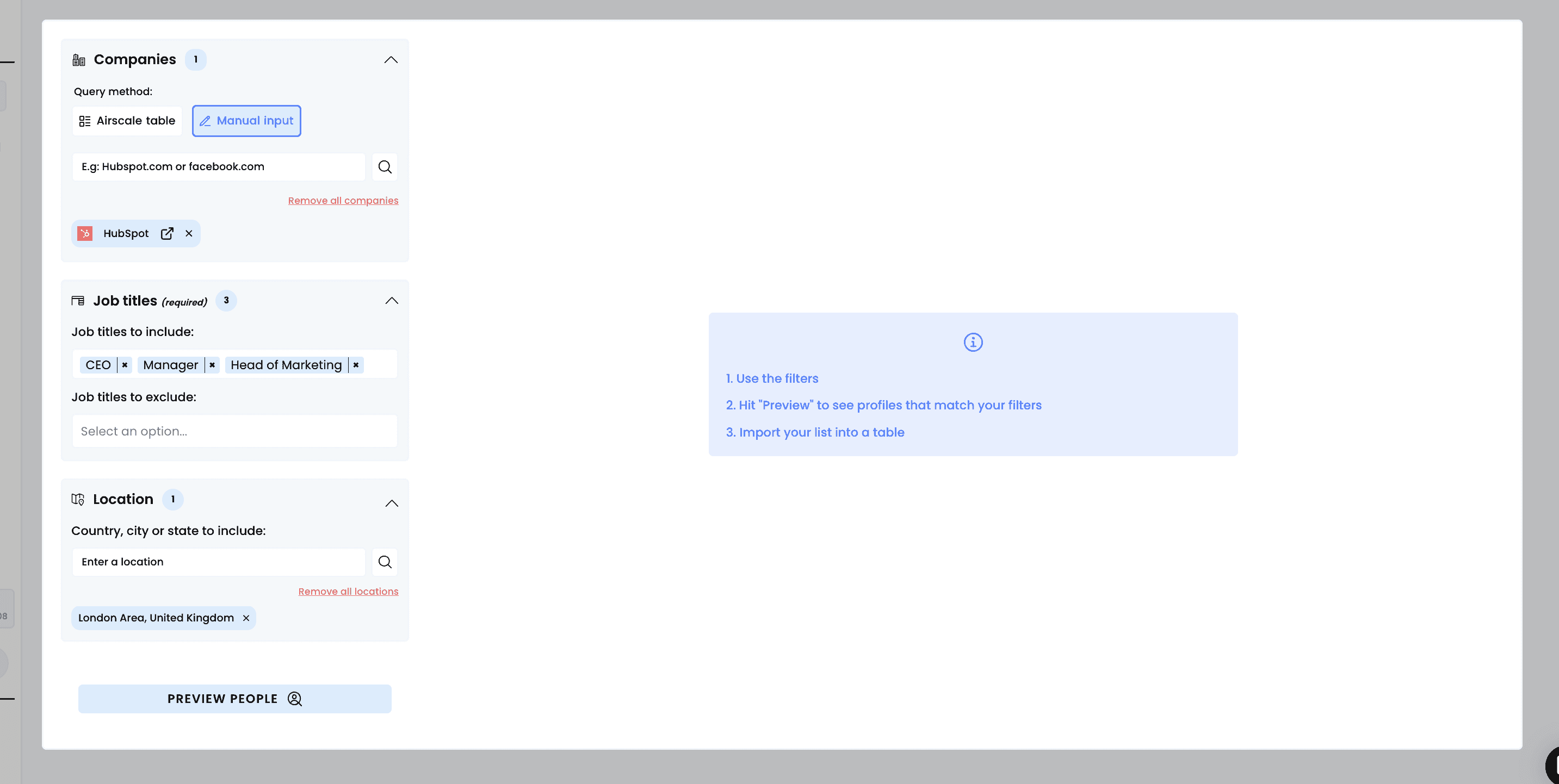
Configure your search criteria using the available filters:
Company Filters
Choose your query method:
Manual input: type company domains (e.g.,
hubspot.comorfacebook.com)Airscale table: select from an existing companies list in your tables, then select the column to use to identify the companies (it’s always best to choose the LinkedIn URL to get more accurate results)
People Filters
Job titles (required):
Job titles to include: add specific titles like "Founder," "CEO," "Marketing Director"
Job titles to exclude: remove irrelevant titles to improve targeting
Use the "Remove all jobs" option to reset selections
Location targeting:
Country, city or state to include: enter geographic filters
Type locations like "United States," "San Francisco," or "California"
Multiple locations can be added
3. Visualize your results
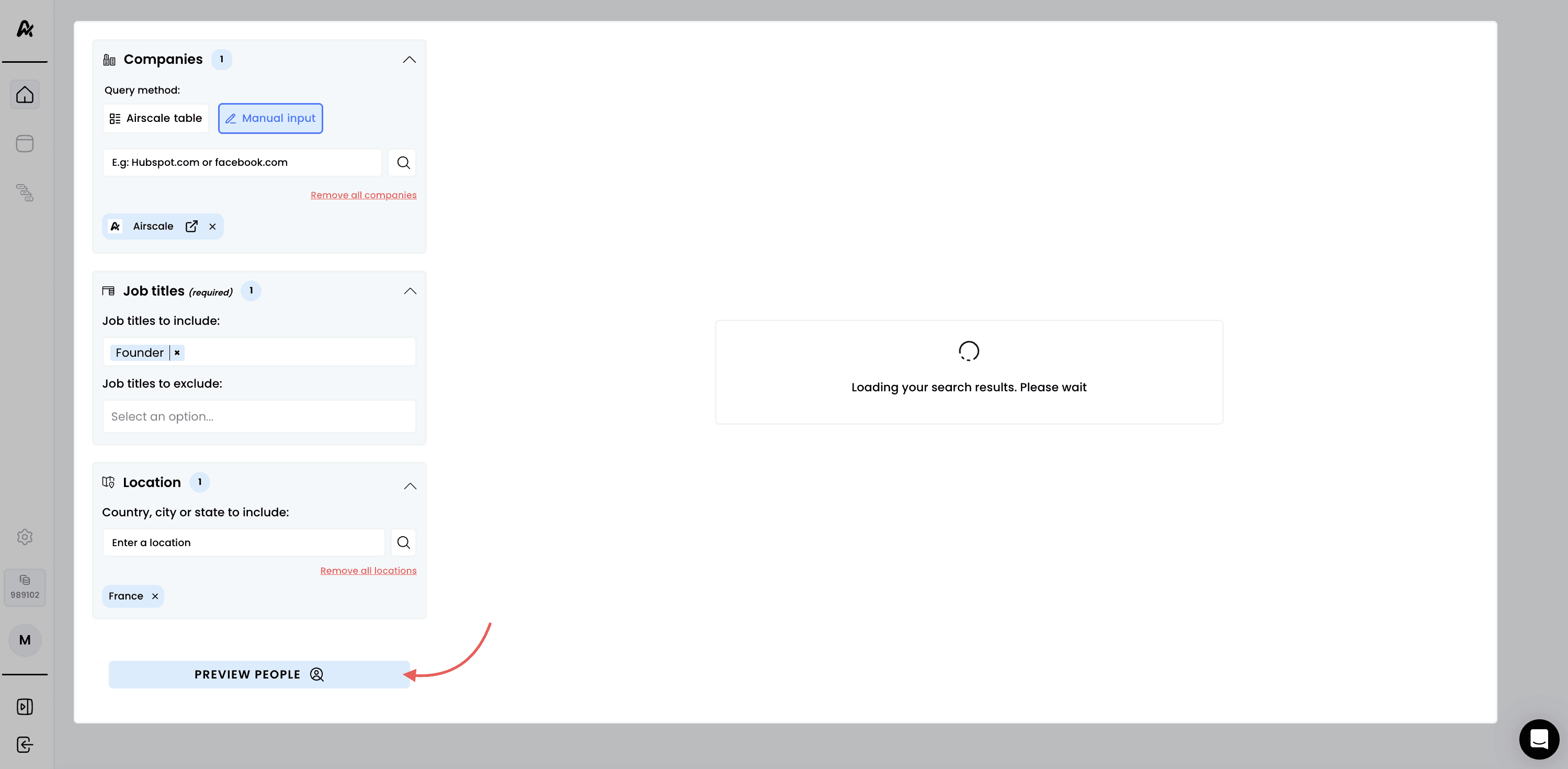
Click on "PREVIEW PEOPLE" to see a sample of your search results.
Review the preview data:
Names and current job titles
Company names and details
Geographic locations
Profile completeness
Check the results summary:
Total number of matches (e.g., "25 of 558,008 total")
Quality of matches against your criteria
Geographic and title distribution
Refine filters if needed:
Add or remove job titles based on preview results
Adjust company size or industry filters
Modify location targeting for better coverage
Note: ensure the preview shows relevant prospects before importing. Poor preview results indicate filters need adjustment
4. Launch the search
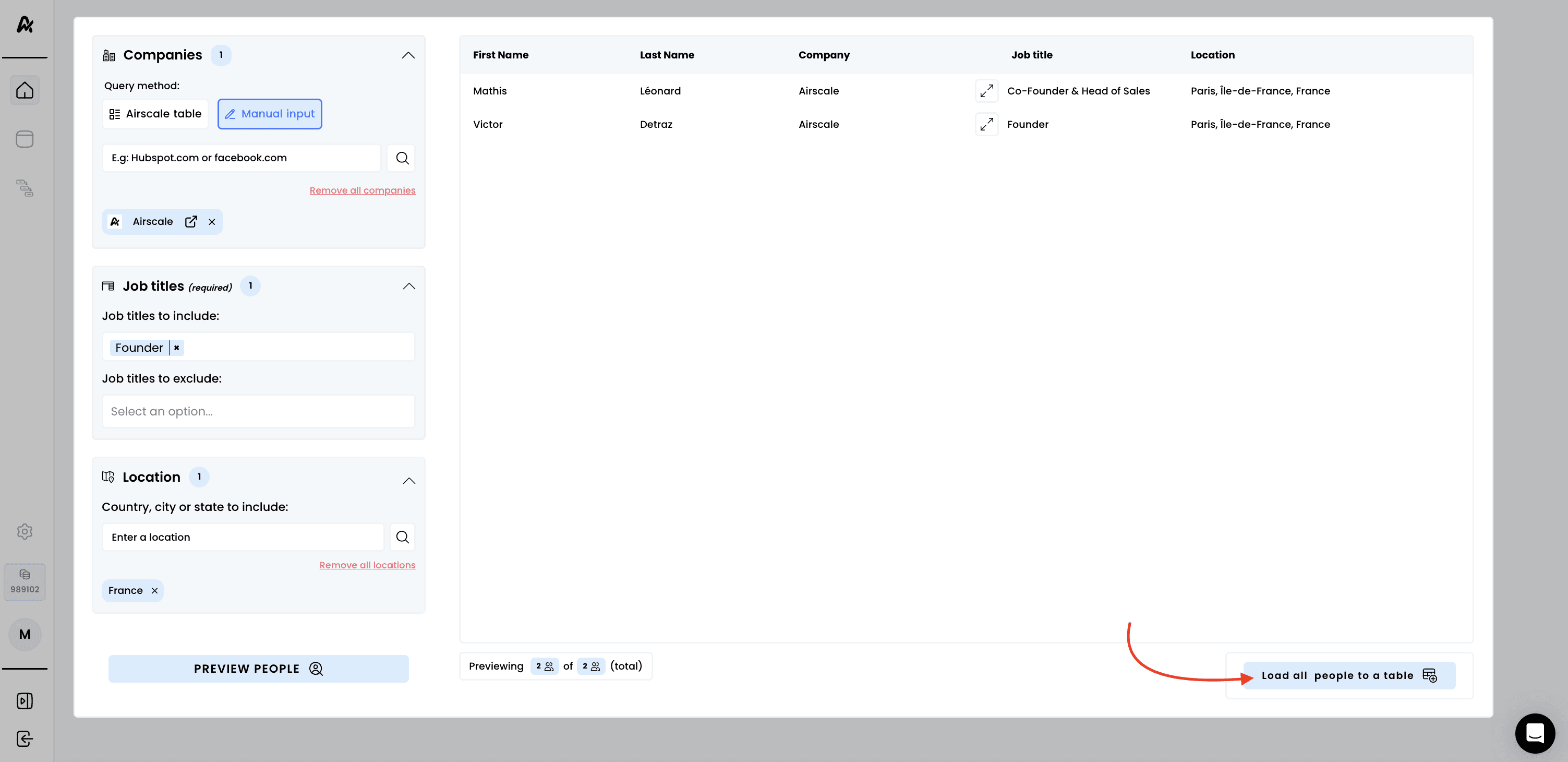
Click "Load all people to a table" to export the full search
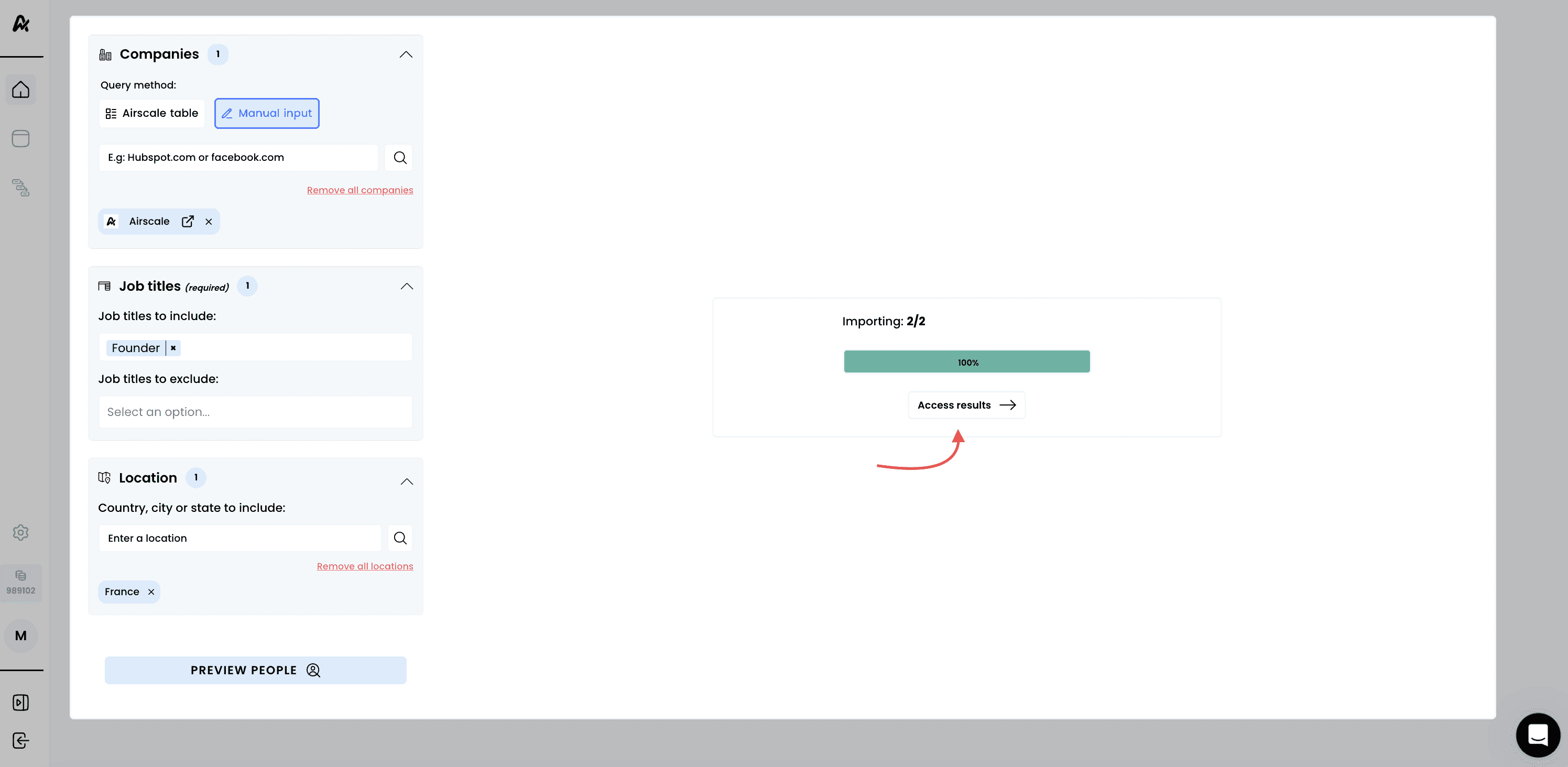
Monitor the import progress:
Progress indicator shows "Importing: X/2500"
Percentage completion display
Real-time status updates
Wait for completion:
You can navigate away during processing
Note: the system automatically stops at 2,500 results even if more matches exist. Use more specific filters if you hit this limit and want different prospects
5. Access your results
Click on "See your results" to view your new prospect table:
Need help? Contact Support
Questions? Contact Sales