0. Prerequisites
- Access to LinkedIn (personal or Sales Navigator account)
- Specific LinkedIn posts with engagement (likes/comments) to target
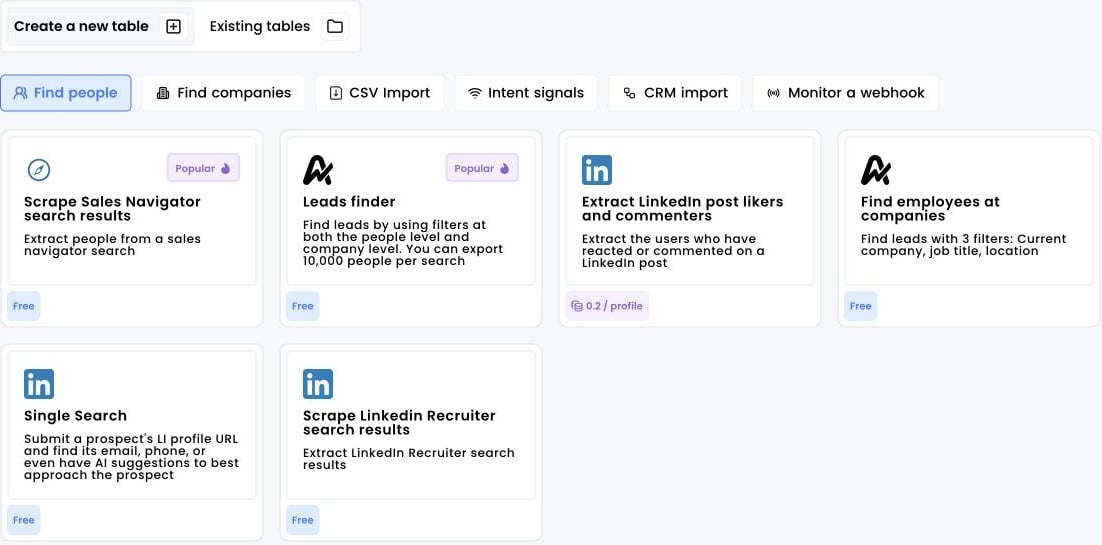
1. Click on “Extract LinkedIn post likers and commenters”
- Log into your Airscale account
- Select “Extract LinkedIn post likers and commenters” from the available options in the “Find People” tab
2. Copy the URL of the post
Identify and prepare your target LinkedIn post:-
Find a relevant LinkedIn post with good engagement:
- Industry thought leadership content
- Company announcements from competitors
- Product launches or feature updates
- Industry news or trend discussions
-
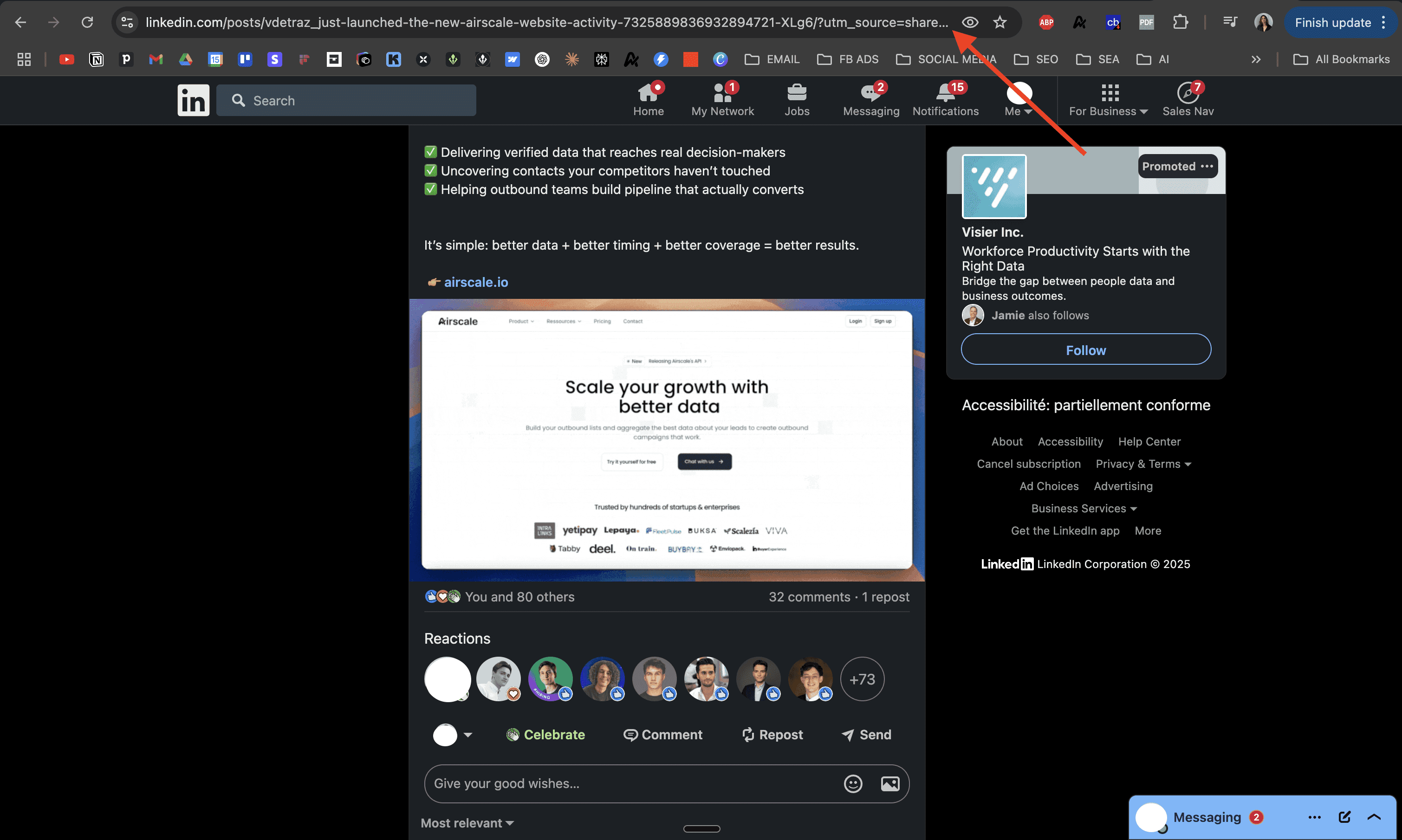
Copy the post URL:
- Navigate to the specific LinkedIn post
- Click on the post timestamp to open the individual post view
- Copy the full URL from your browser’s address bar
- URL should look like:
https://www.linkedin.com/posts/[username]_[post-id]
-
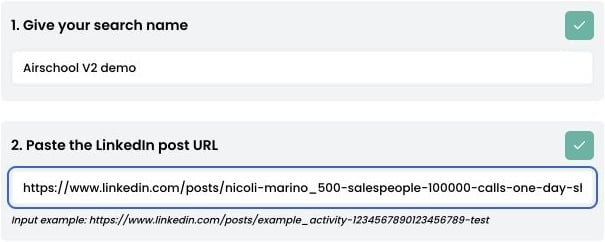
Give your extraction a descriptive name:
- Example: “SaaS CEO Post Engagement | Q1 2024 | Marketing Automation”
- Include the post topic and date for easy reference
- Paste the post URL into the designated field in Airscale
3. Launch the extraction
Choose Extract post likers, Extract post commenters, or both. You can also set Maximum # of people to extract (optional). Click “LAUNCH EXTRACTION” to begin the scraping process-
Monitor progress in real-time:
- Validating post access and engagement data
- Extracting user profiles from engagement
- Processing and importing results
- Wait for completion — most extractions complete within 1–5 minutes
Recovery and partial results
Airscale saves fetched pages and import progress so an interrupted extraction can resume. If an account becomes unavailable, it can continue with another eligible account and deduplicate saved results. Profile retries reuse the same identity to avoid repeating settled charges. Temporary provider failures and rate limits can delay completion; persistent failures beyond the retry budget require support to resume the extraction. Check the final counts and any partial-result reason. Provider totals, comment events, and unique authors are different measurements, and a provider cutoff can return fewer results than LinkedIn displays. Recovery does not remove upstream access or pagination limits. For integrations, use the Post likers API or Post commenters API. Their per-page retry keys and cursor rules differ from this background workflow.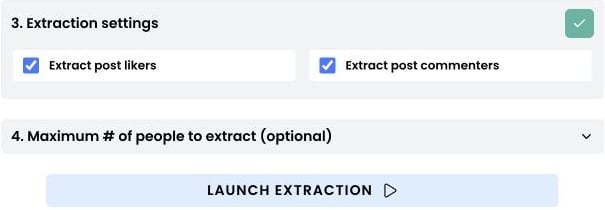
4. Access your results
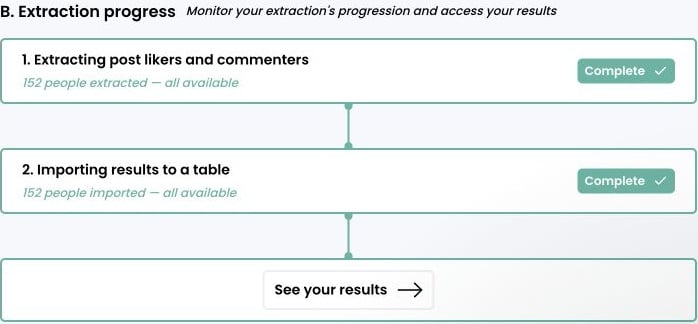
Click “See your results” to view your engagement-based prospect table: