Build lists
Single Search
Extract people profile information from a LinkedIn URL and find emails and/or phone number
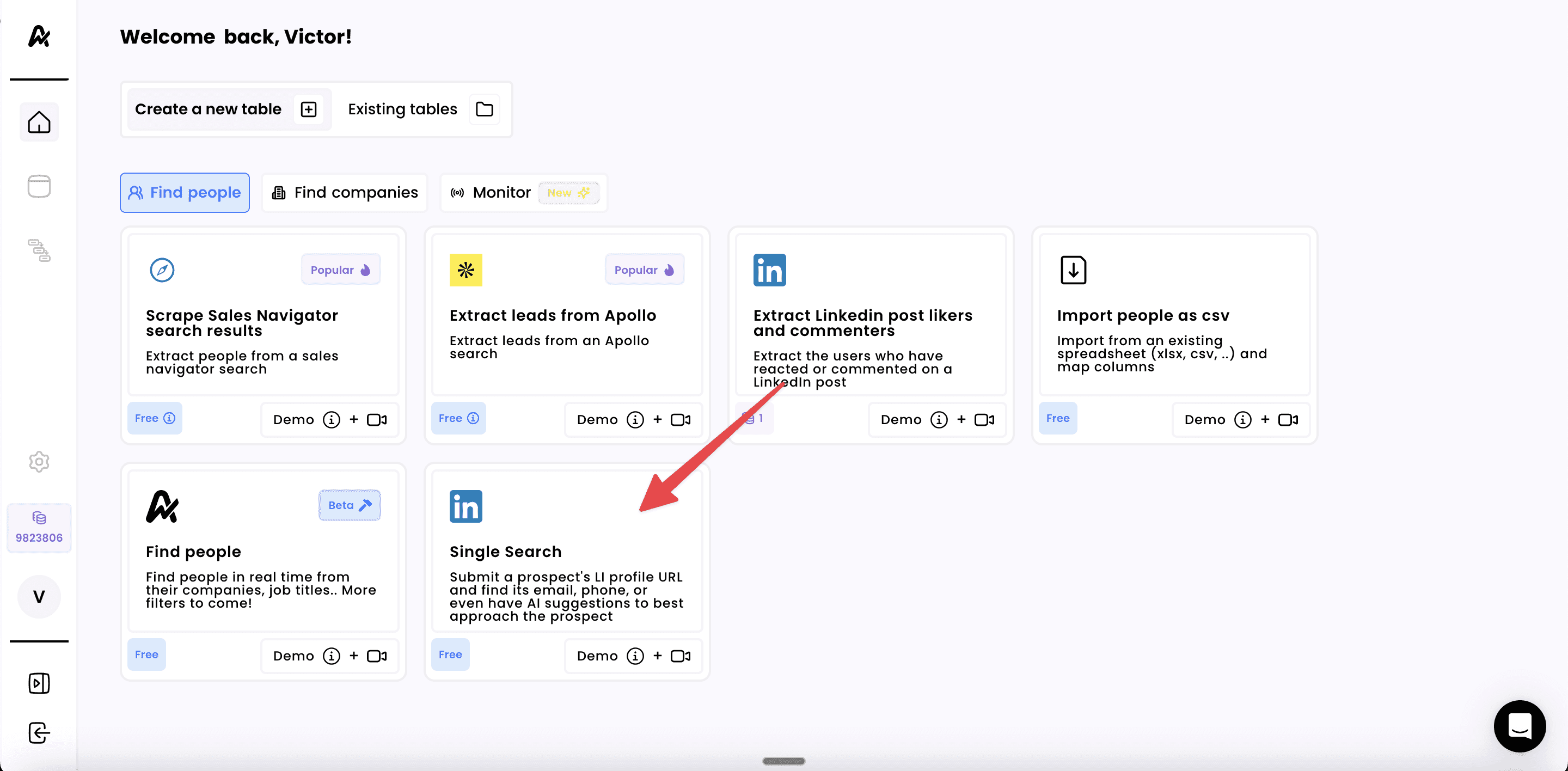
1. Click on "Single Search"
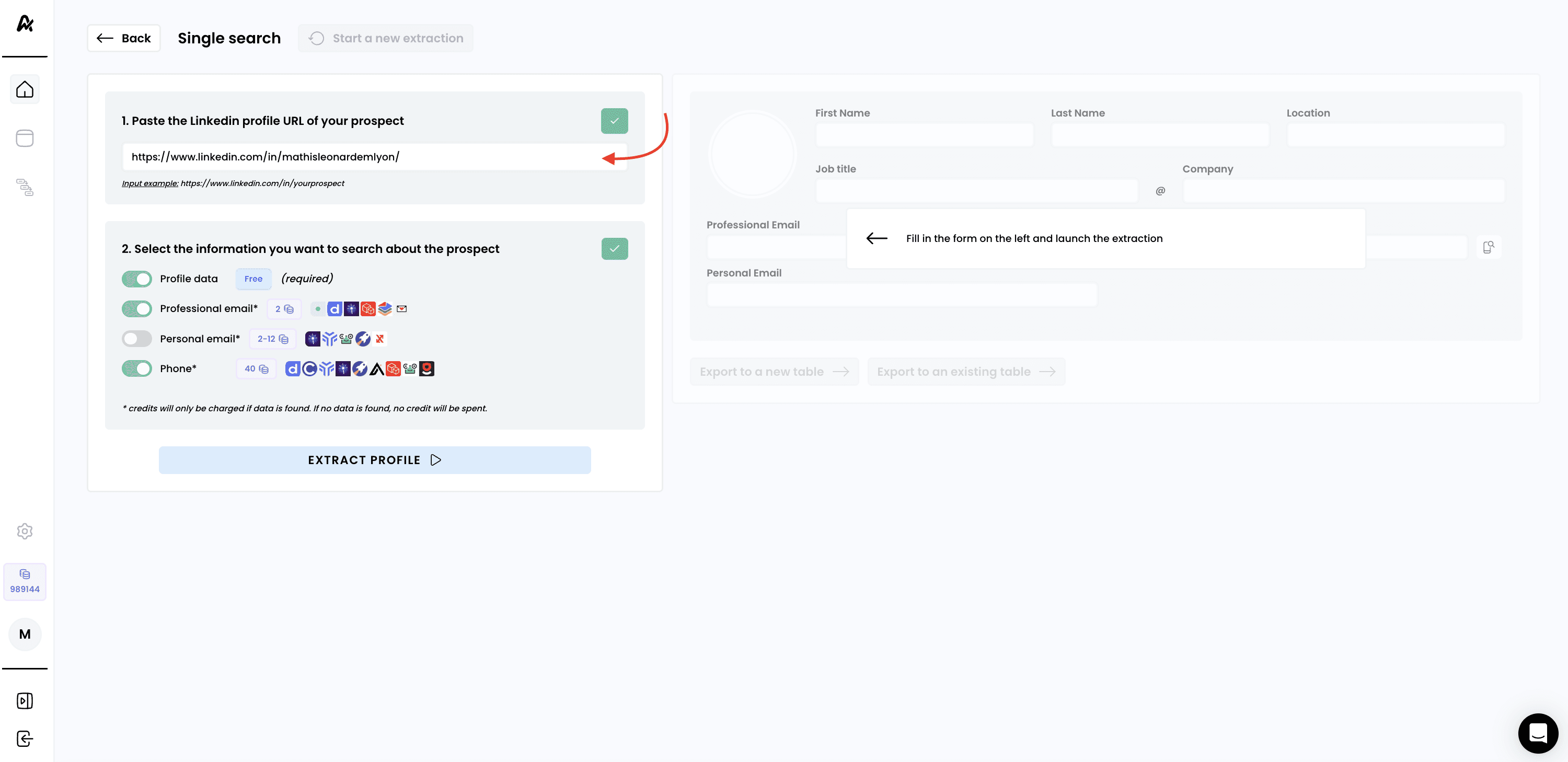
2. Copy the profile URL of a profile and paste it below
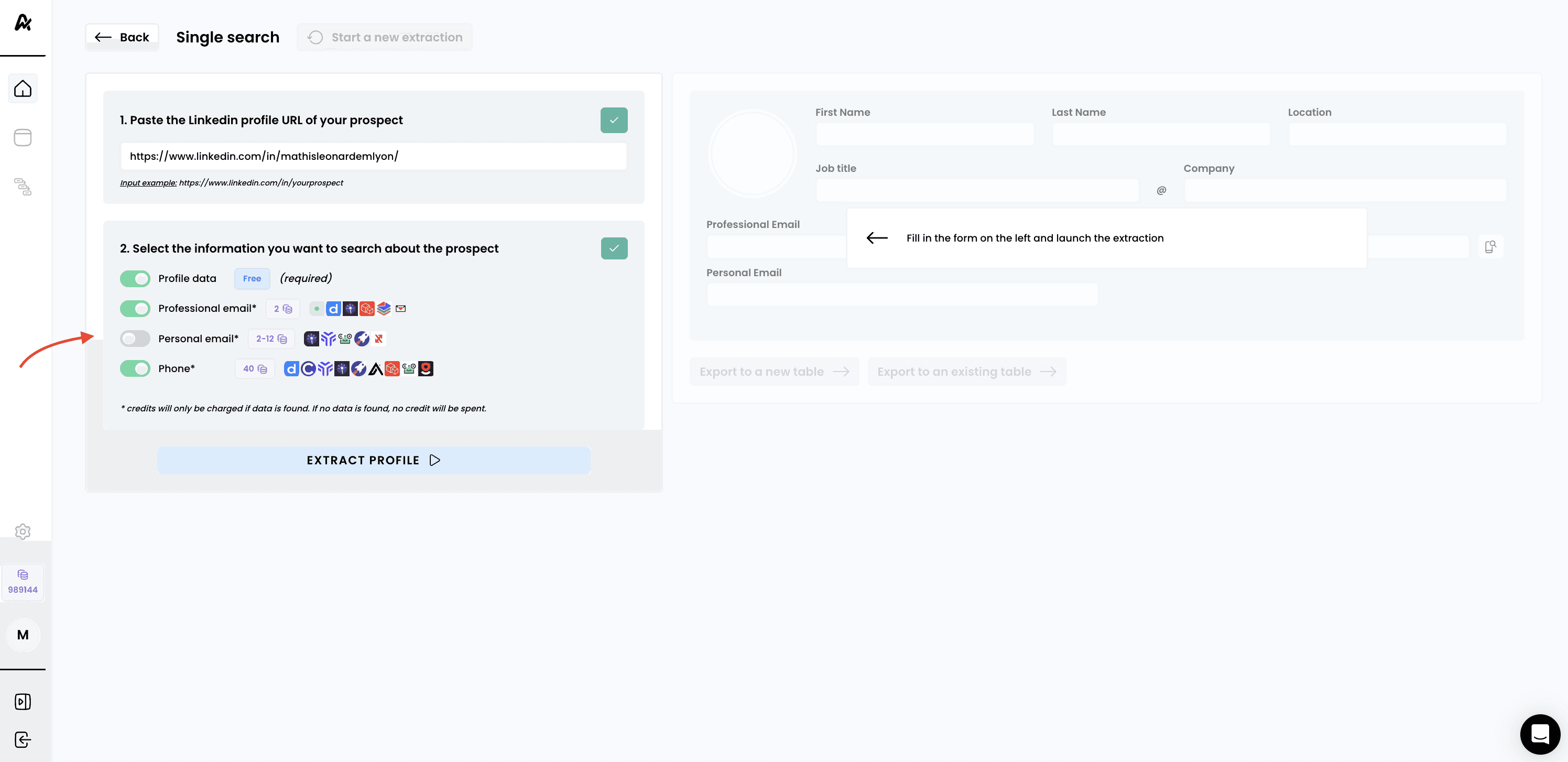
3. Specify whether you want to find their professional email and phone numbers
Note: you can toggle ON/OFF options to find emails and phone numbers
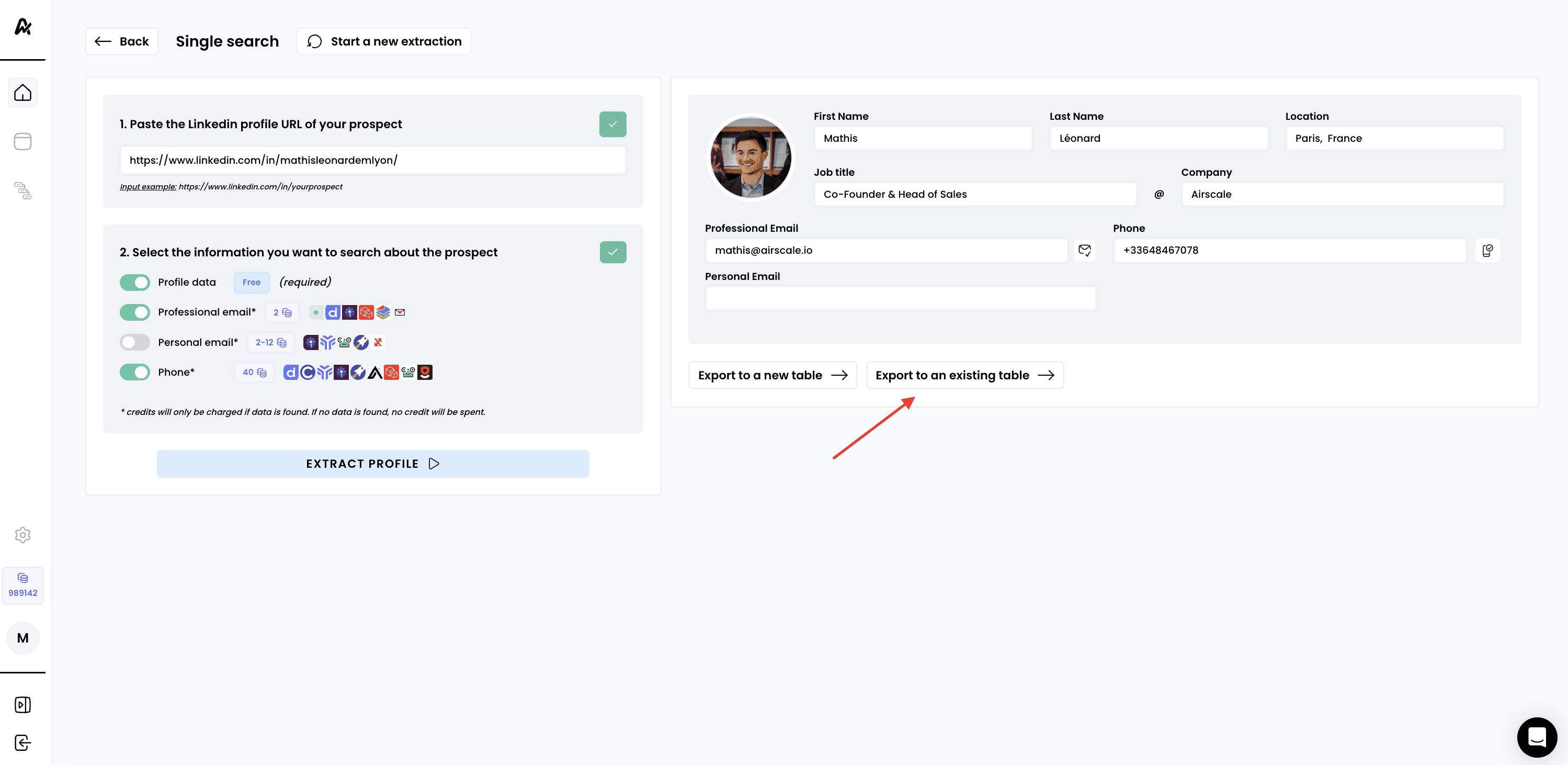
4. Launch the extraction and export the profile to a table
Click "EXTRACT PROFILE" to begin the scraping process
After a few seconds, we will retrieve the data about the profile, and the results will appear on the right side of the screen
Need help? Contact Support
Questions? Contact Sales