1. Select the enrichment
Click Enrich, then choose HubSpot contact lookup.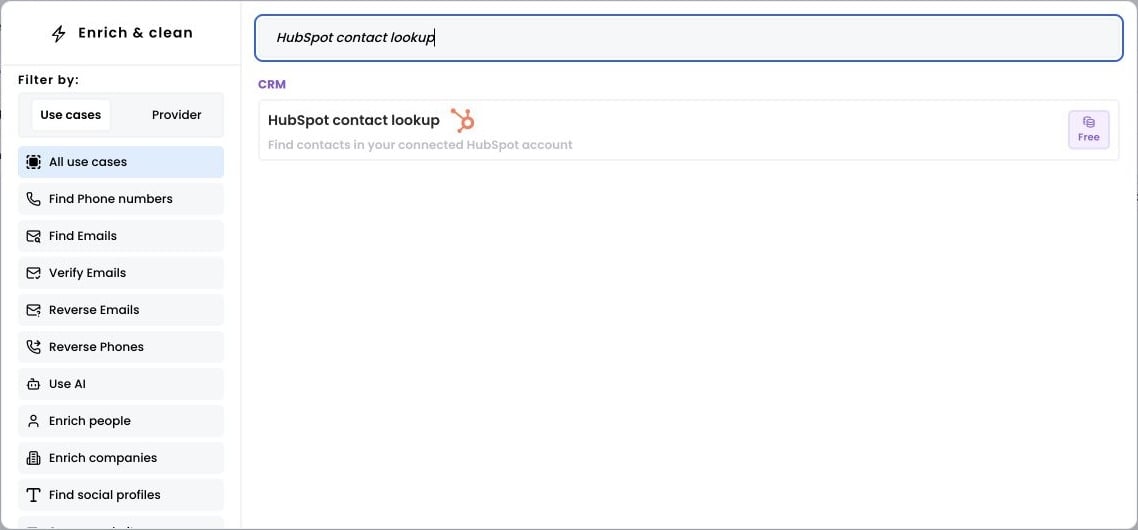
2. Select the rows to enrich
Open Selected rows and choose Add all rows, or enter a range and click Apply.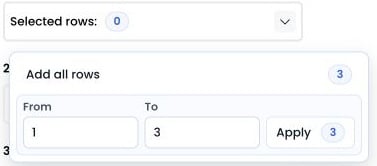
3. Run the workflow
Choose how to match HubSpot records, map the matching input column, and select the HubSpot properties to return. Then click Run workflow.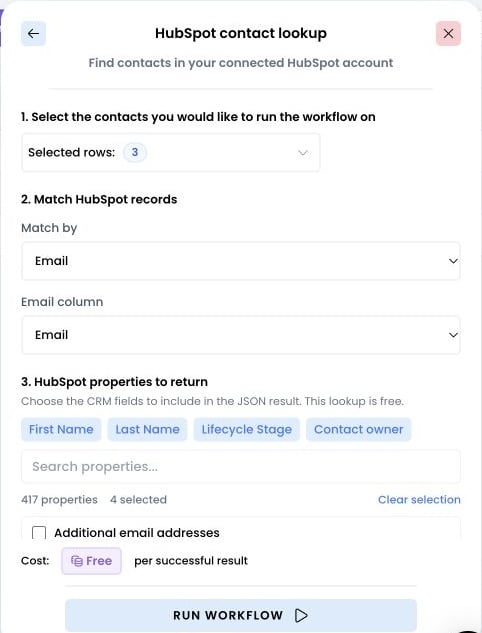
4. Access the results
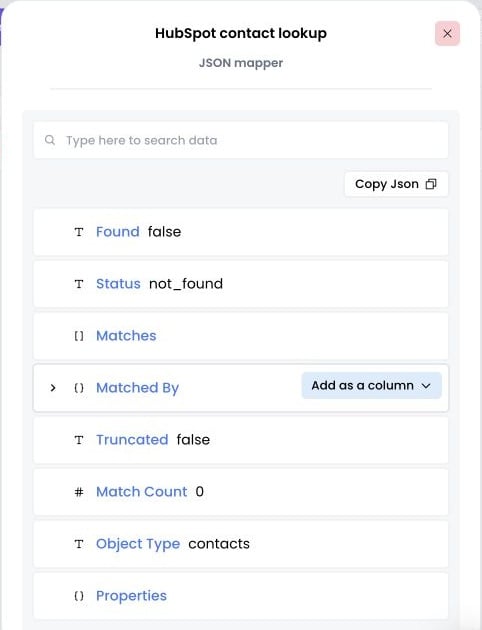
Click Expand in the result cell to inspect the lookup. In this example, Found is false and Match Count is 0: no matching contact was returned.