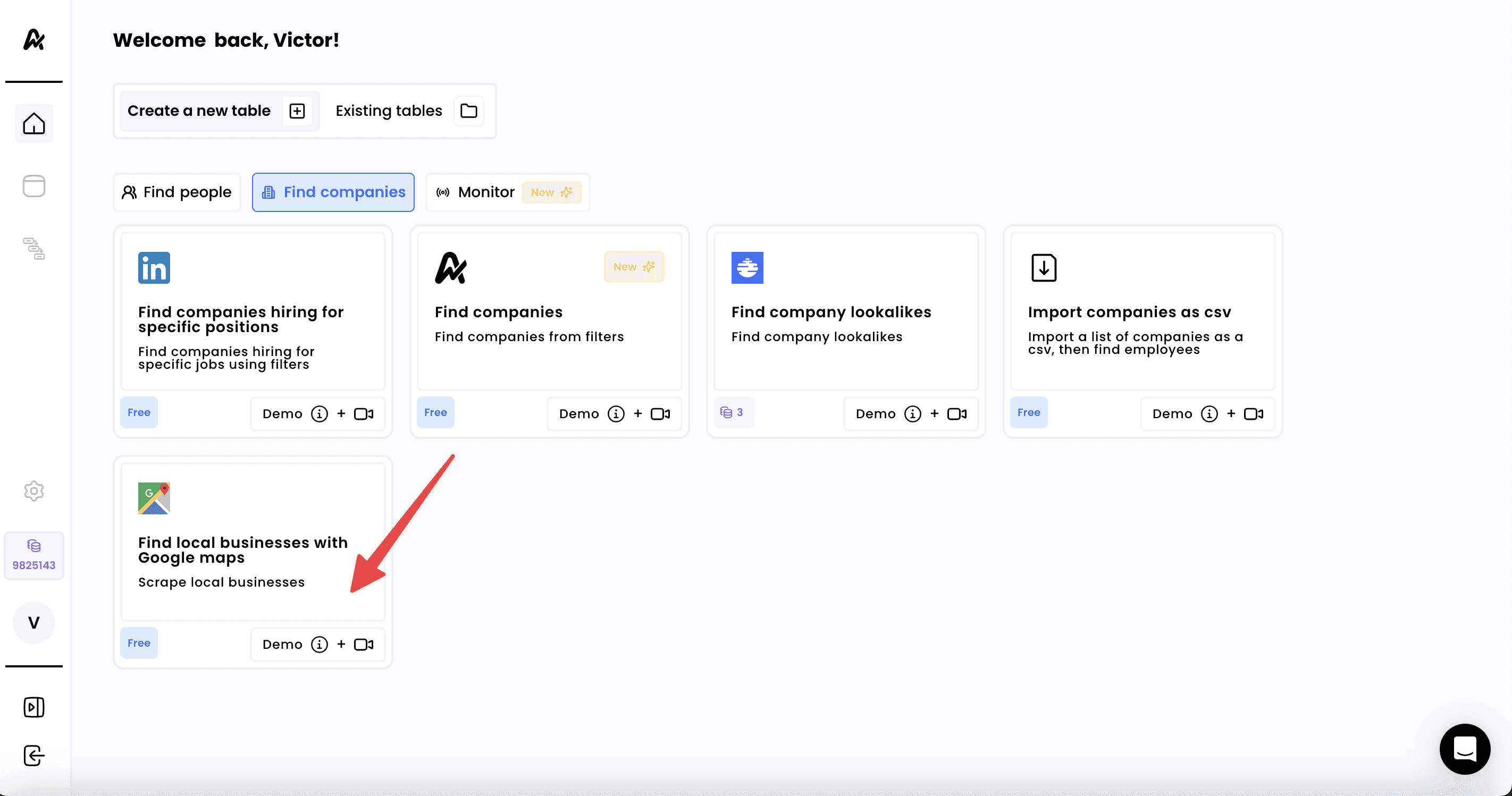
1. Click on “Find local businesses with Google Maps”
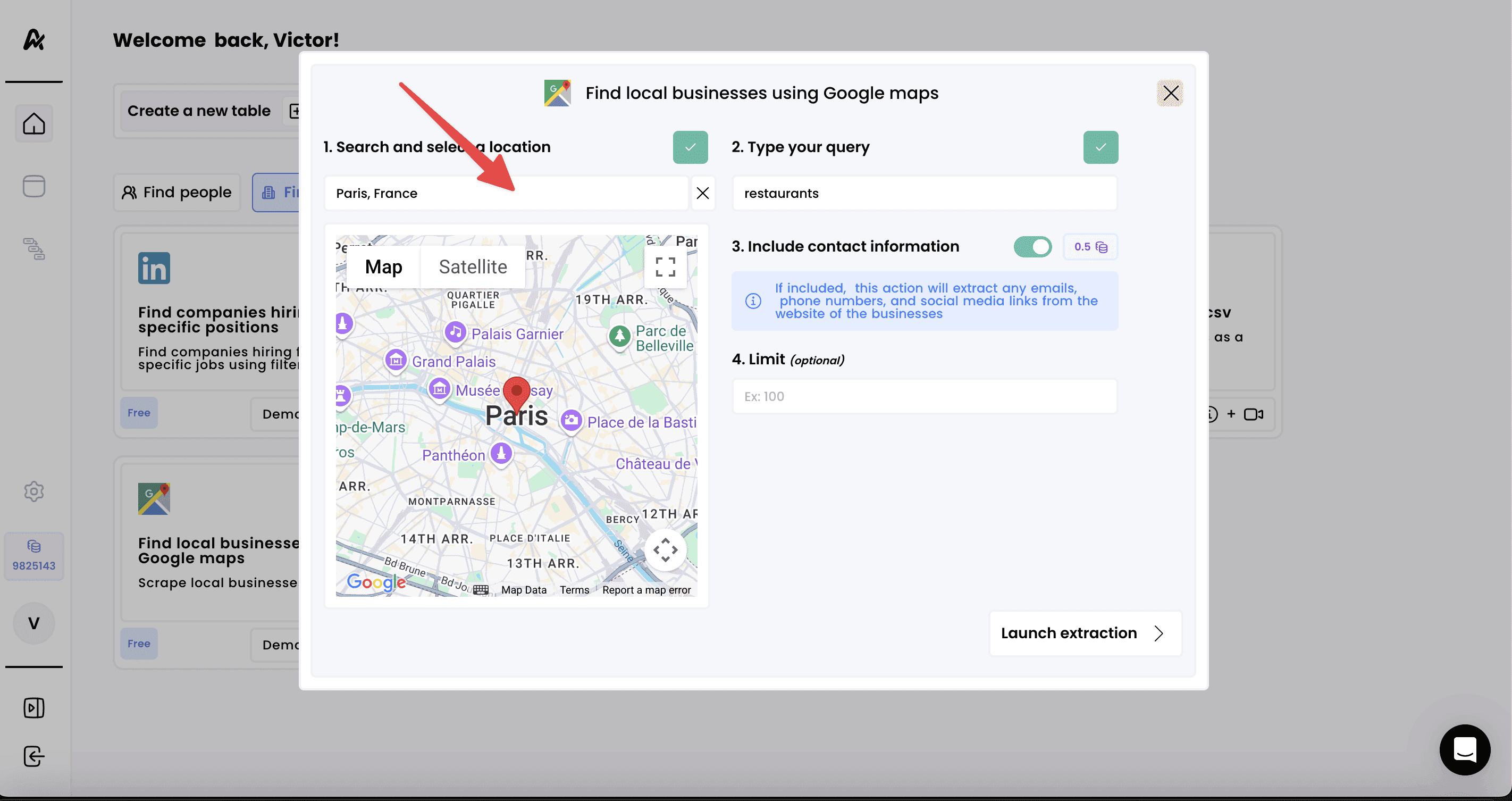
2. Add the search filters
- Apply your target filters: location and business type
- Optionally, you can also ask to find the contact information of the businesses. When toggled ON, we will scrape each company’s website and return any available contact details (emails, phone numbers)
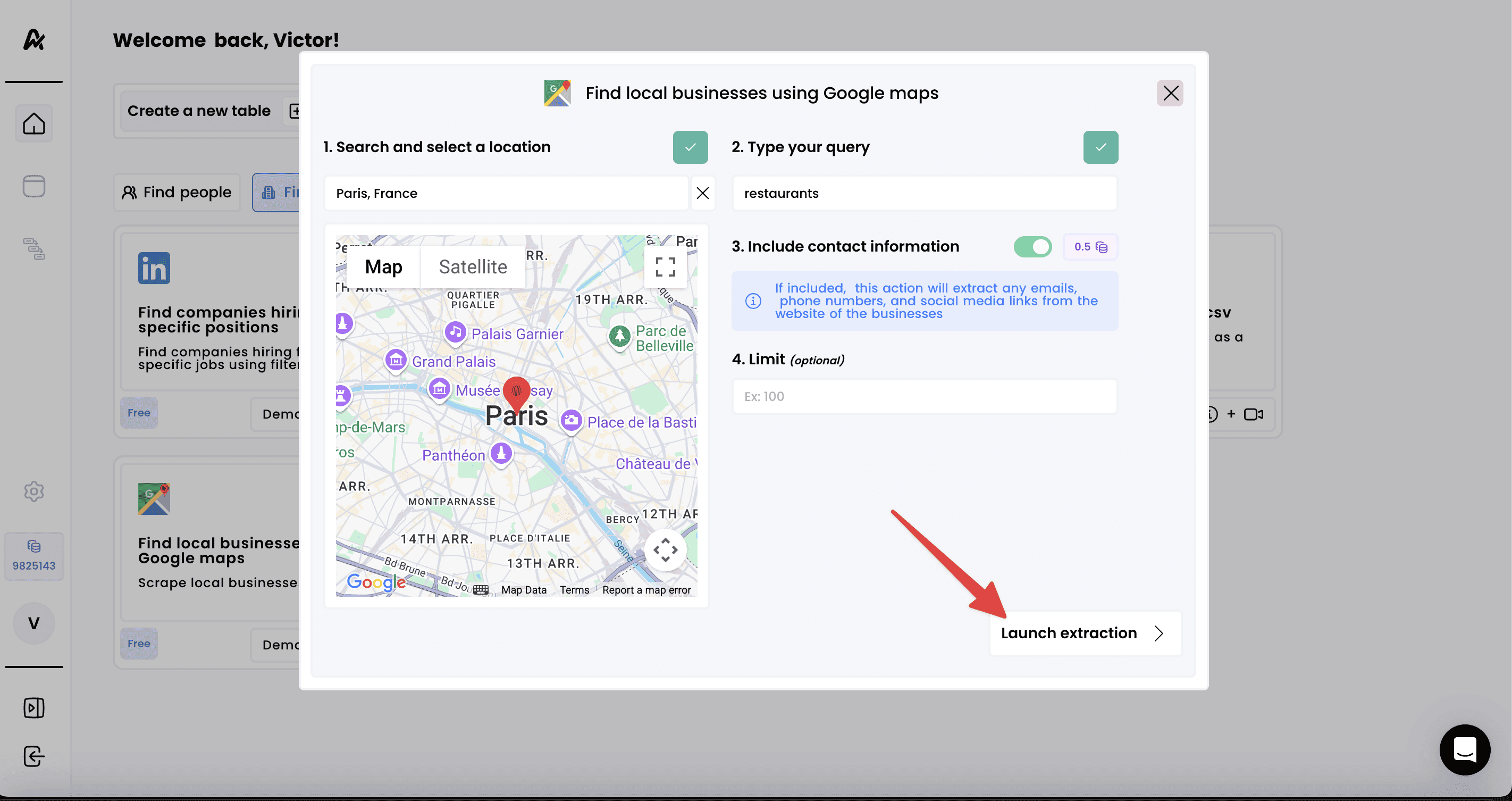
3. Launch the extraction and access your results