Enrichments
AI custom prompts
Run AI with the best LLMs using custom prompts
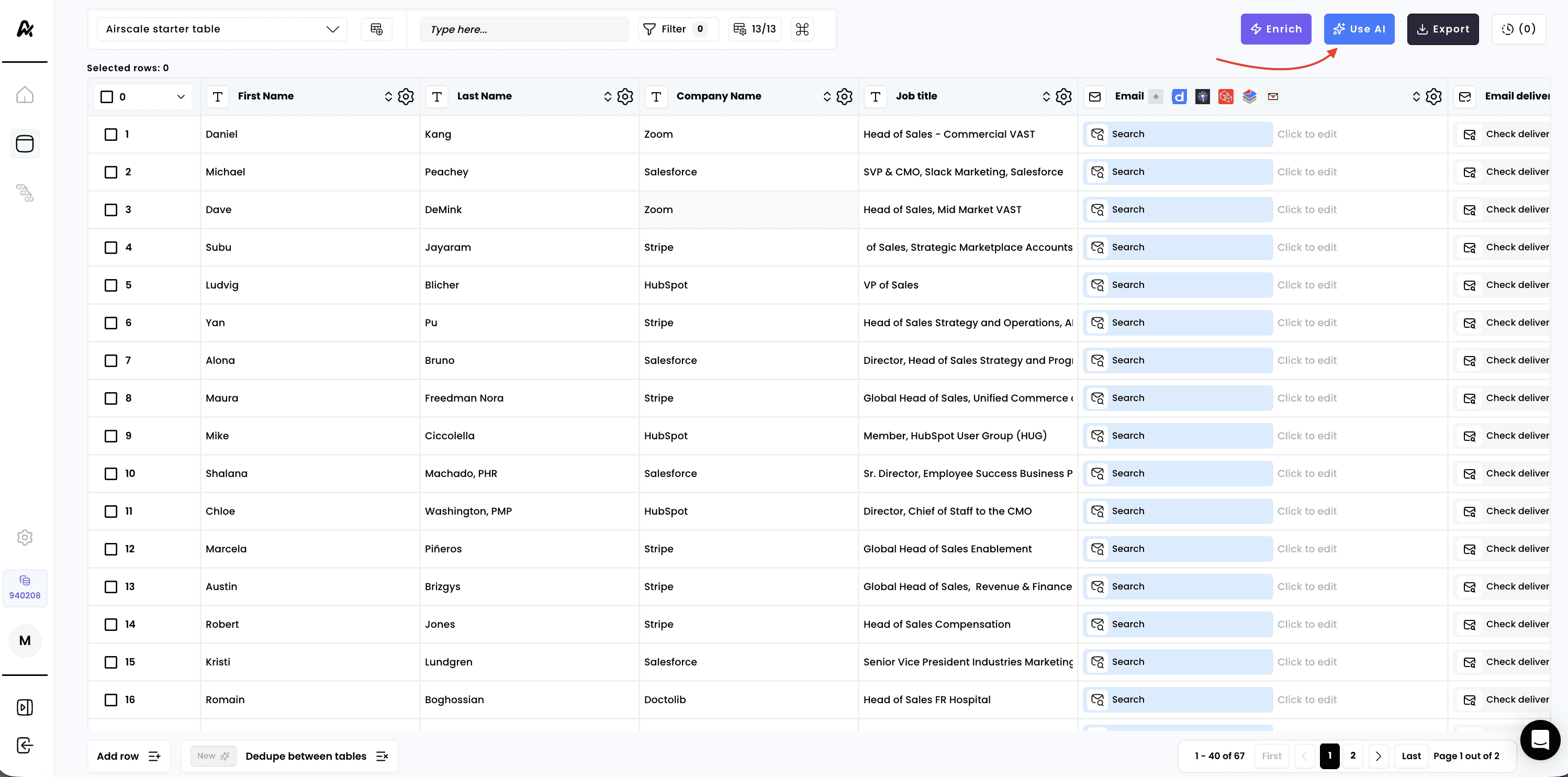
1. Select the enrichment called "Use AI"
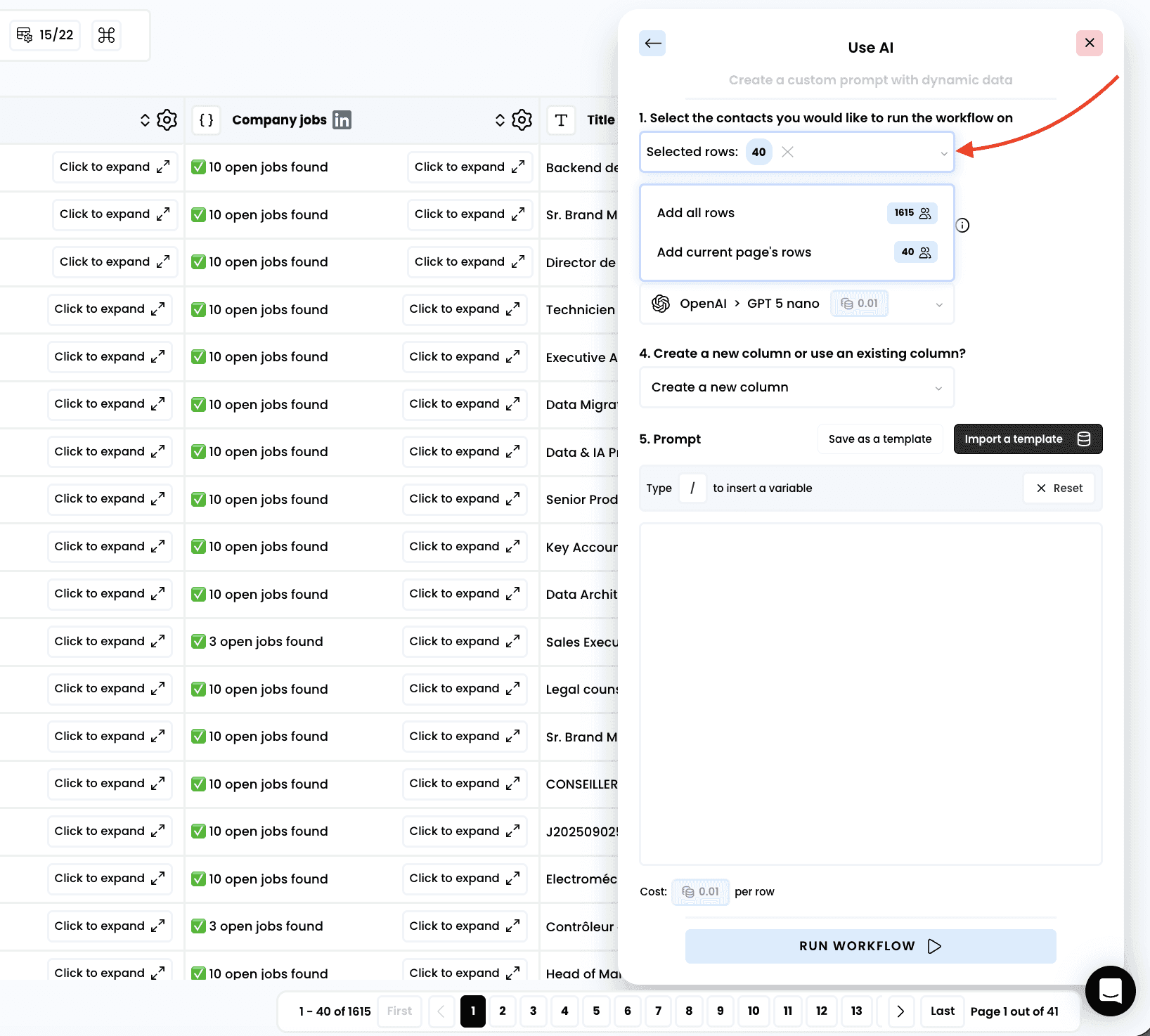
2. Select the rows to enrich
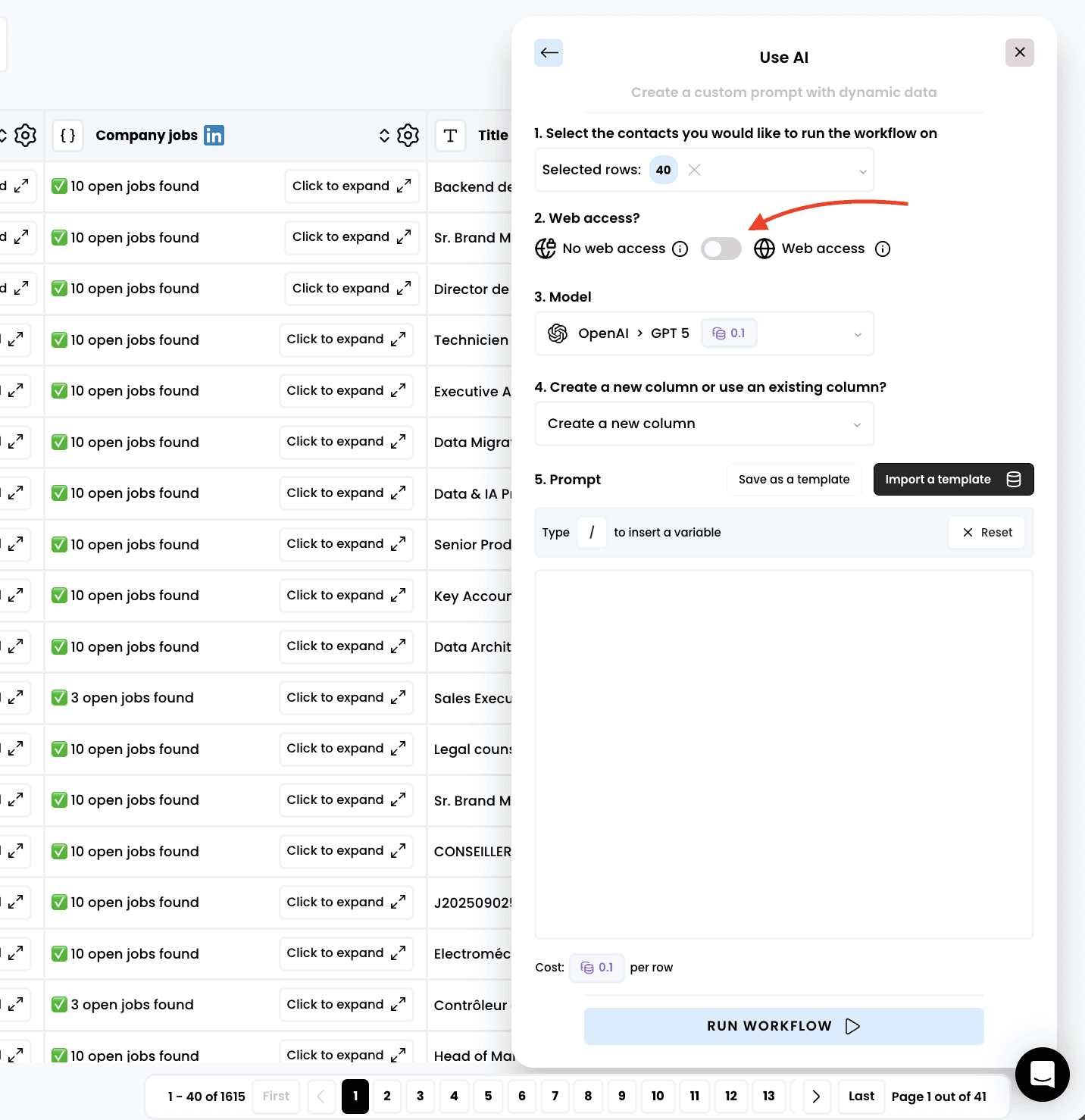
3. Select the mode (web access vs non web access)
Note:
No web access: Best to edit, format, or clean your data. Use this mode when your prompt only needs data already existing in your table and doesn’t need to browse the web to provide the expected output
Web access: Use this mode if you want to find data on the web and want AI to have web browsing capabilities. Useful to research data online about a company or a prospect by visiting website pages (this mode will select Airsearch 1.0 as the LLM to use)
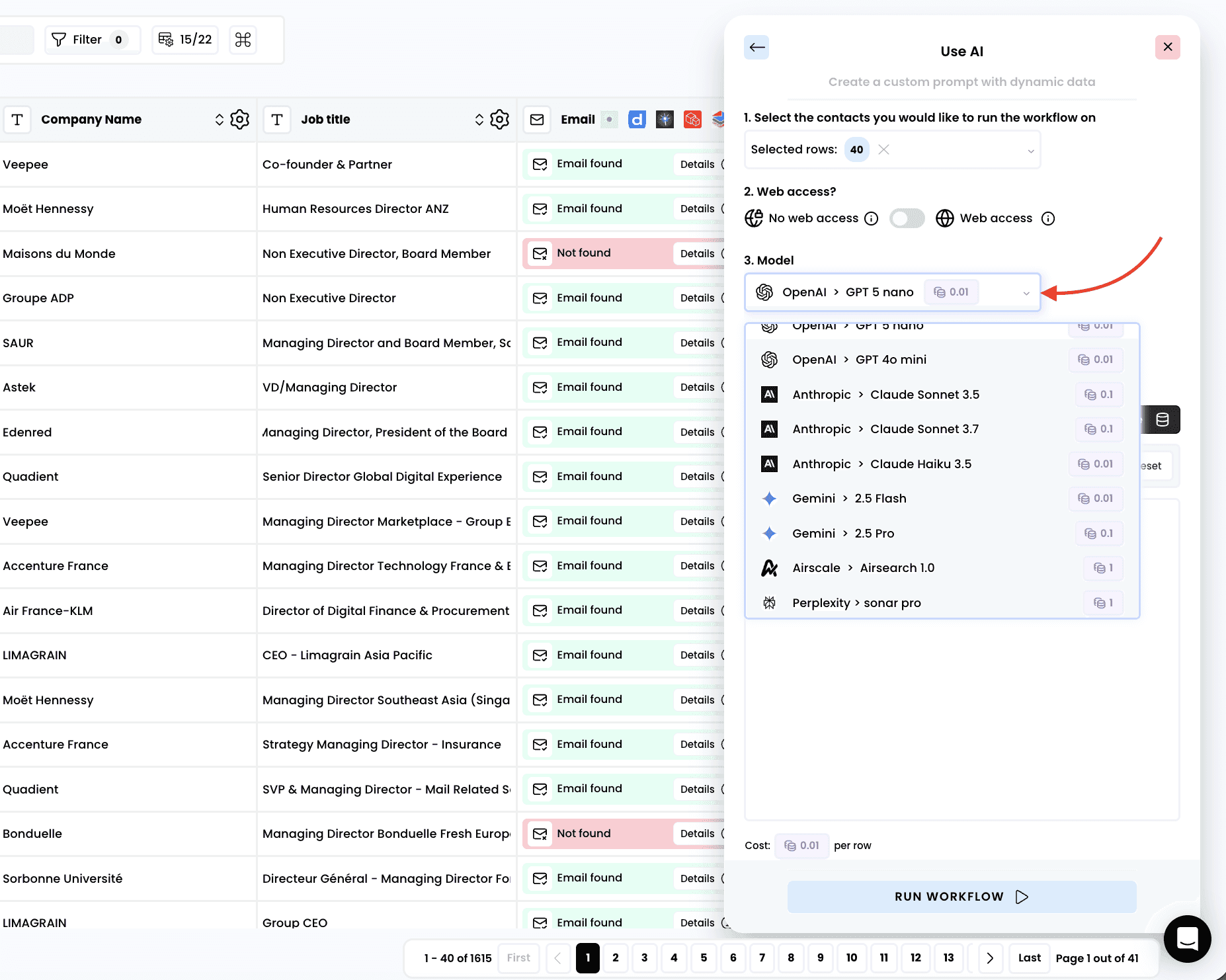
4. Select an LLM
5. Write or import your prompt
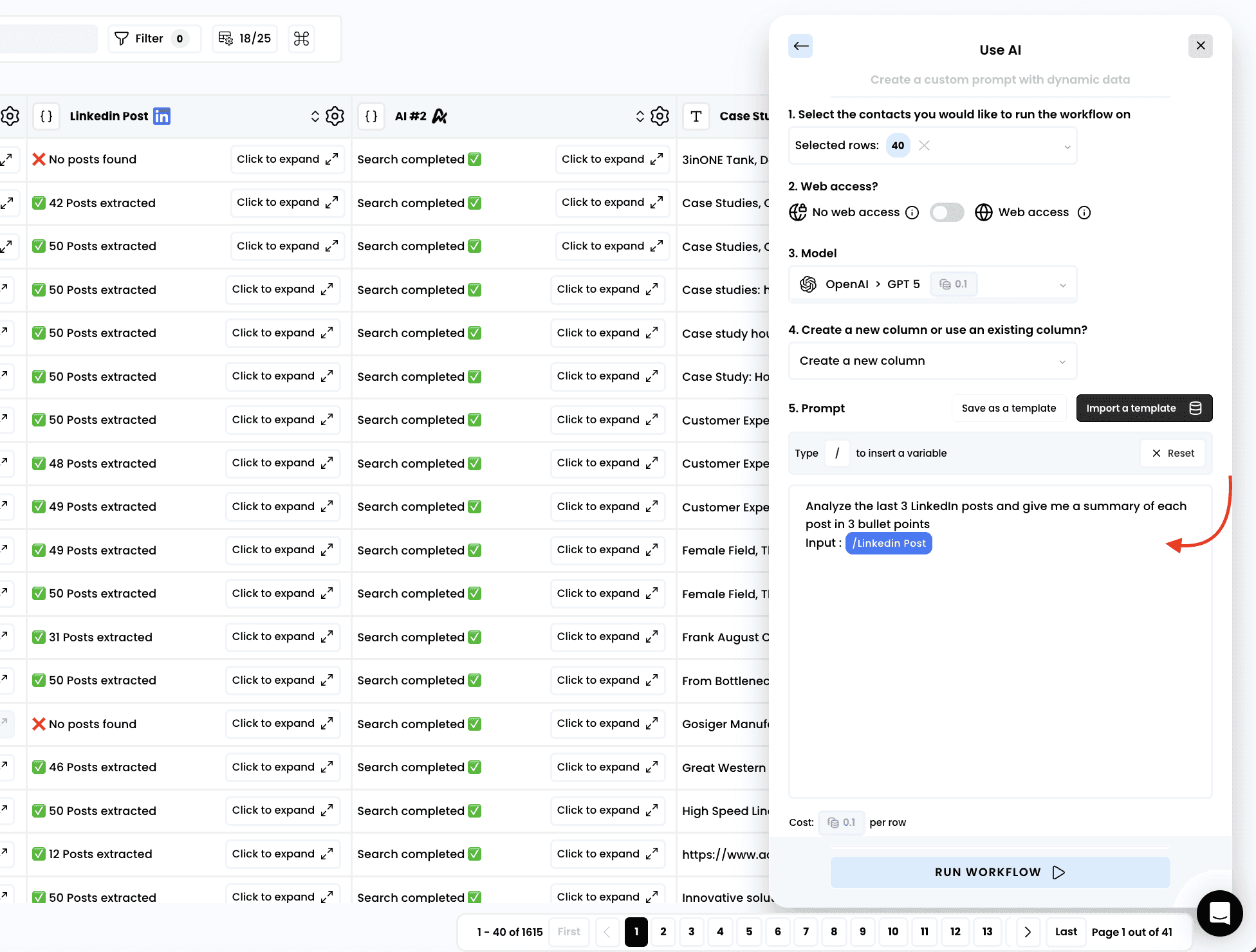
Note: to use dynamically the content of a column existing in your table, use the key "/" on your keyboard
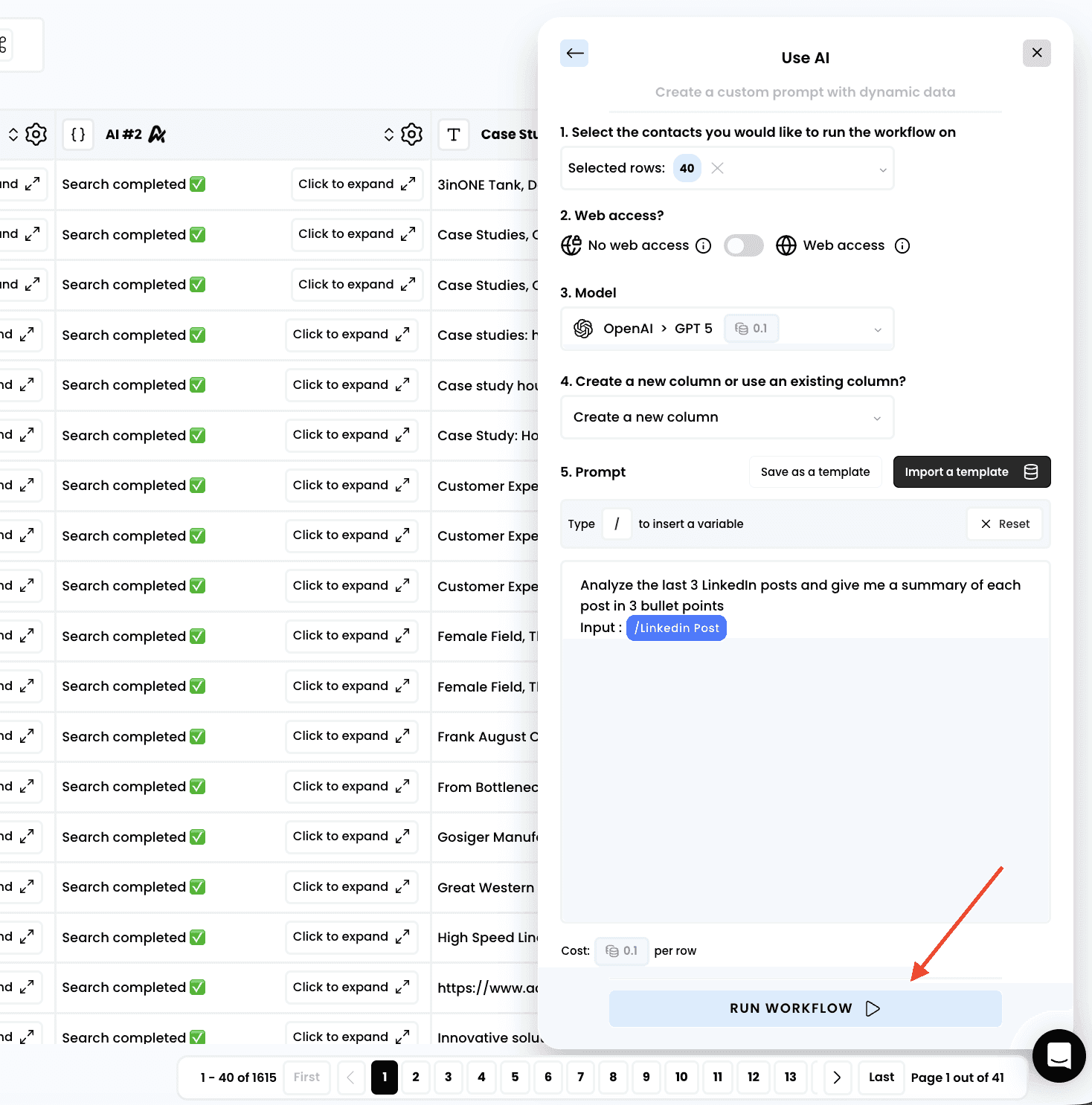
6. Run the workflow
When the workflow is launched, a new column will be created with the output
Need help? Contact Support
Questions? Contact Sales