Enrichments
Find phone numbers
Find verified phone numbers via Airscale's waterfall enrichment
Note:
The required input to find a phone number is a LinkedIn profile URL
If you don't have the LinkedIn profile URL but have a list with first name, last name, and company name, you can use Airscale’s "Find a LinkedIn profile URL" or "Use AI" enrichments first to retrieve the LinkedIn profile URL
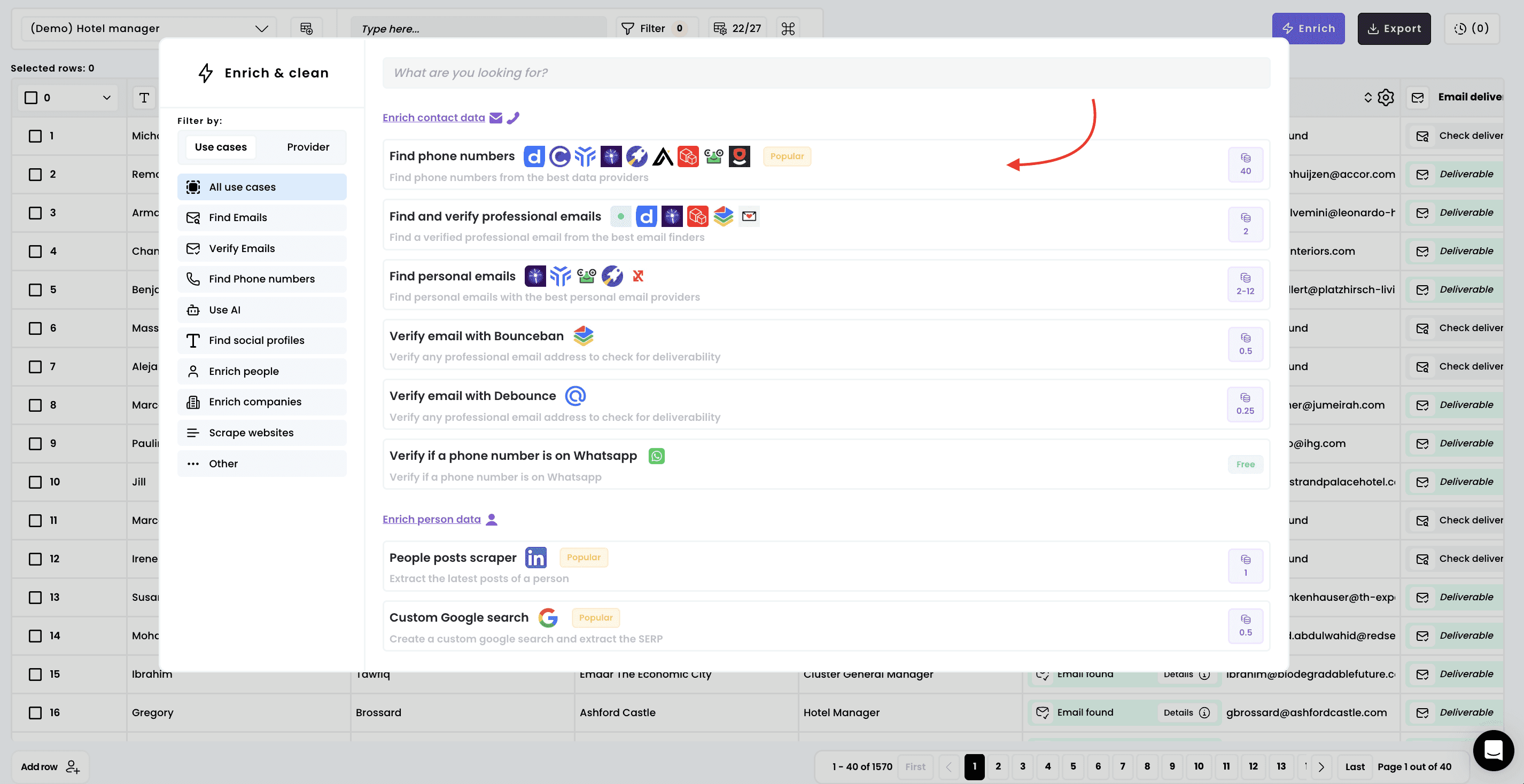
1. Select the enrichment
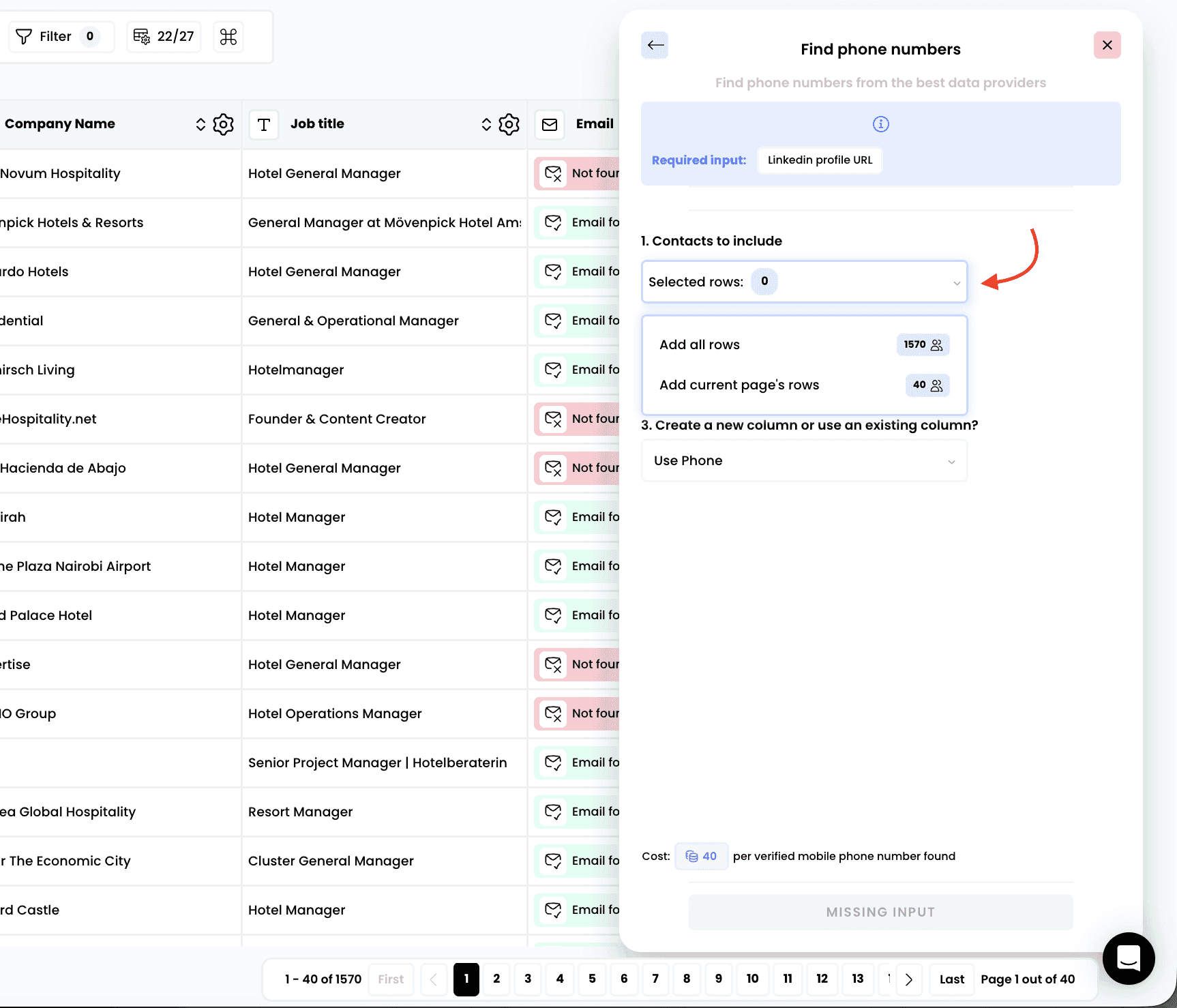
2. Select the rows to enrich
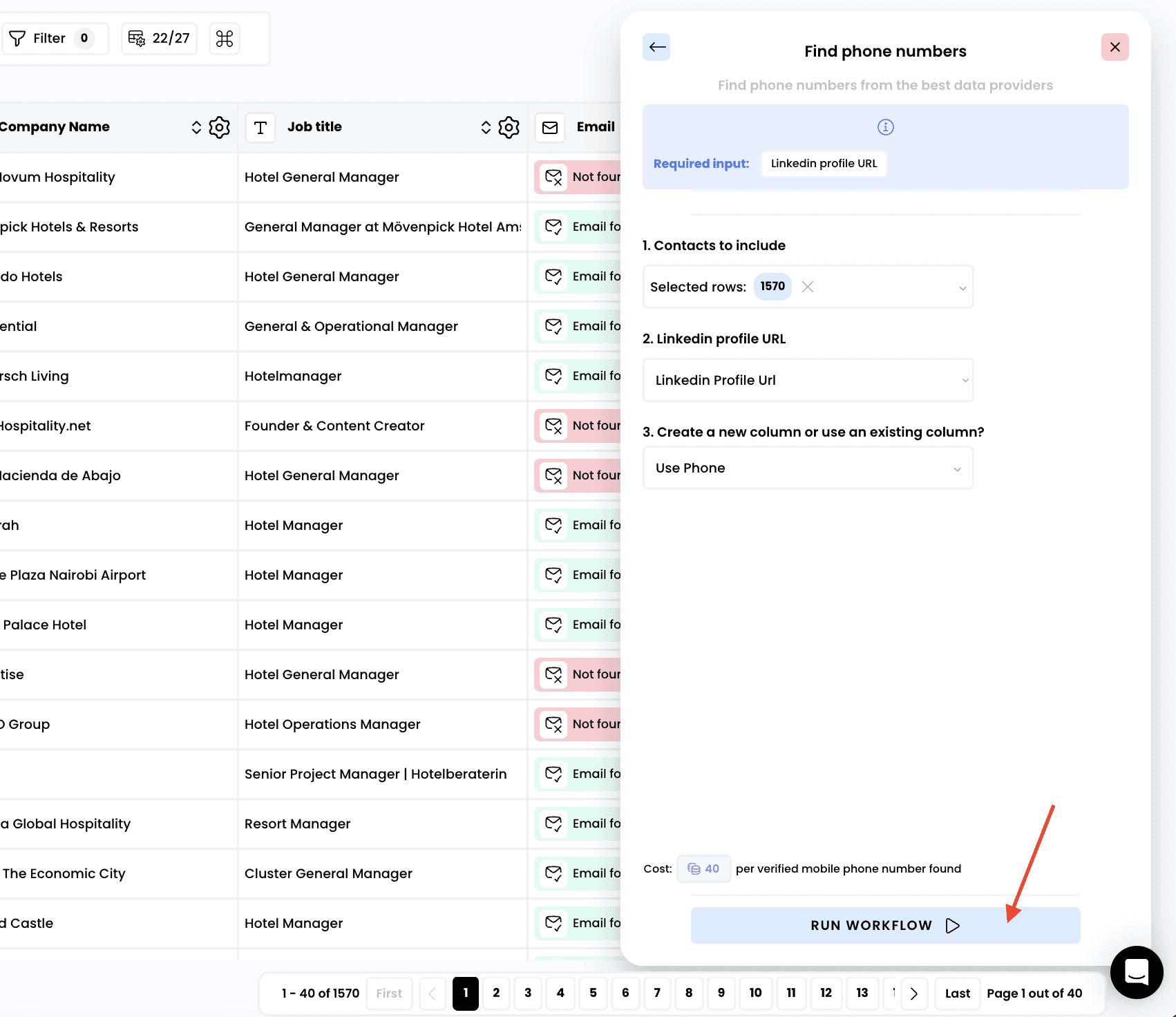
3. Run the workflow
4. Access the results
Once the enrichment is complete, you can see which provider returned the phone number by clicking the icon on the right
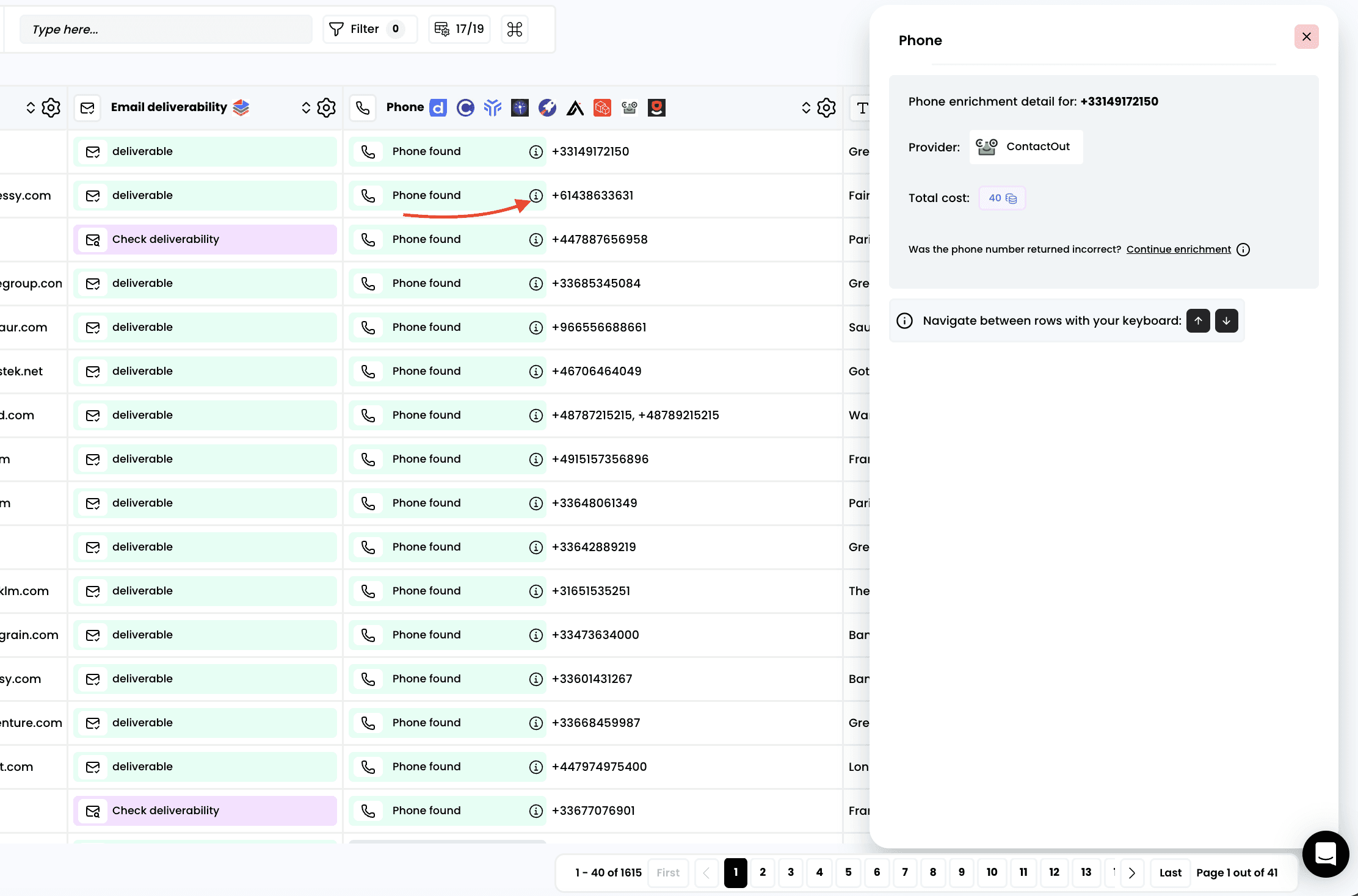
If you notice that the phone number returned is invalid, you can click on "Continue enrichment"
The workflow will restart from the provider that returned the first phone number to check whether another provider can find a different one. Any phone numbers found after the first one are free of charge
Need help? Contact Support
Questions? Contact Sales