Build lists
Import a file as a CSV
Import a CSV file into Airscale in seconds. Enrich, clean and push your contact lists directly into your CRM or sales workflows - no manual work.
Note: you can only import a maximum of 10,000 rows
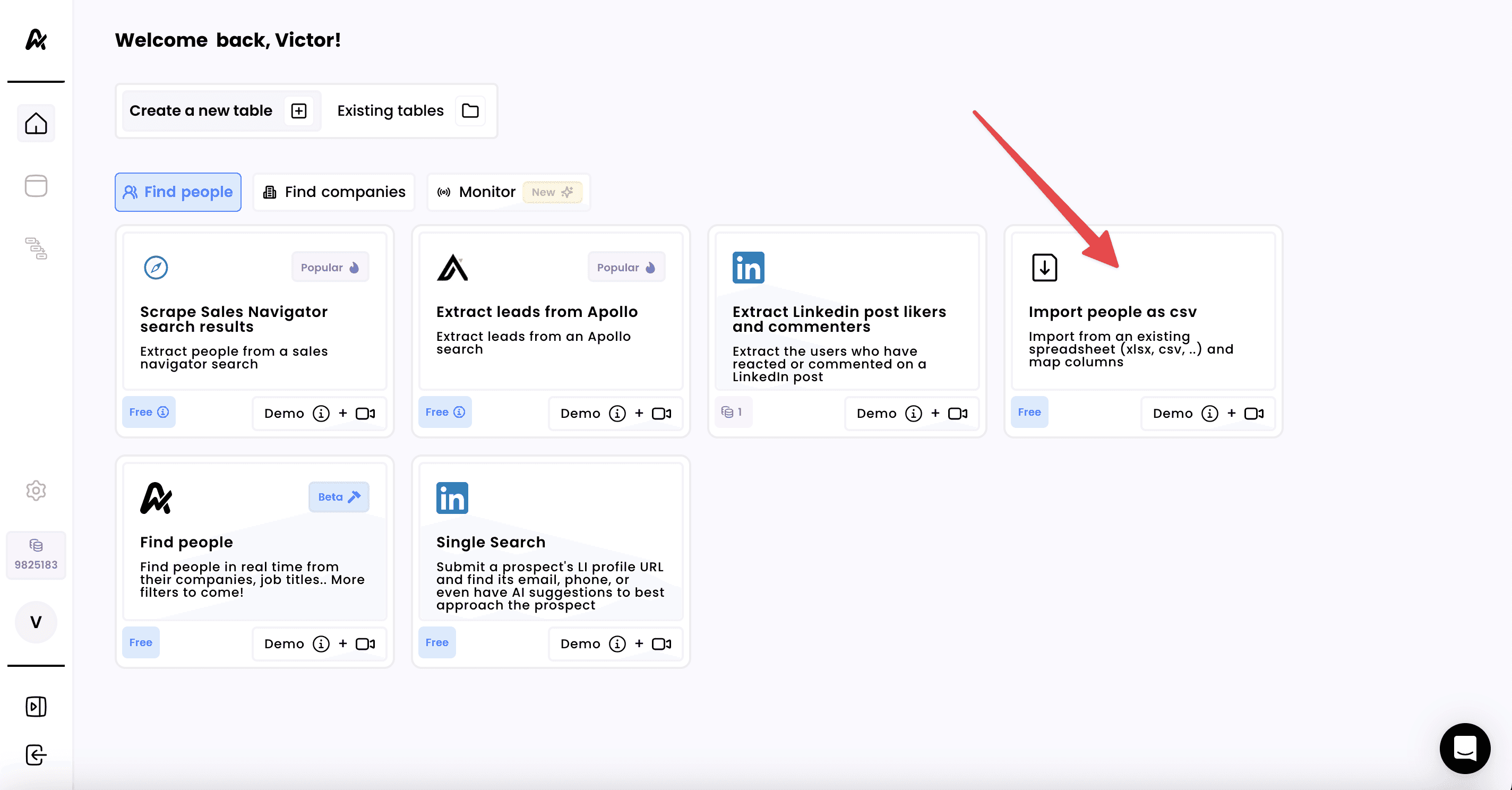
1. Click on "Import as a CSV"
2. Select the file to import
Before importing your file, ensure:
Your file is a CSV file
Your file does not contain more than 10,000 rows
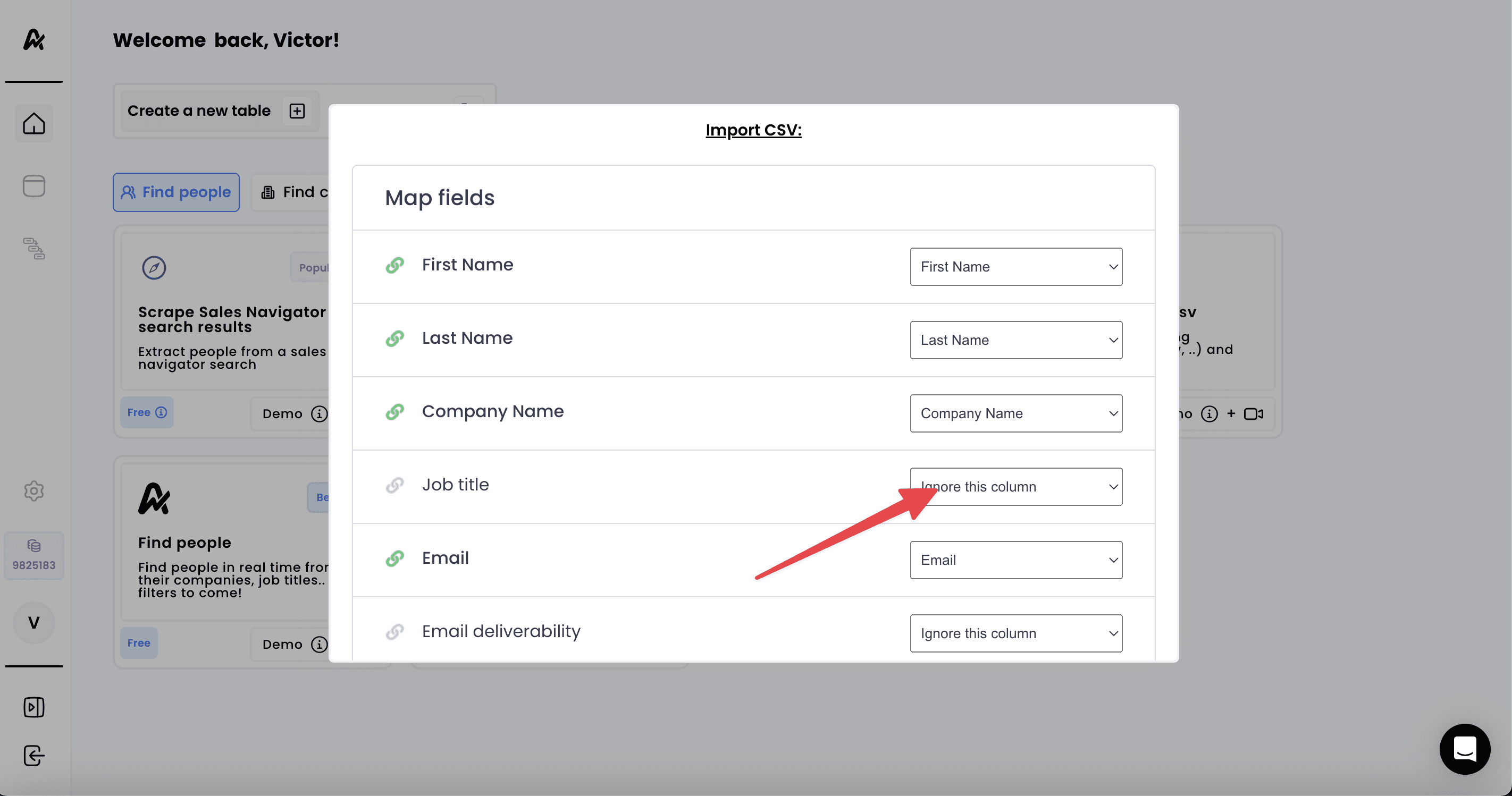
3. Map your columns to Airscale columns
Map the column names of your CSV file to Airscale's columns
Alternatively, you can use custom fields if Airscale does not have a pre-built column for your data
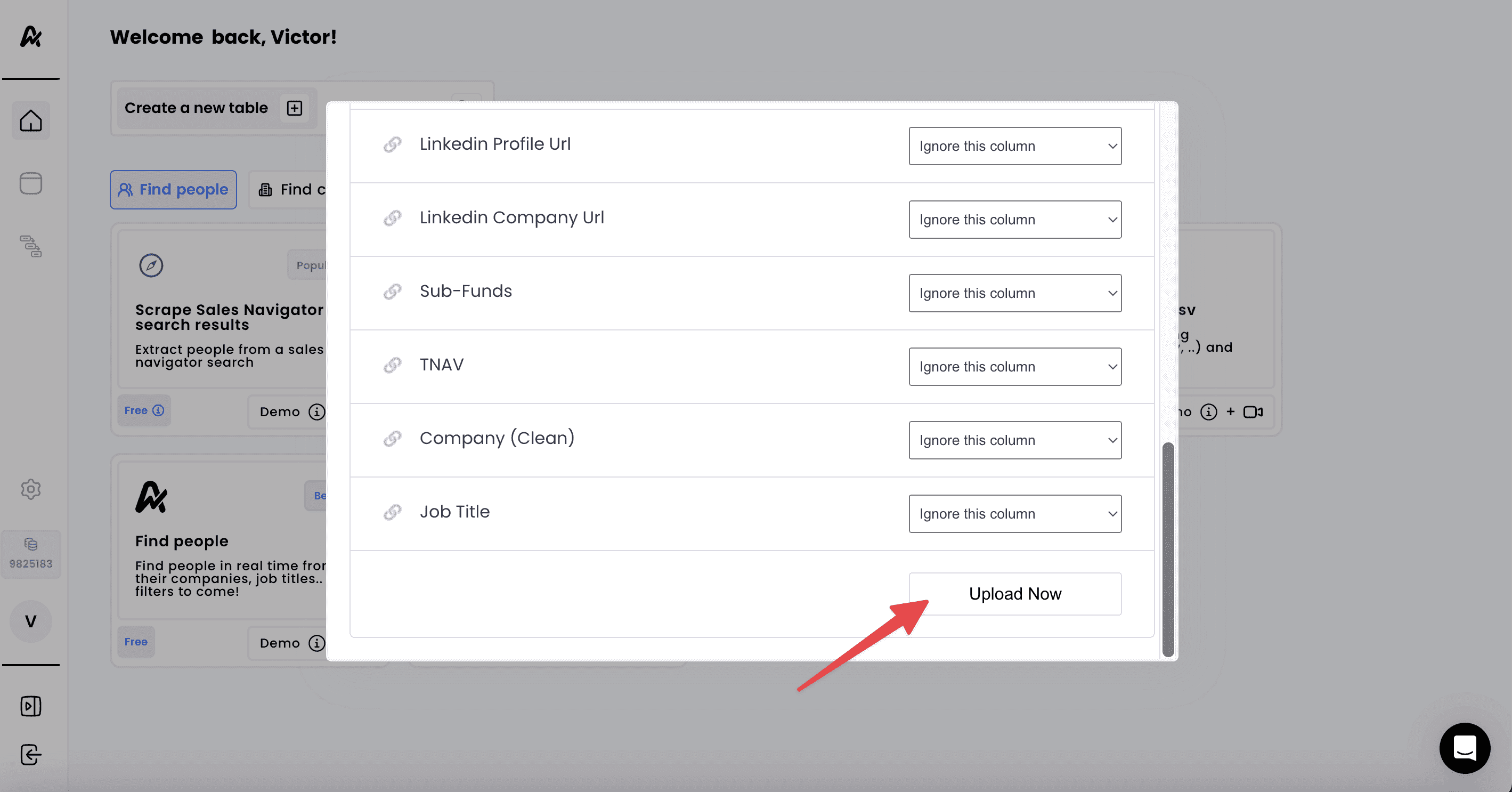
4. Click on "Upload Now" to create a table
Need help? Contact Support
Questions? Contact Sales