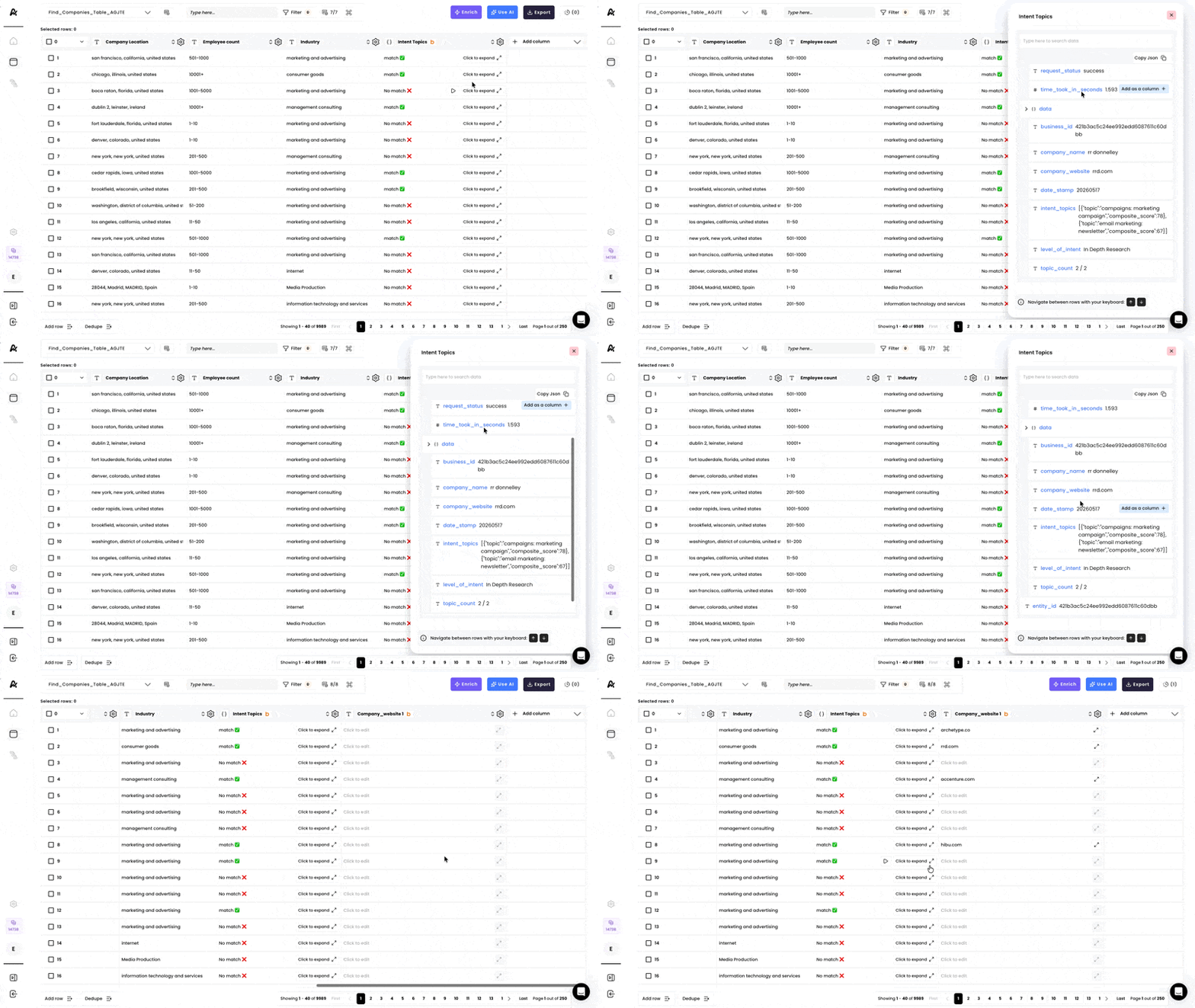
1. Select the enrichment
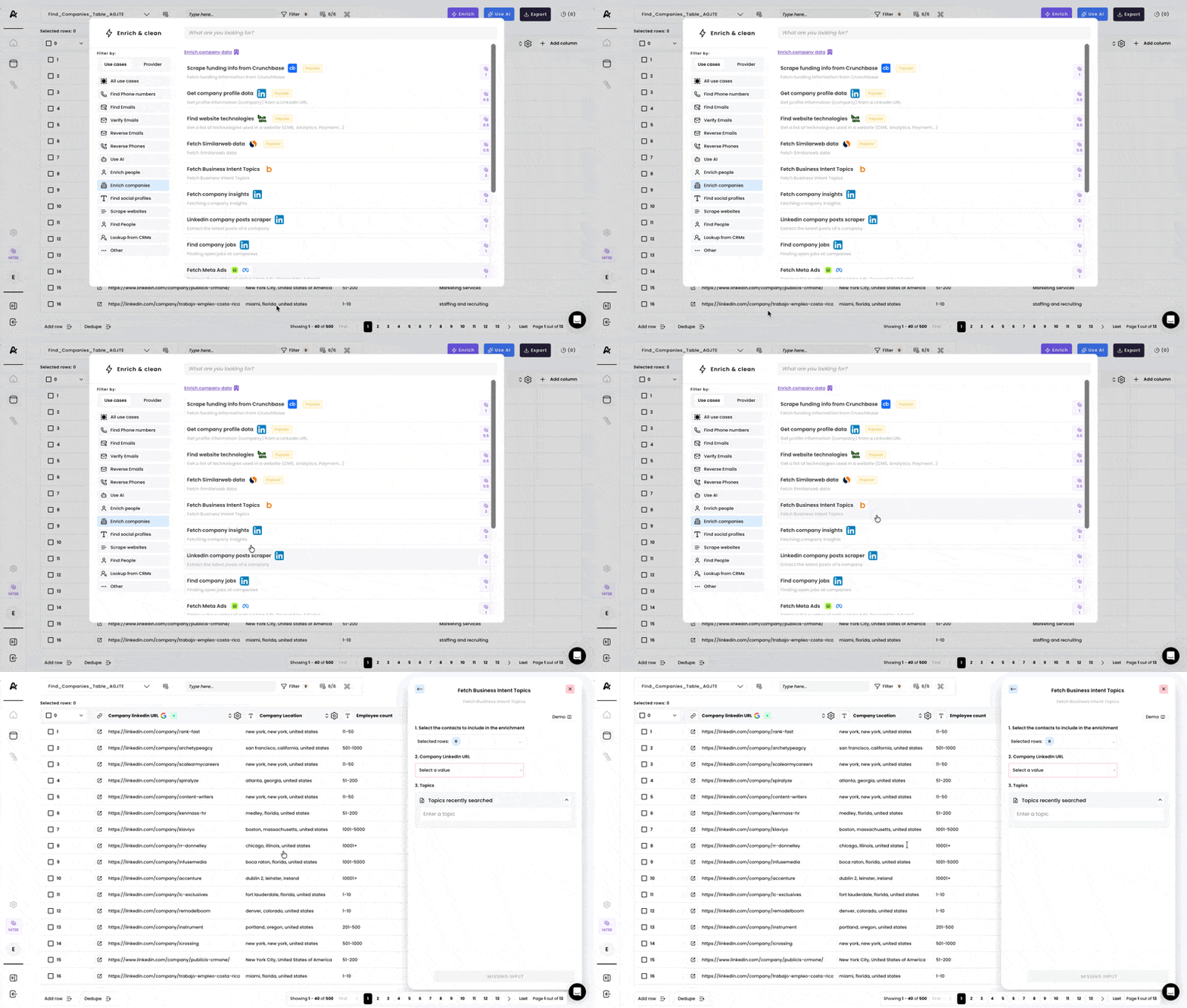
2. Select rows & the correct input
Select the rows you would like to include in the enrichment and select the “Company Linkedin URL” column as an input.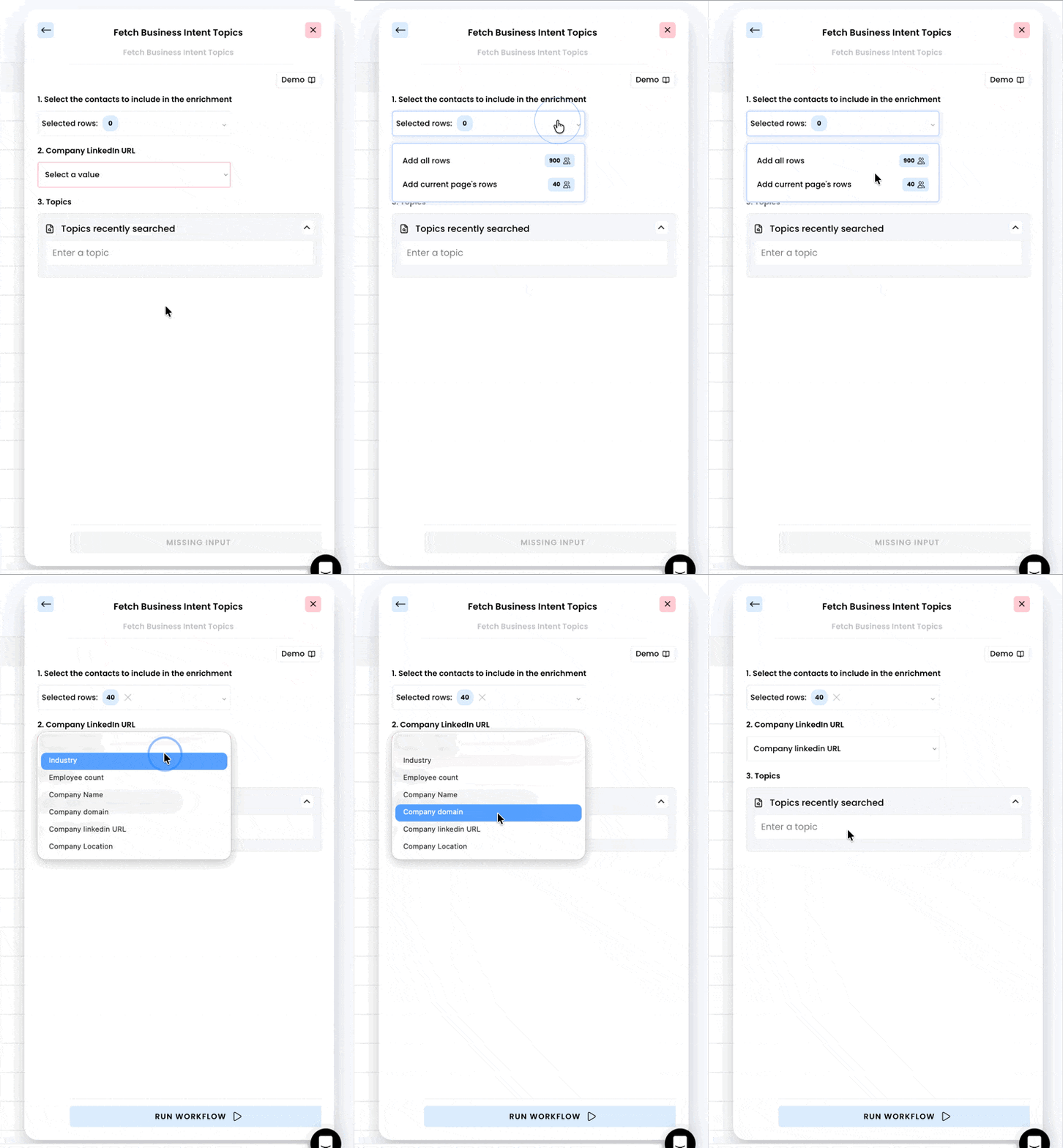
3. Enter the business topics
Type the business topics you would like to inquire and make sure to press Enter ↩︎ after typing so the suggestions appear. Click on “Add +” to select the topics.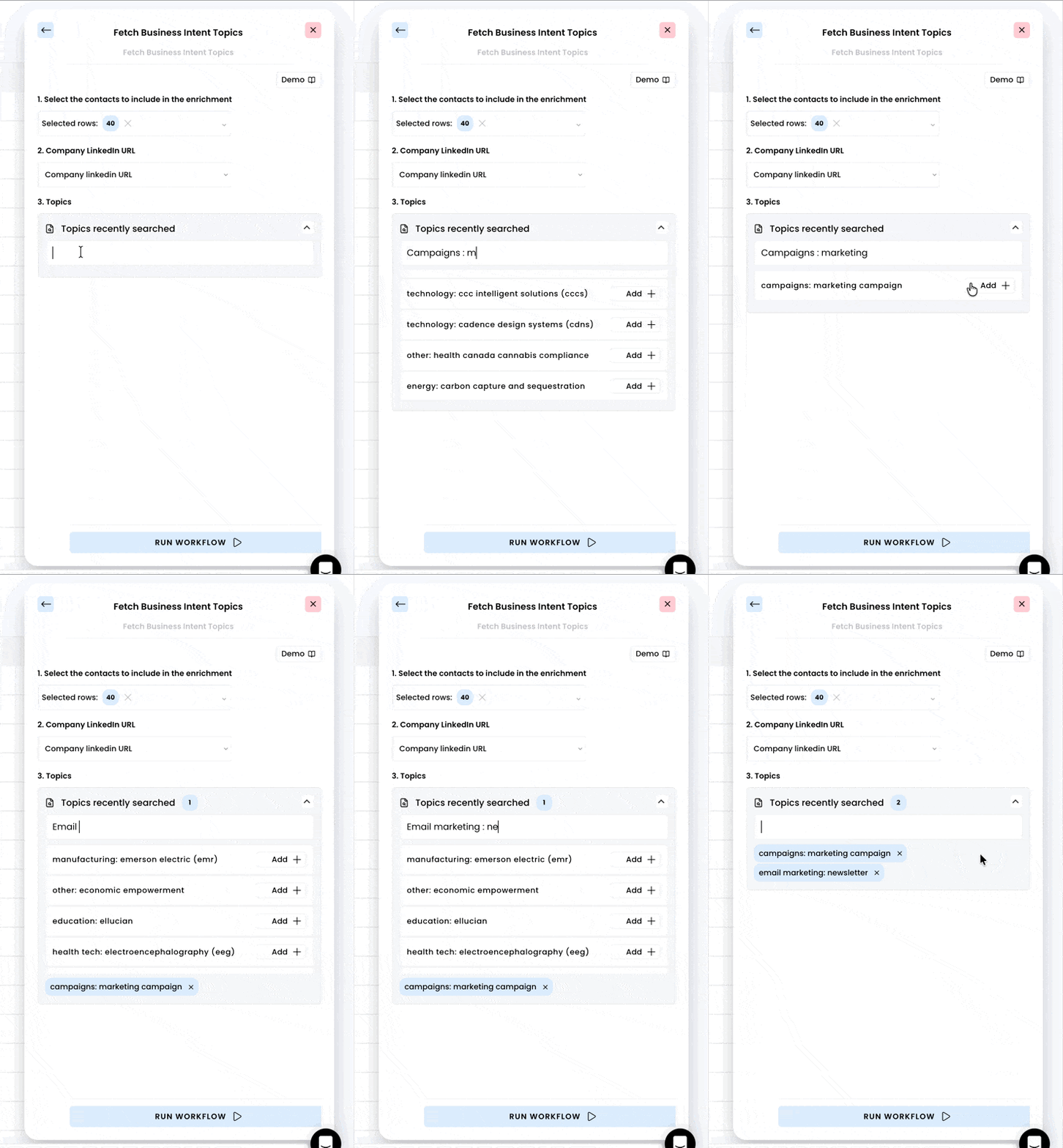
4. Run the workflow
As soon as you’re done selecting the business topics, you can run the workflow.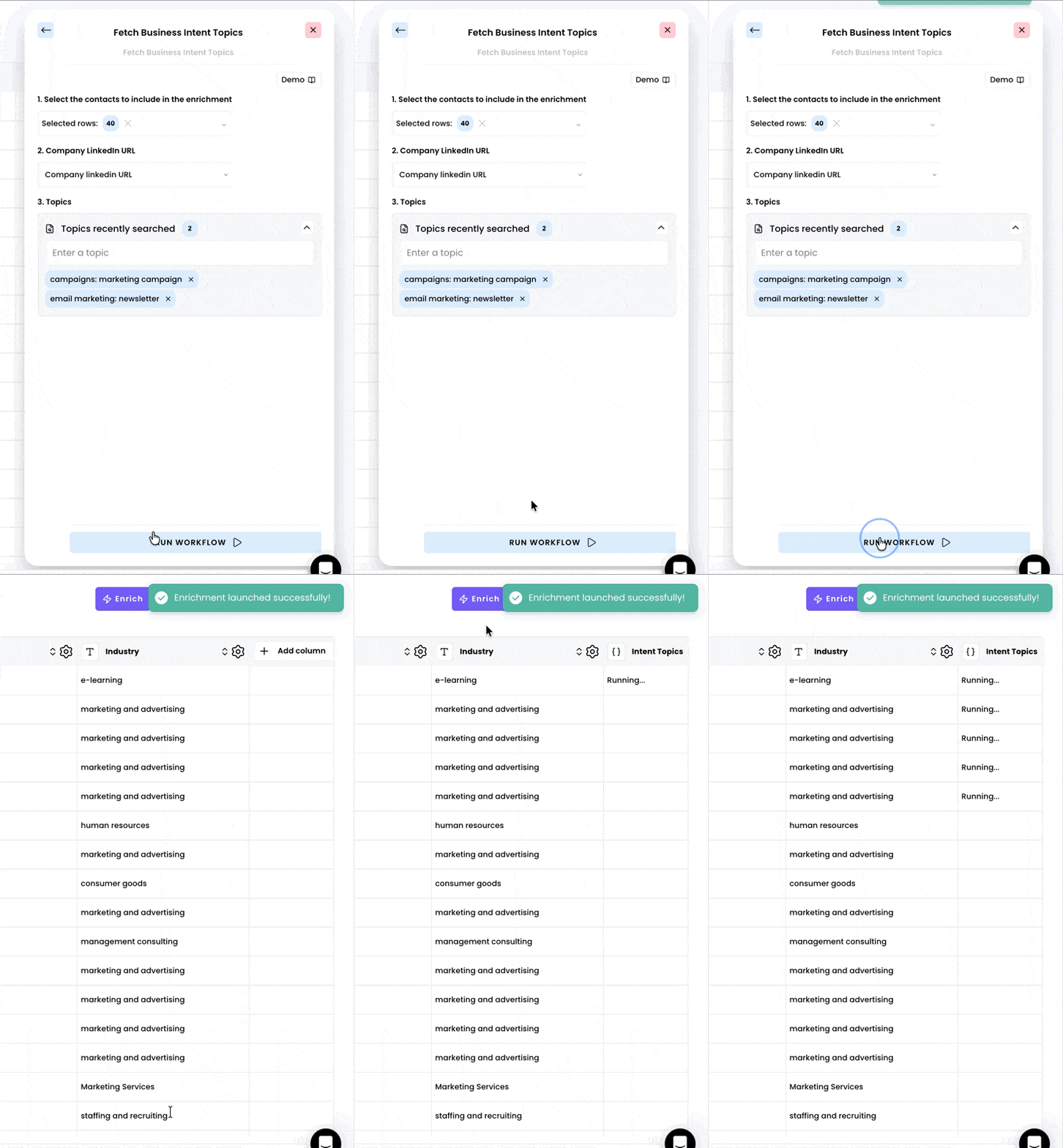
5. Access the results
Acess you results once the enrichment has finished running. Click on “Click to expand” for more details about the search and add any field as a column by clicking on “Add as a column”.