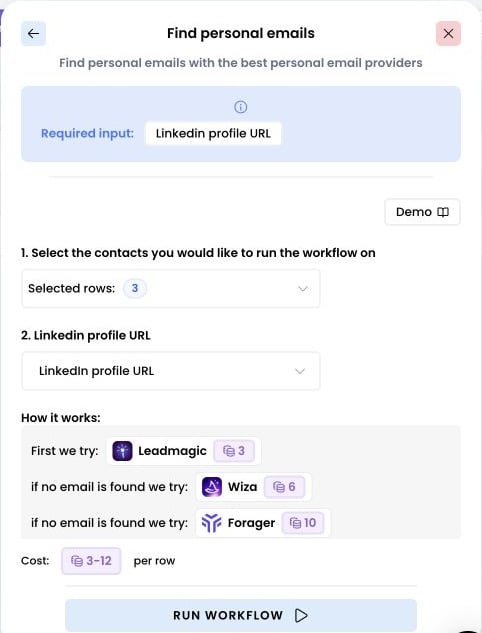
- The required input to find a personal email is a LinkedIn profile URL
- If you don’t have the LinkedIn profile URL but have a list with first name, last name, and company name, you can use Airscale’s “Find a LinkedIn profile URL” or “Use AI” enrichments first to retrieve the LinkedIn profile URL
1. Select the enrichment
Click Enrich, then choose Find personal emails.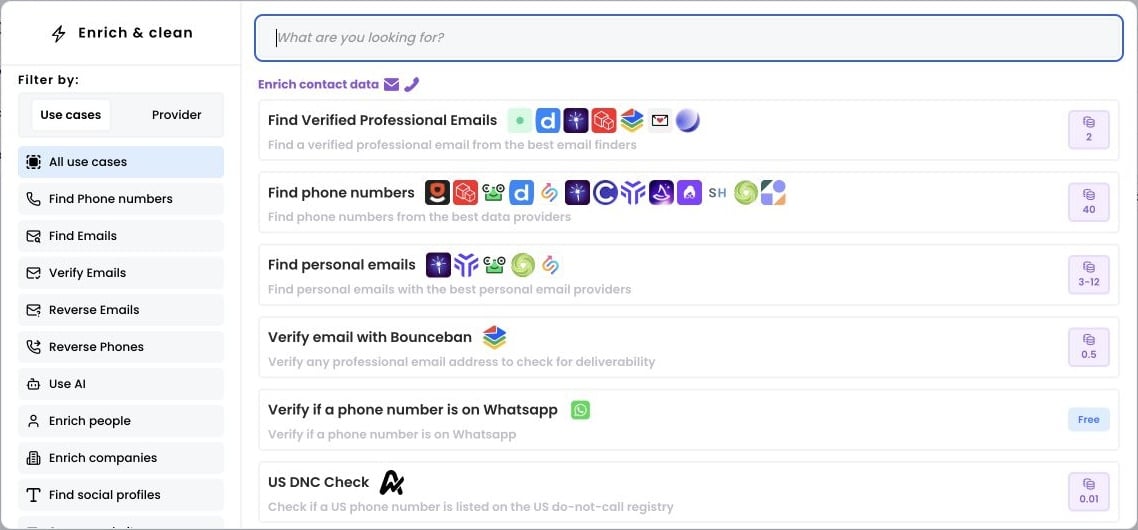
2. Select the rows to enrich
Open Selected rows and choose Add all rows, or enter a range and click Apply.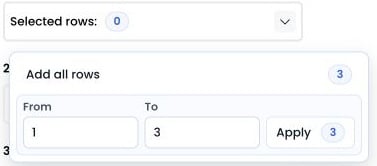
3. Run the workflow
Select the column containing your LinkedIn profile URLs and choose the output column. Then click Run workflow.