Export
Transfer your data to another table
Move prospects between tables within Airscale to organize your data, create targeted segments, or consolidate lists from multiple sources. This feature helps you keep your prospect database clean and well-organized for different campaigns and initiatives
When to export to another table
Creating campaign segments from a master prospect list
Organizing prospects by persona (decision makers vs. influencers)
Separating by geography for territory-based sales teams
Consolidating data from multiple import sources
Creating backup tables before running bulk enrichments
Segmenting by deliverability status for different outreach strategies
0. Prerequisites
A source table containing prospect data in Airscale
An existing destination table
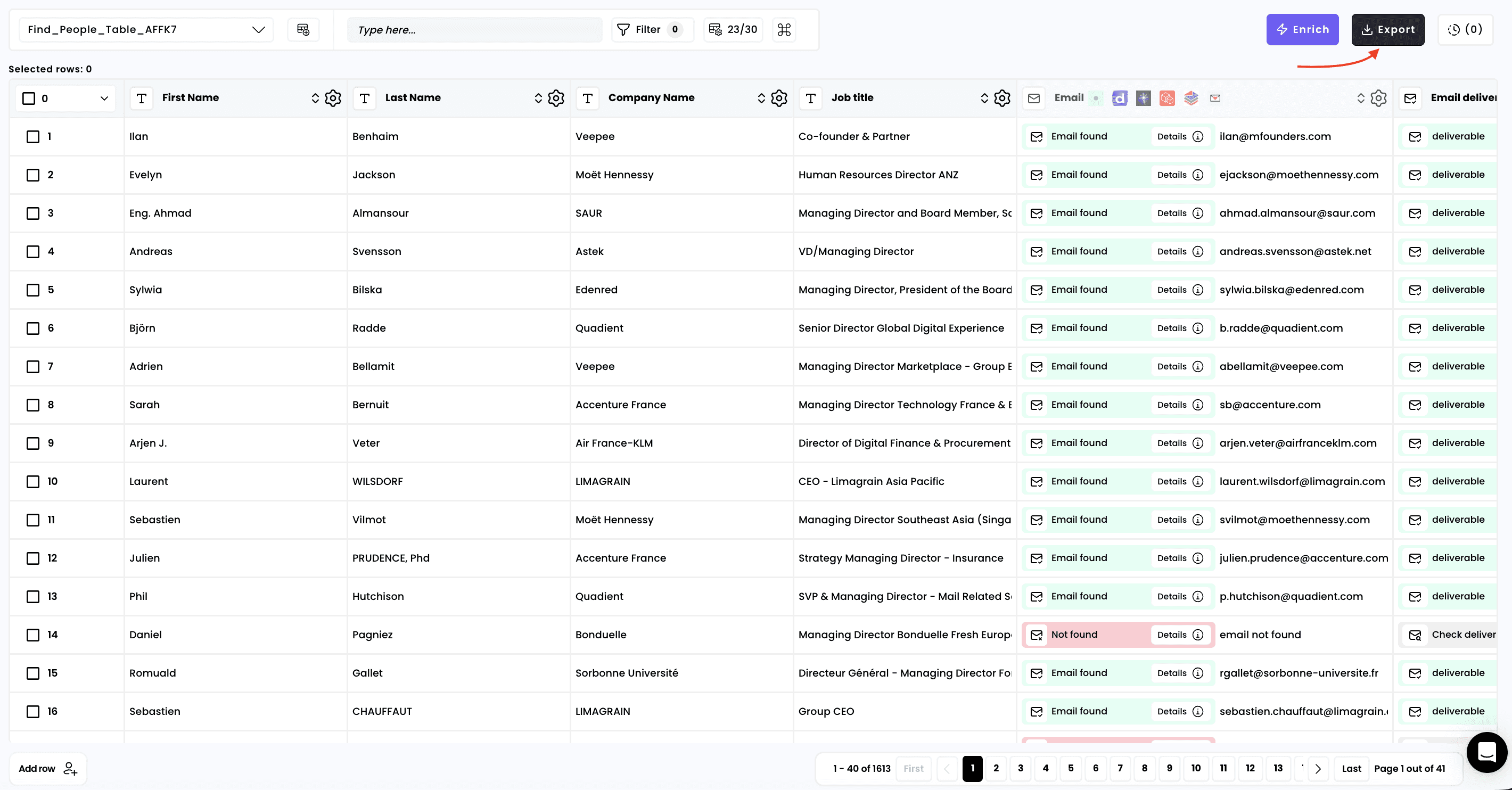
1. Click on "Export"
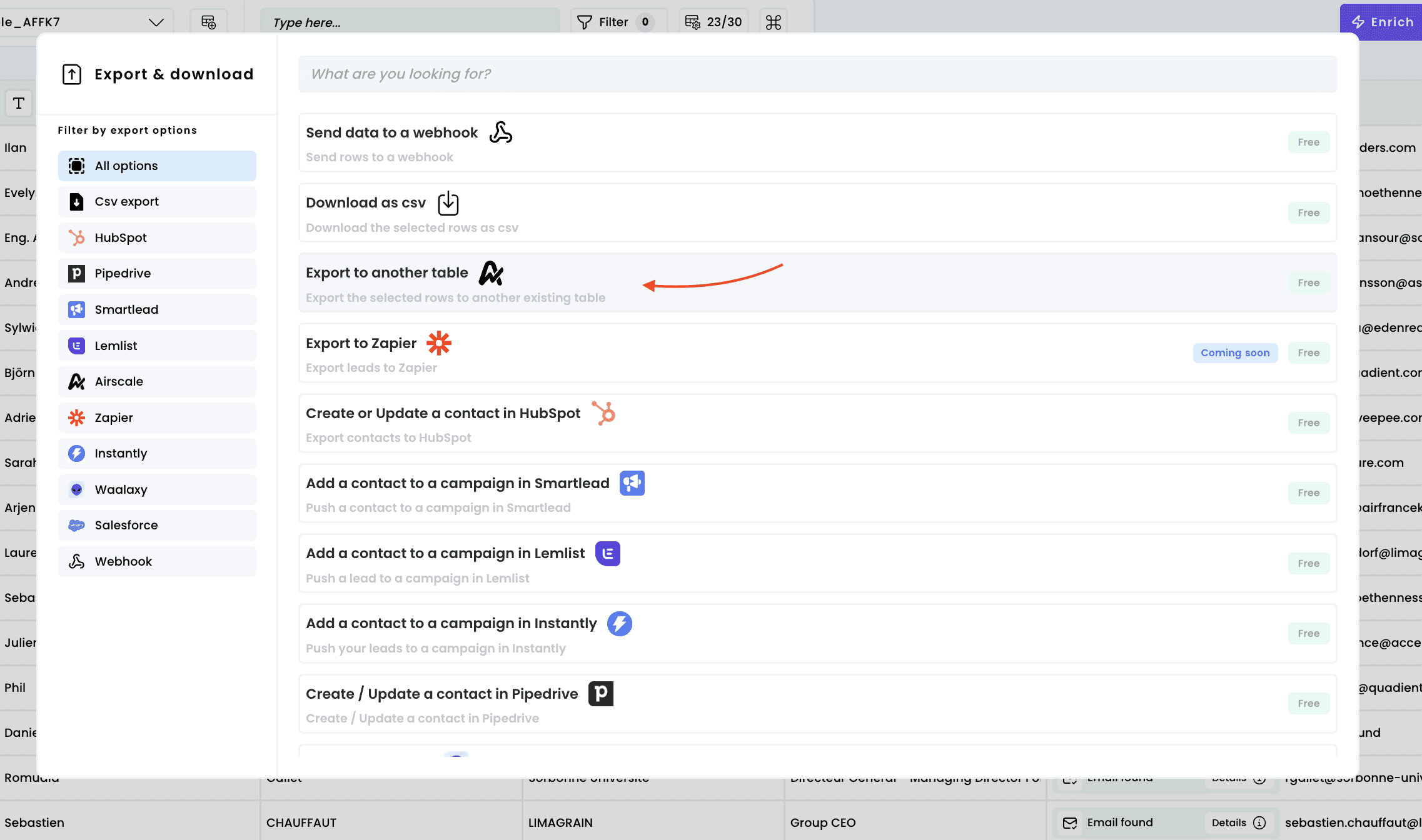
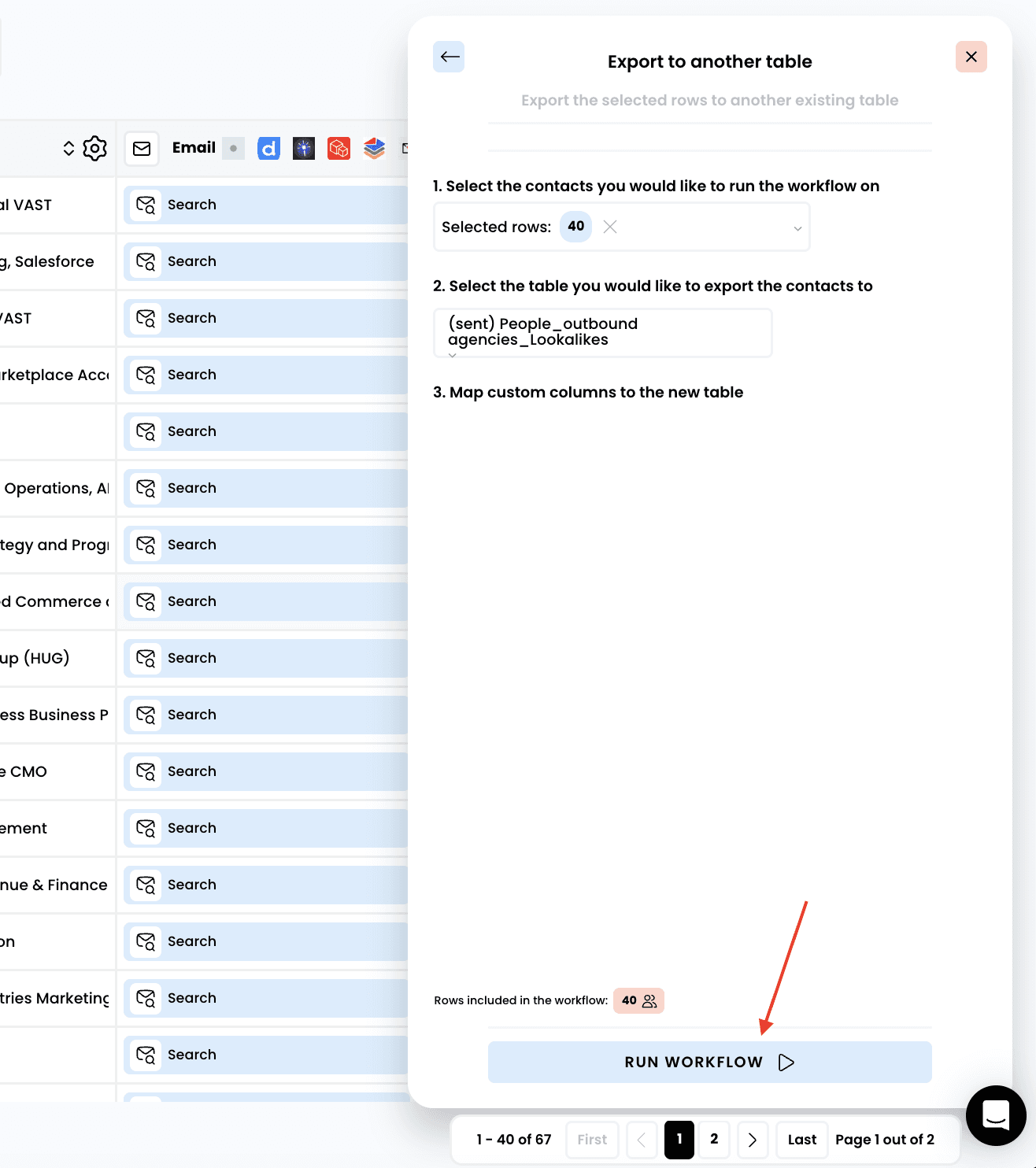
2. Select "Export to another table"
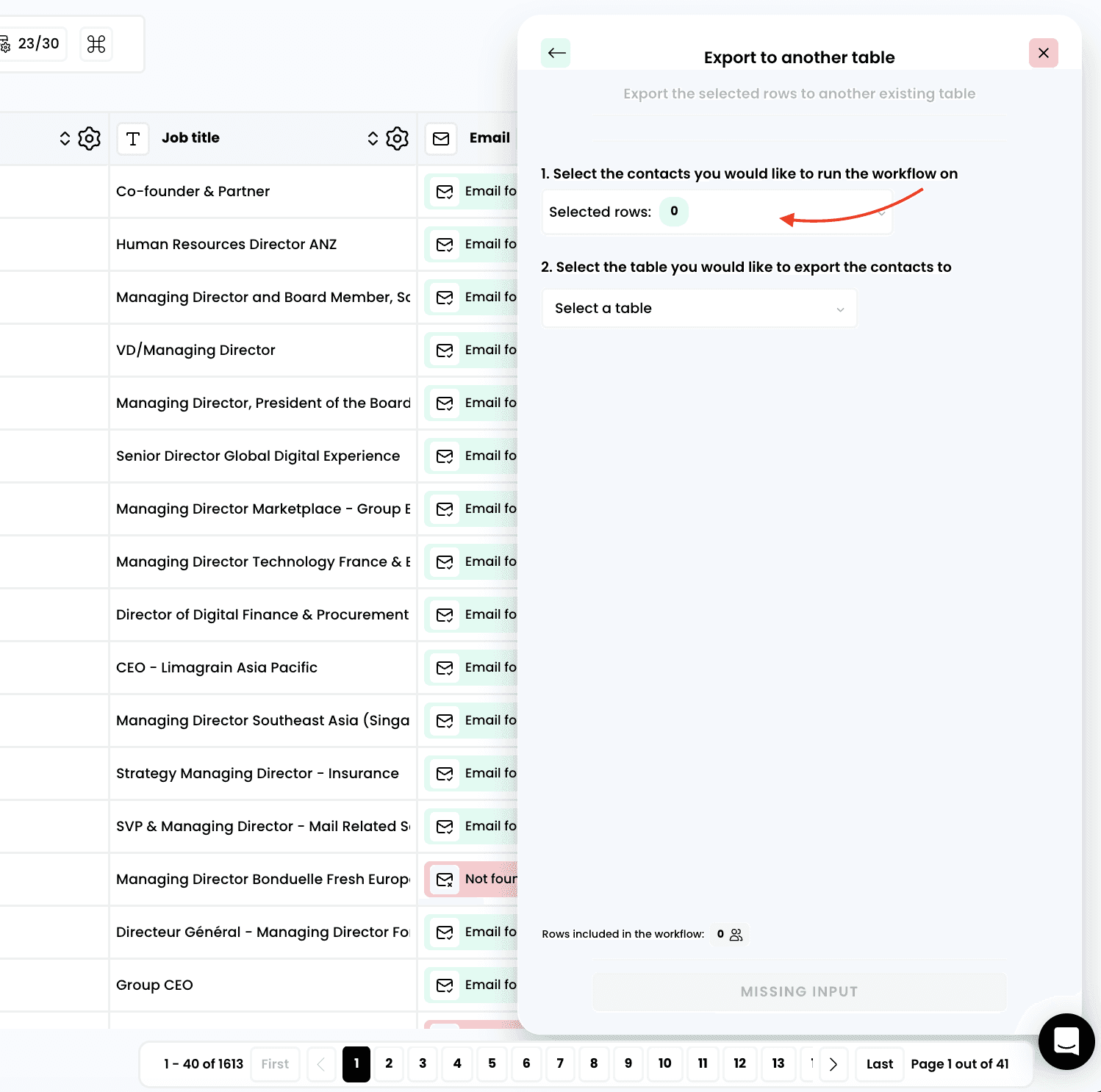
3. Select the rows to export
4. Select the table you want to export your data to
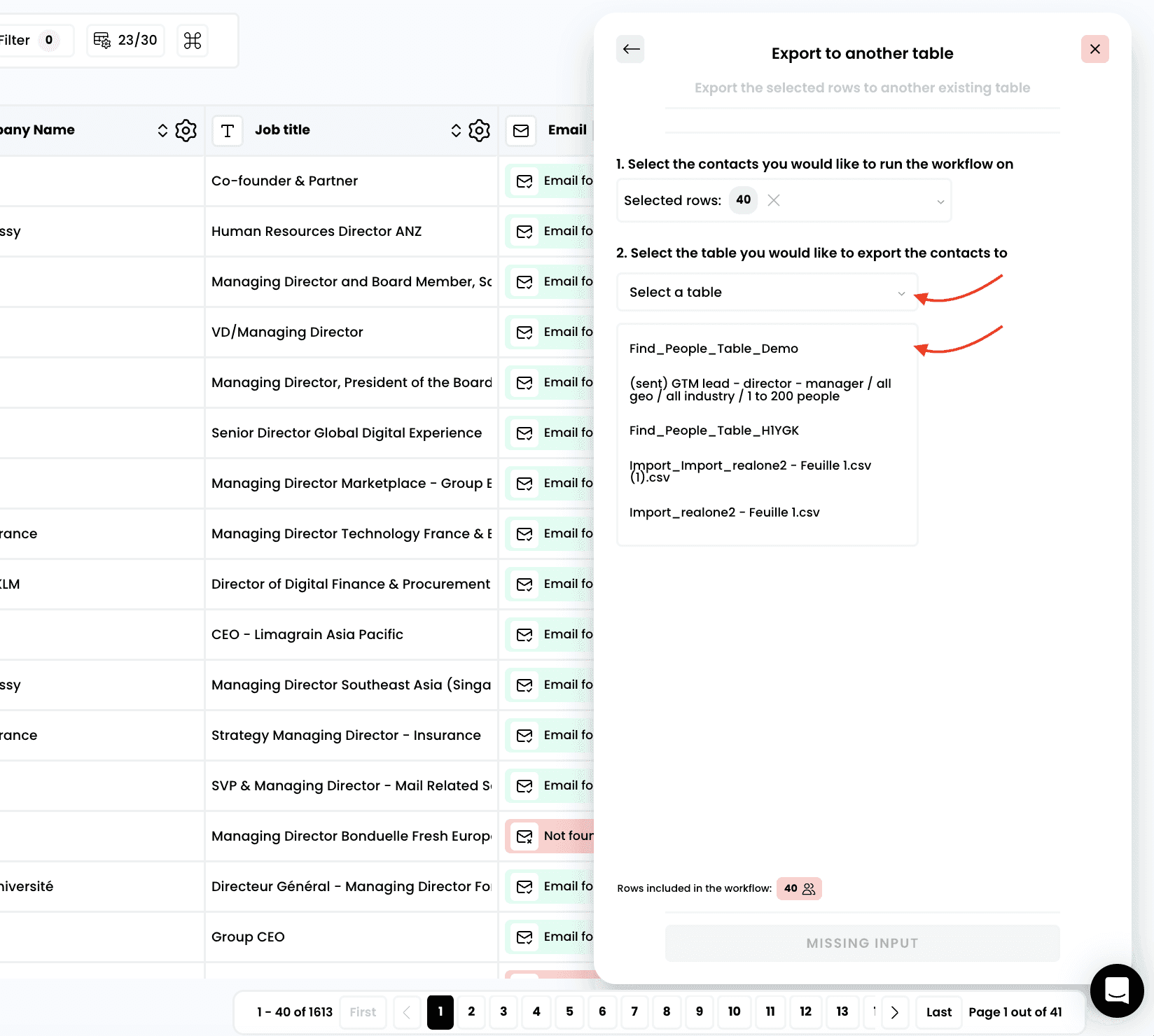
5. Launch your export
Need help? Contact Support
Questions? Contact Sales