Utilities
Deduplicate leads between tables
Identify and merge duplicate leads between your tables to keep your database clean and accurate
0. Prerequisites
You must have tables with contacts or companies
Each lead (contact or company) must have a LinkedIn profile URL to be identified, as this is the unique identifier that is used
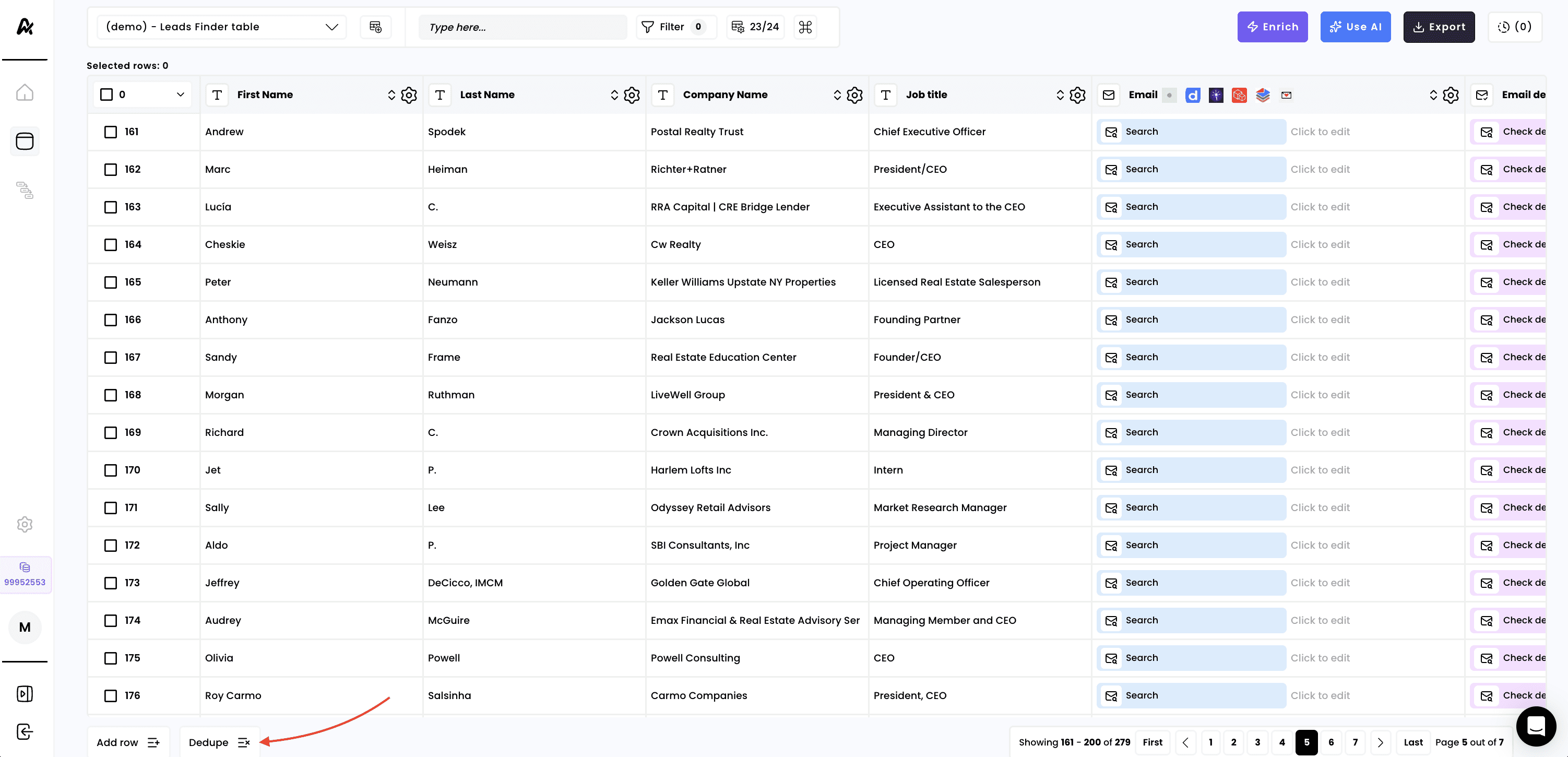
1. Click on "Dedupe" at the bottom left of your table
Launch this workflow and all rows in the current table will be checked for potential duplicates across all your other existing tables. If duplicates are found, the corresponding row in the table will be deleted
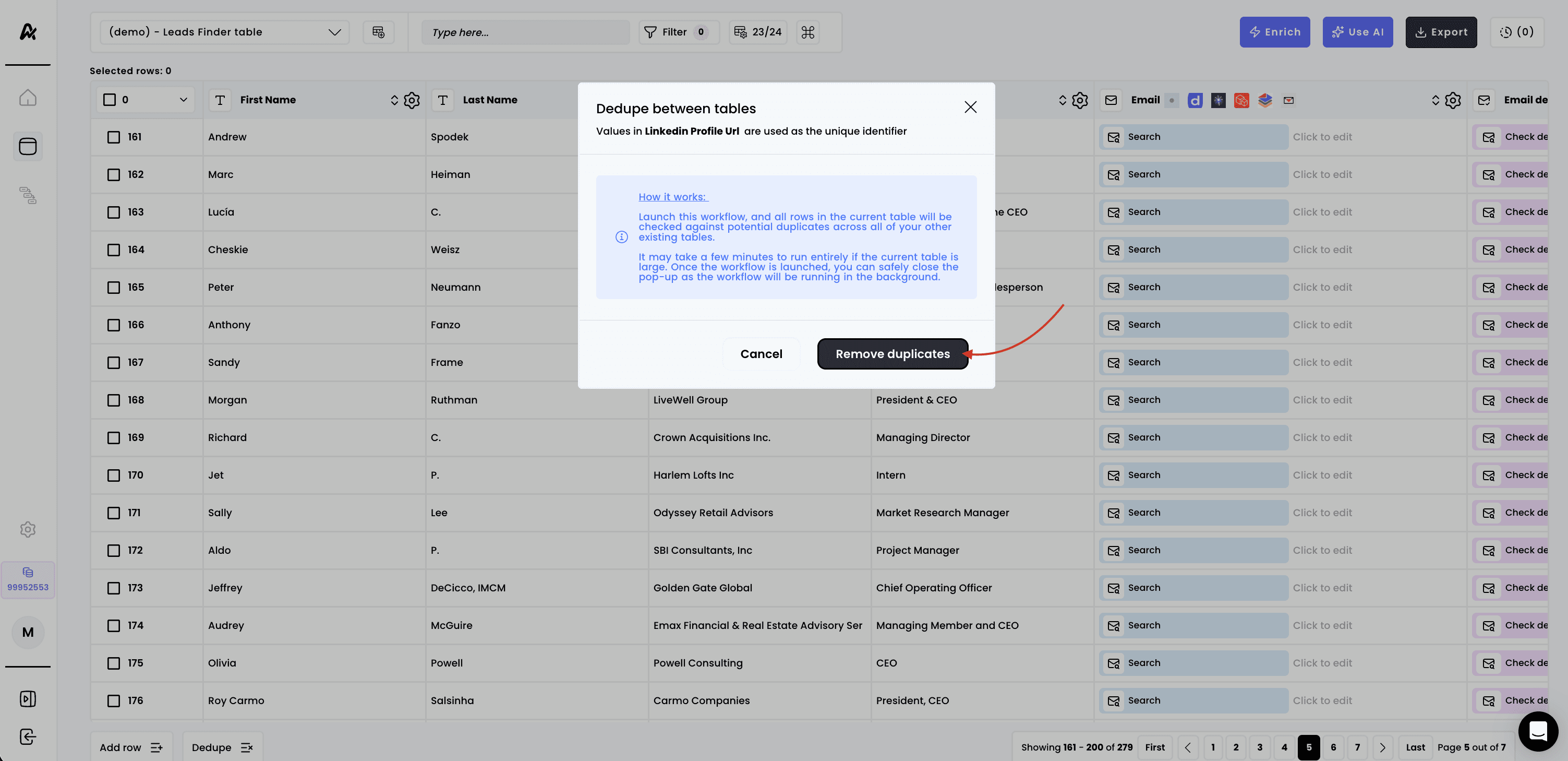

It may take a few minutes to run entirely if the current table is large. Once the workflow is launched, you can safely close the pop-up as the workflow will be running in the background
Note: the dedupe workflow runs within the same object type, contacts with contacts, and companies with companies only
Need help? Contact Support
Questions? Contact Sales
