Enrichments
Create custom Google searches
Create custom Google searches in Airscale. Build targeted queries to find any prospect or company and extract results straight into your lists.
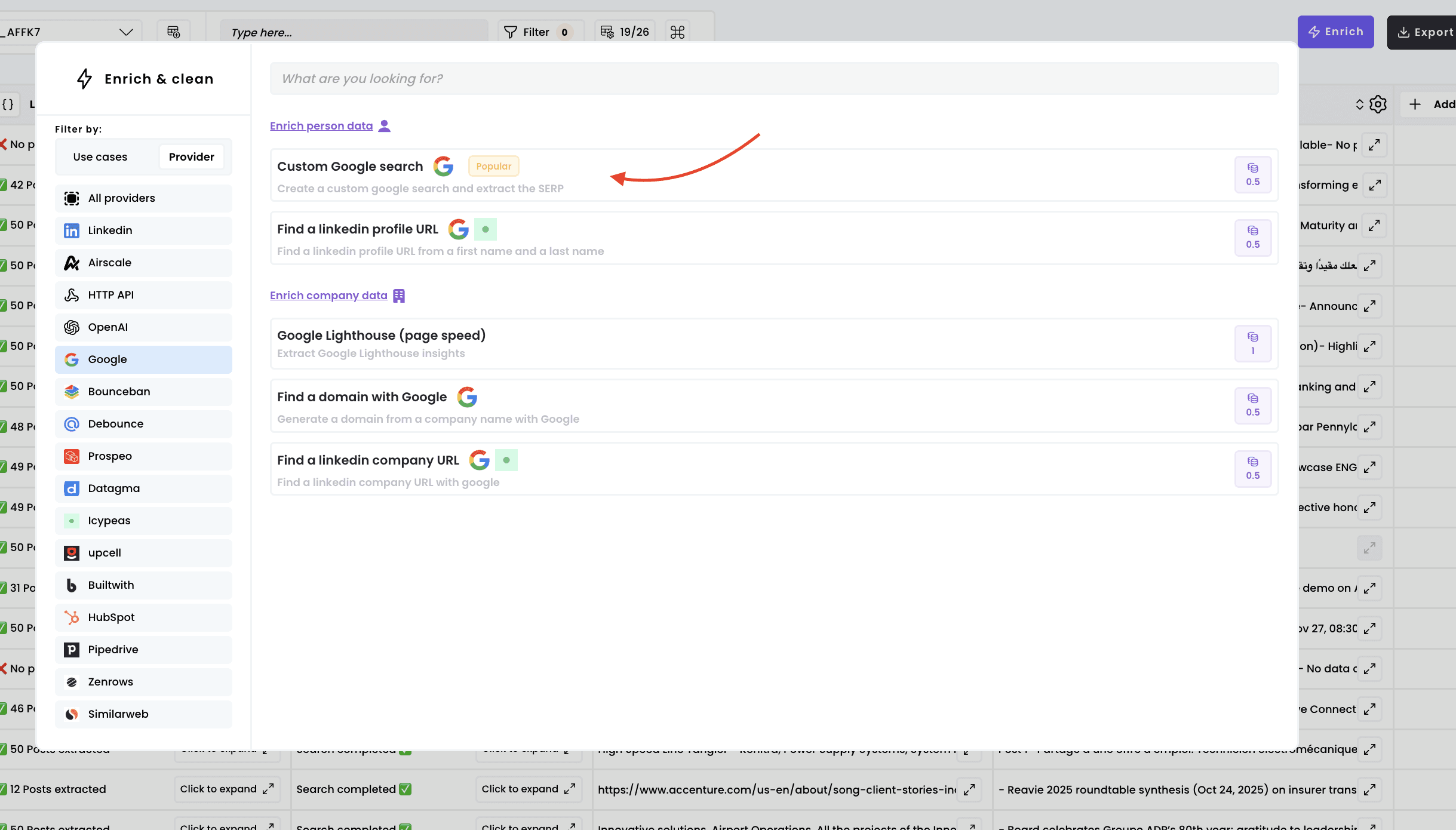
1. Select the enrichment
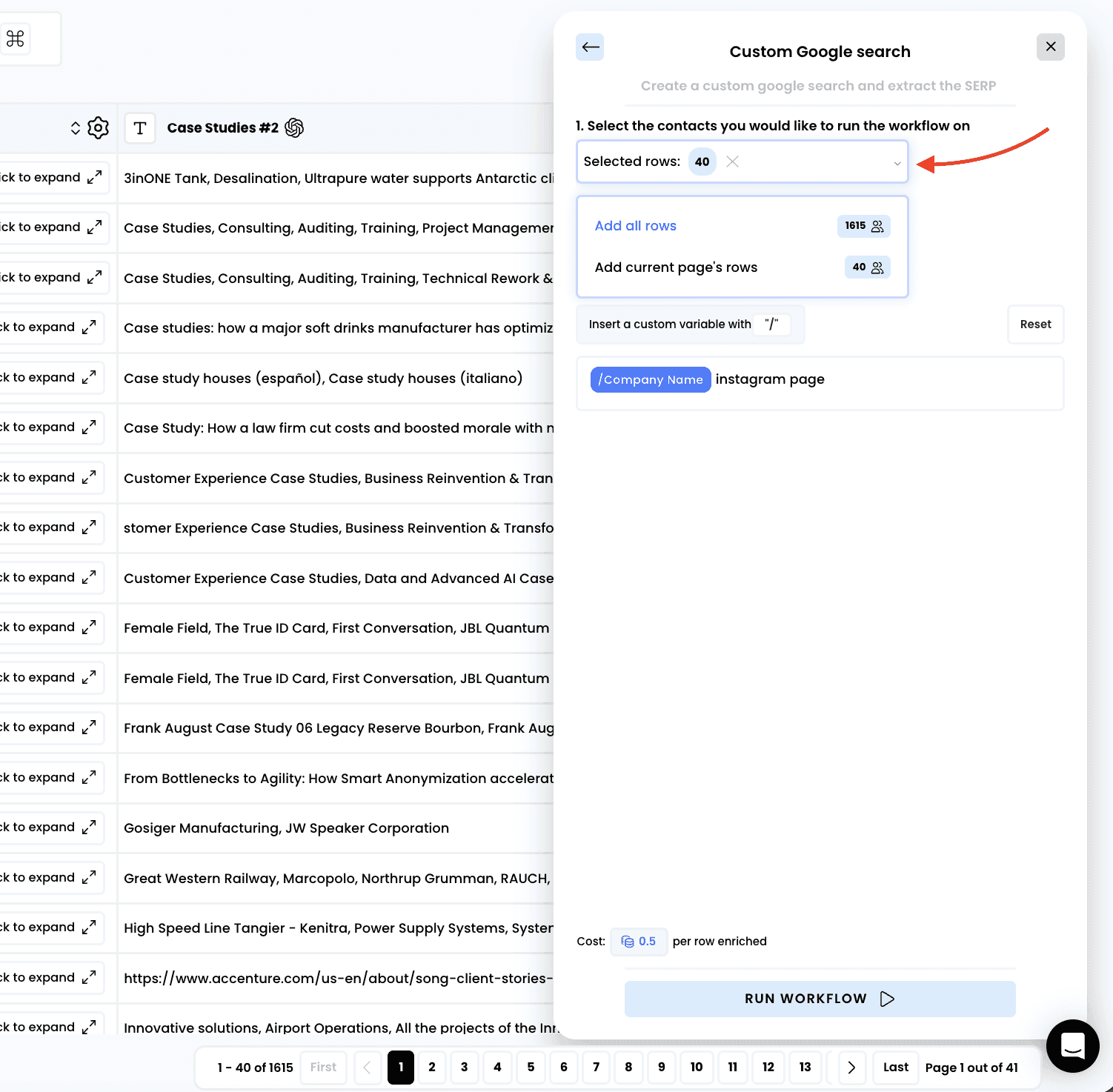
2. Select the rows to enrich
3. Create your SERP query
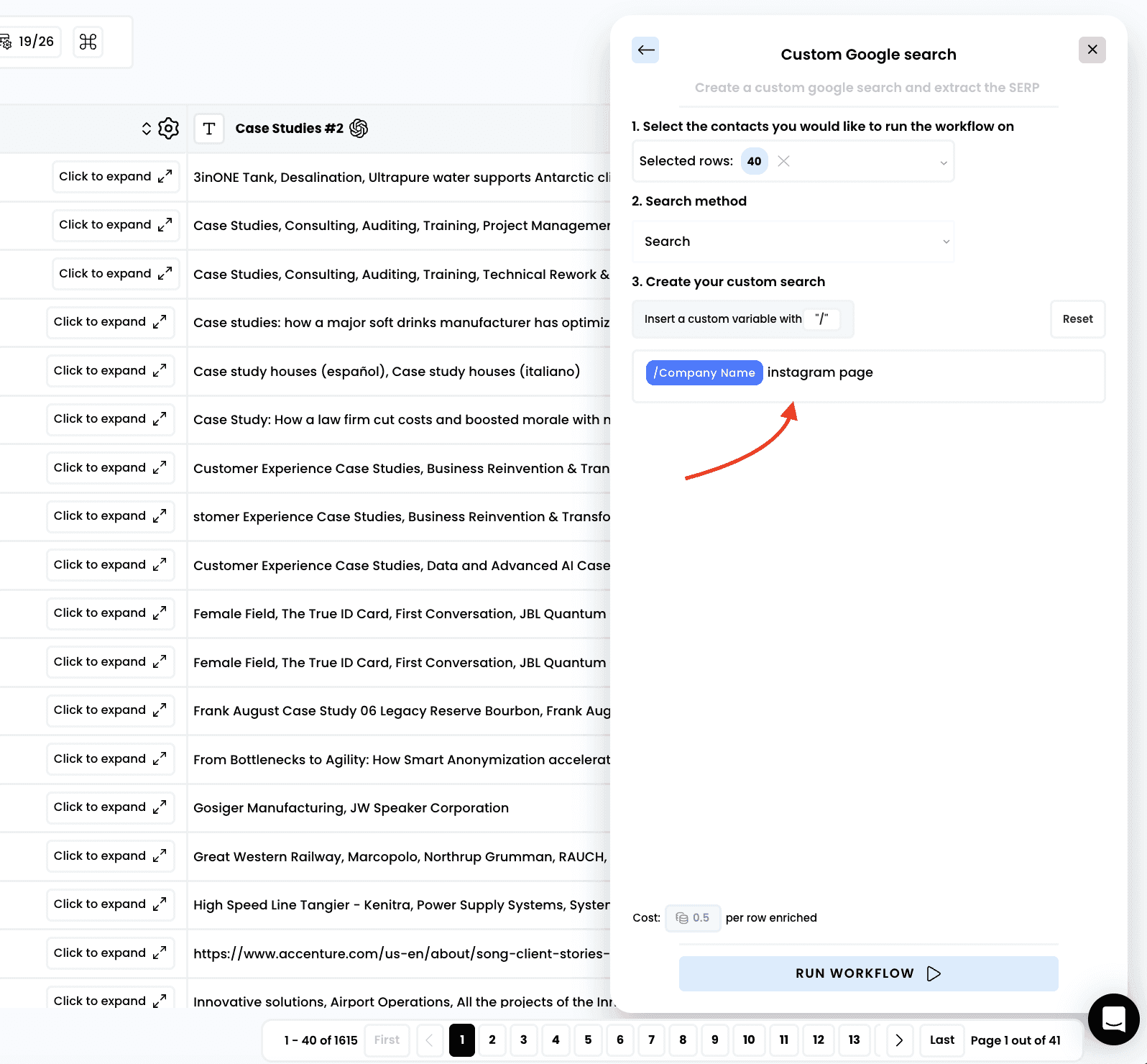
Note: to dynamically use the content of an existing column in your table, press the “/” key on your keyboard
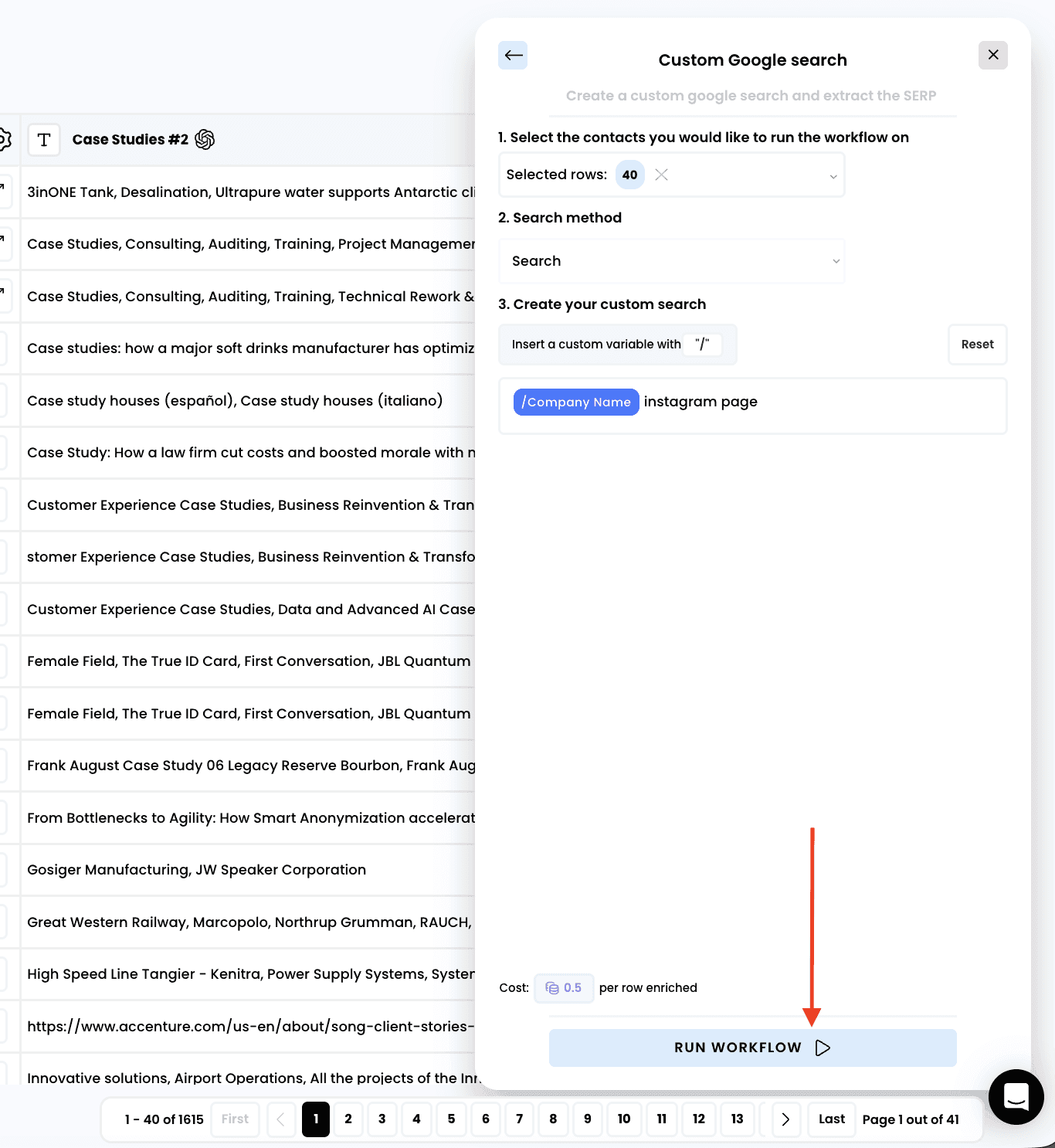
4. Run the workflow
5. Access the results
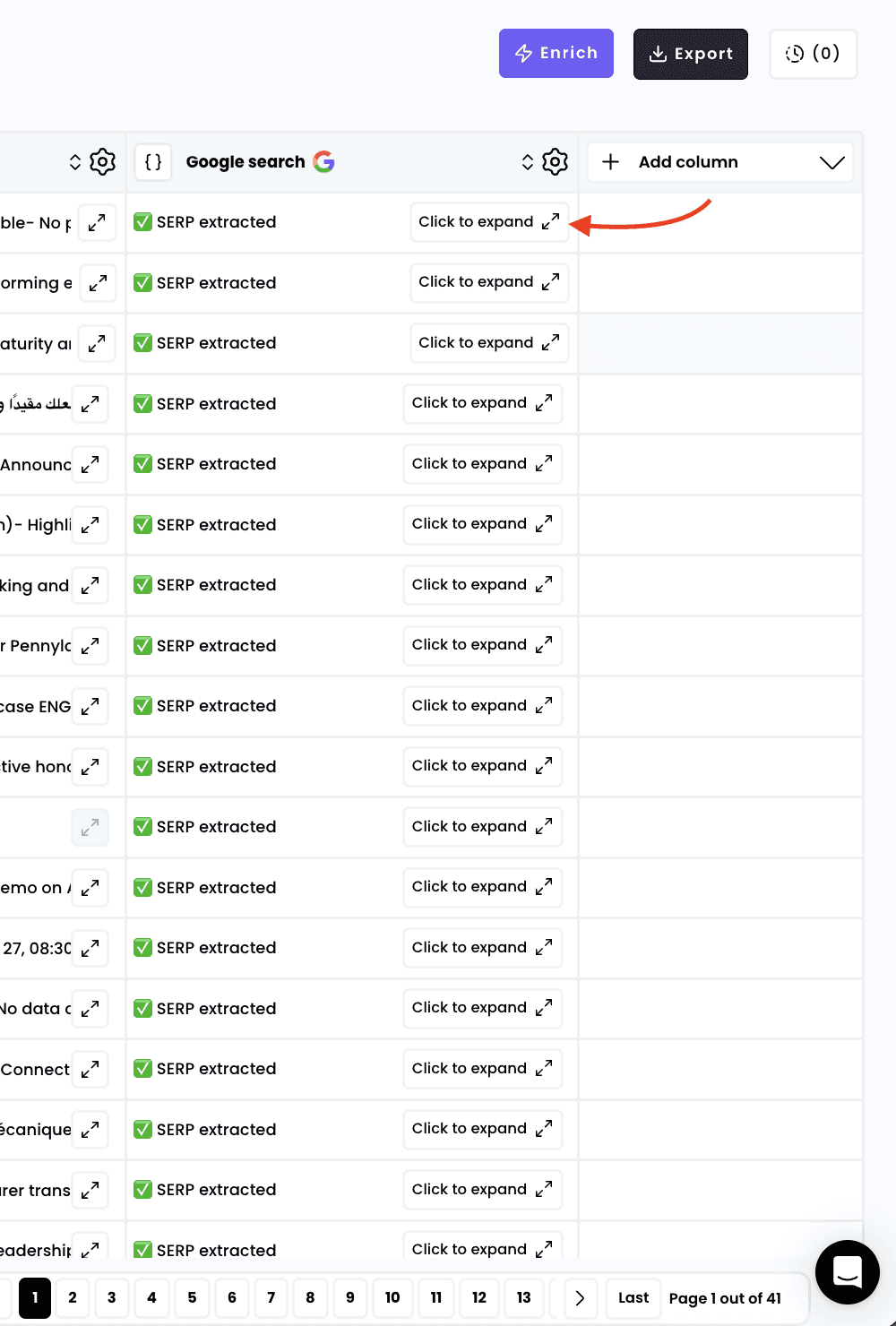
A new column is created automatically. If you click on “Click to expand” you can access the detail of the enrichment
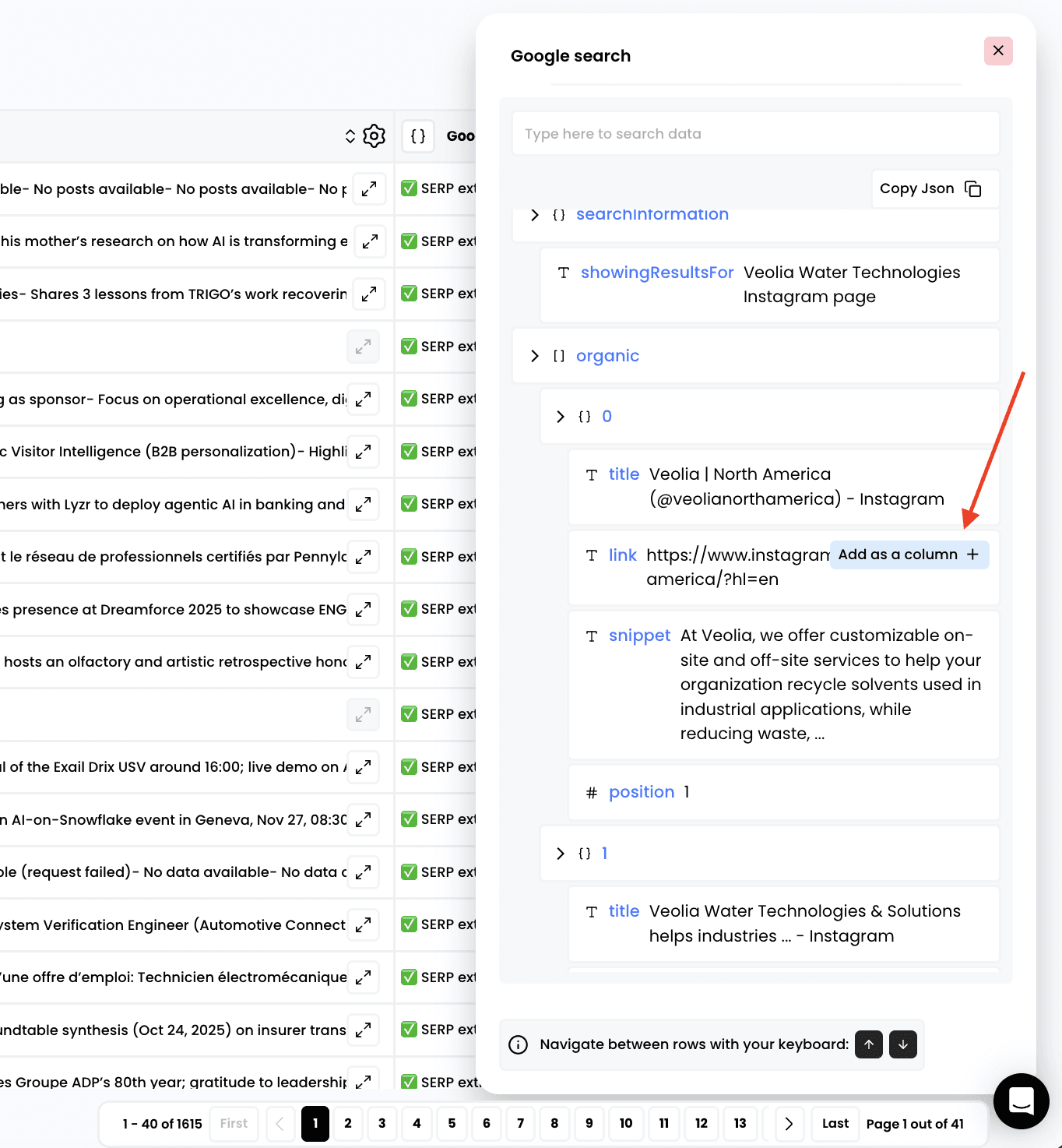
6. Add columns for any data points retrieved
Need help? Contact Support
Questions? Contact Sales