Export
Export your leads to HubSpot
Export your prospects directly from Airscale to HubSpot CRM to streamline your sales pipeline. This integration pushes enriched prospect data directly into your HubSpot database, allowing you to manage leads, track interactions, and nurture prospects through your established sales processes
0. Prerequisites
An active HubSpot account with CRM access
A prospect table in Airscale with email addresses
HubSpot integration permissions (available on most HubSpot plans)
Understanding of your HubSpot lead lifecycle stages and contact ownership structure
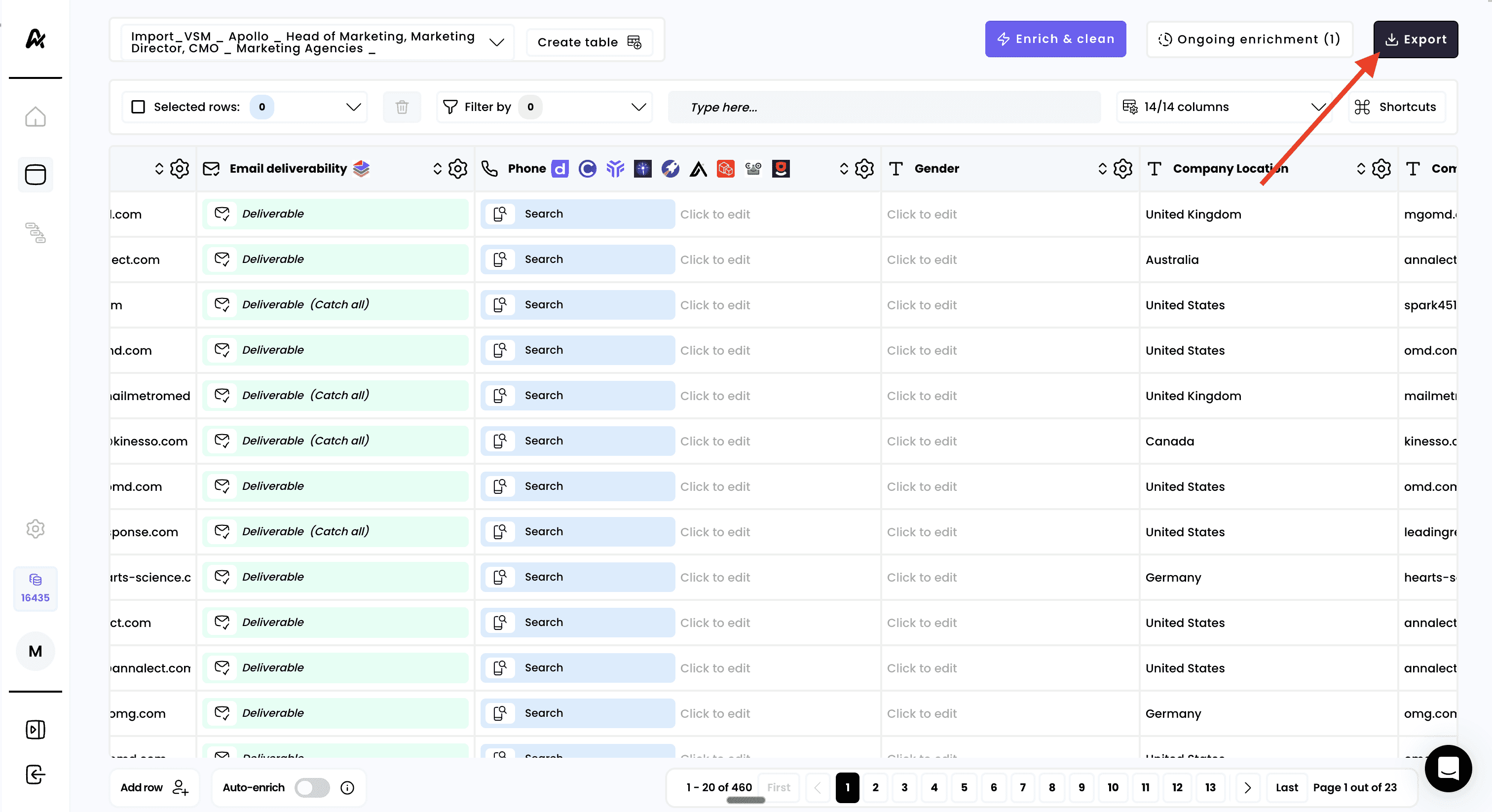
1. Click on "Export"
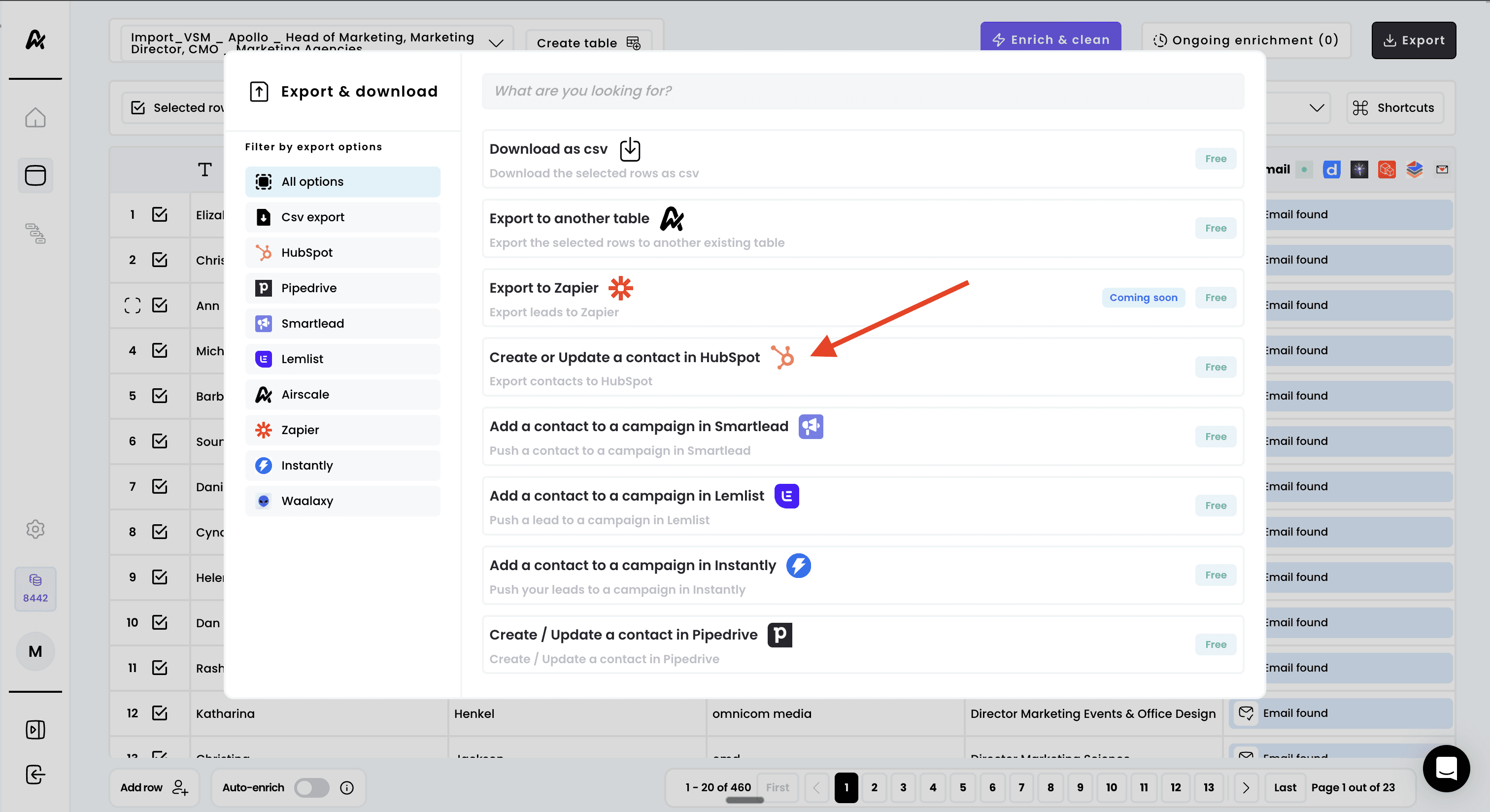
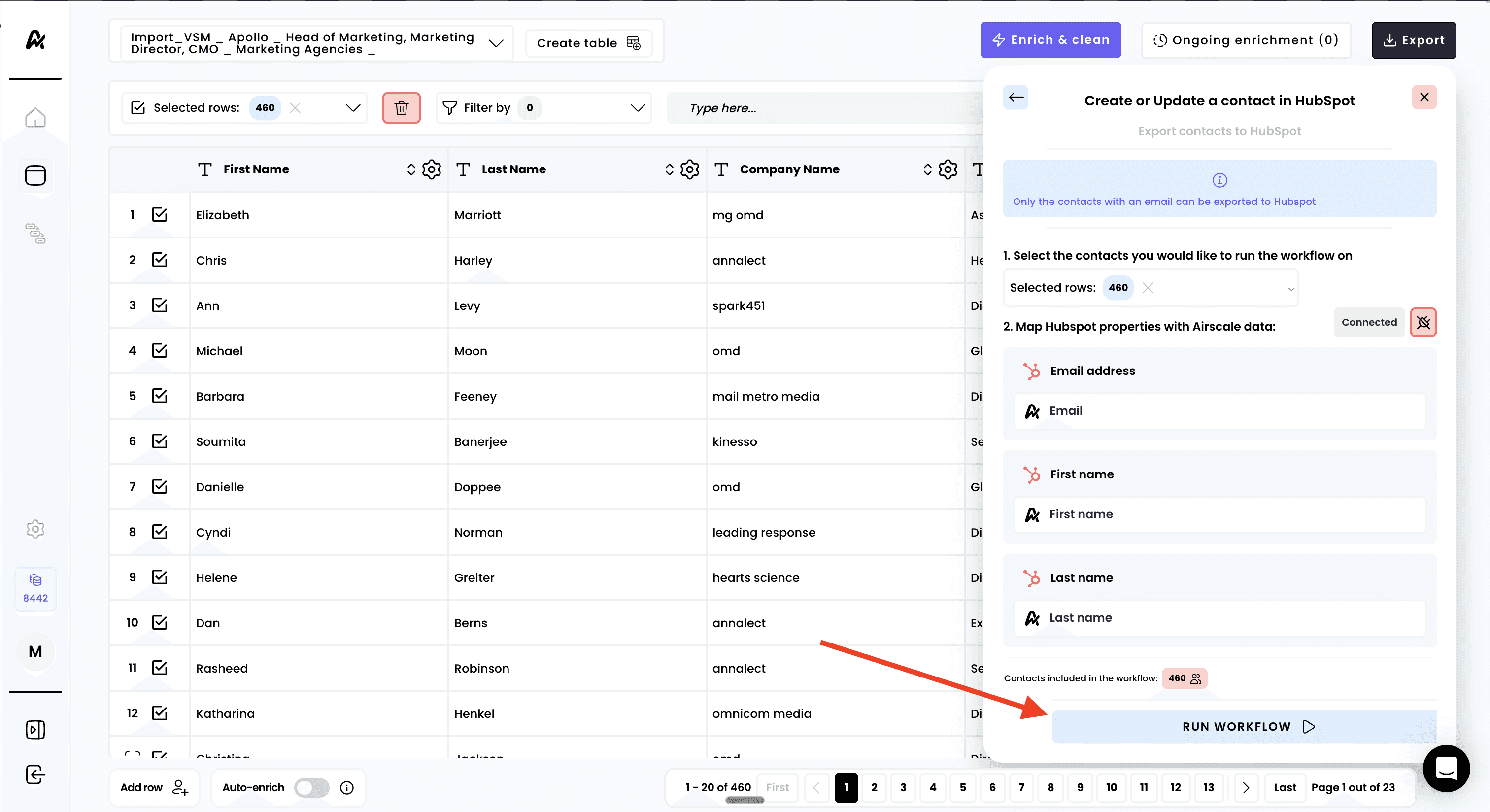
2. Select "Create or update a contact in HubSpot"
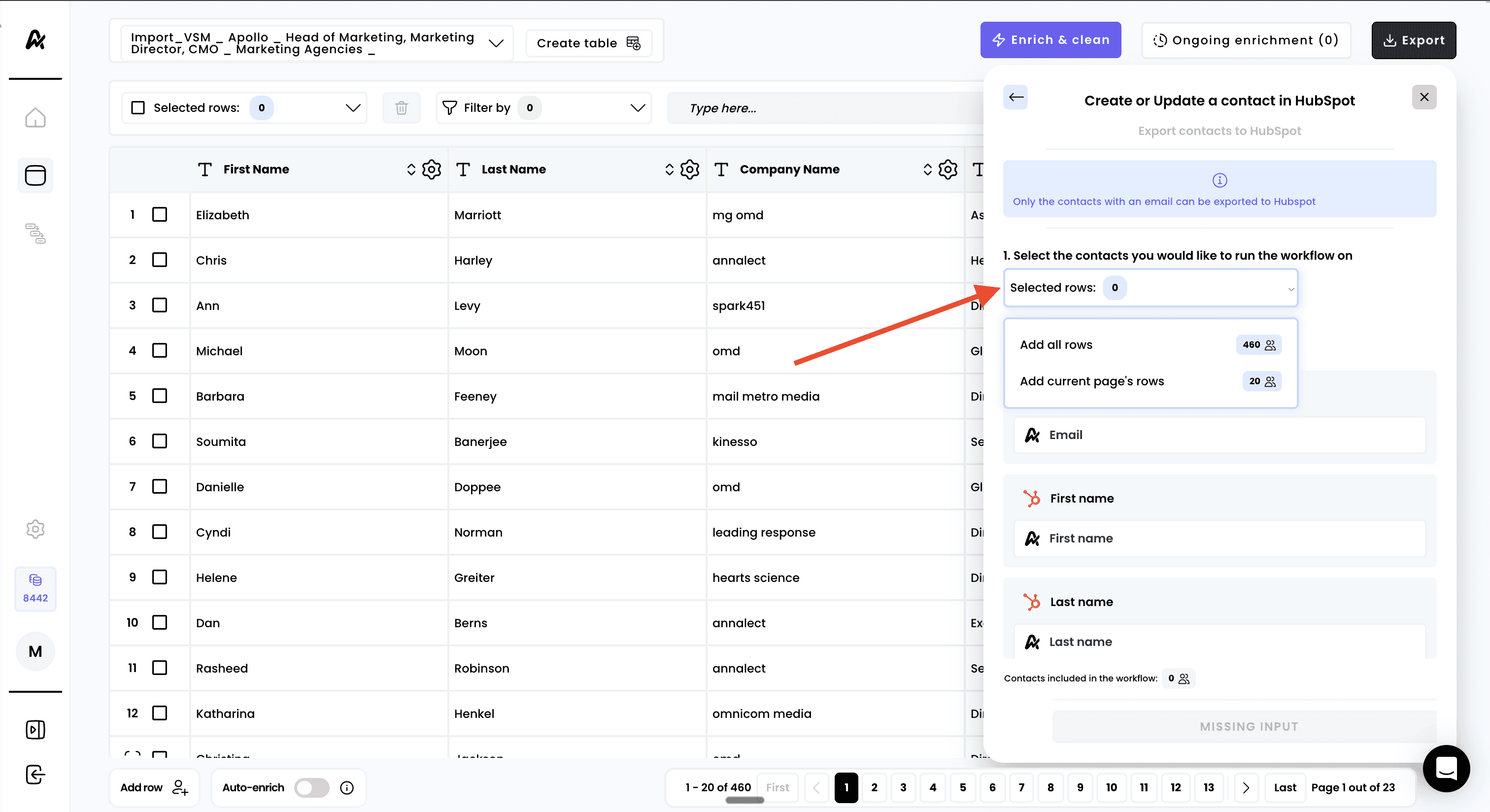
3. Select the rows to export
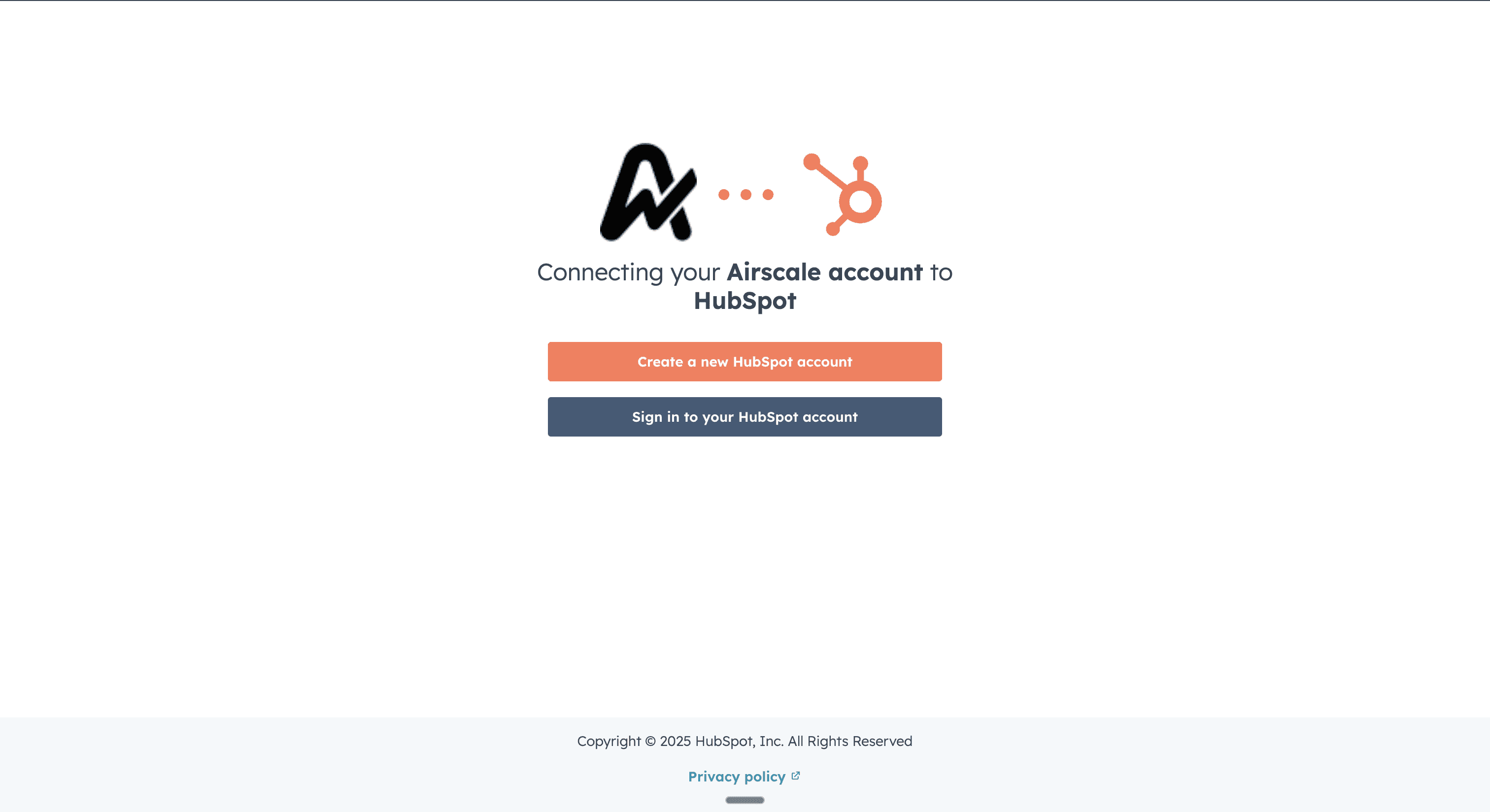
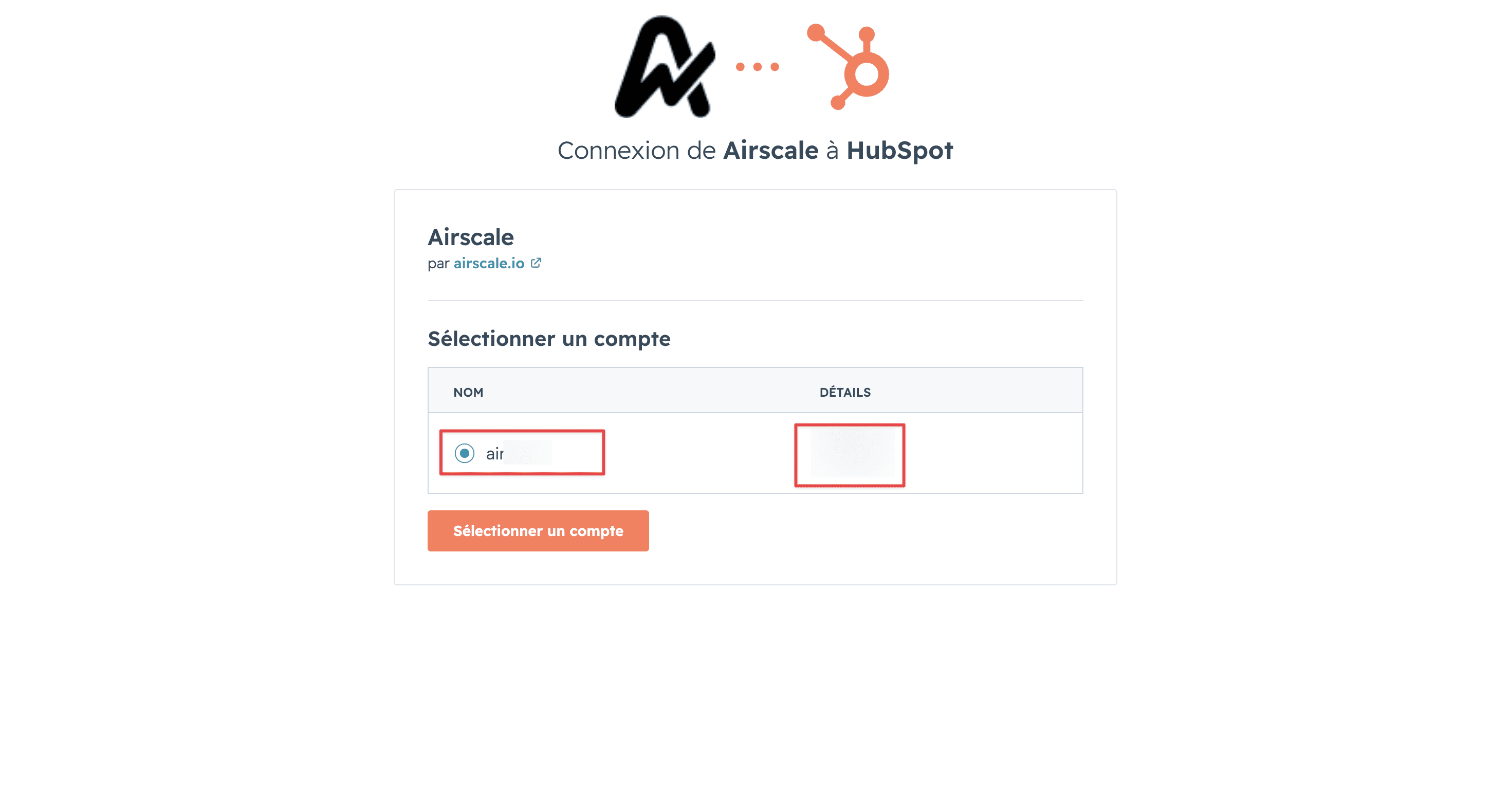
4. Connect your Hubspot account
If this is your first time connecting to HubSpot:
Click "Connect your HubSpot account" in the workflow panel
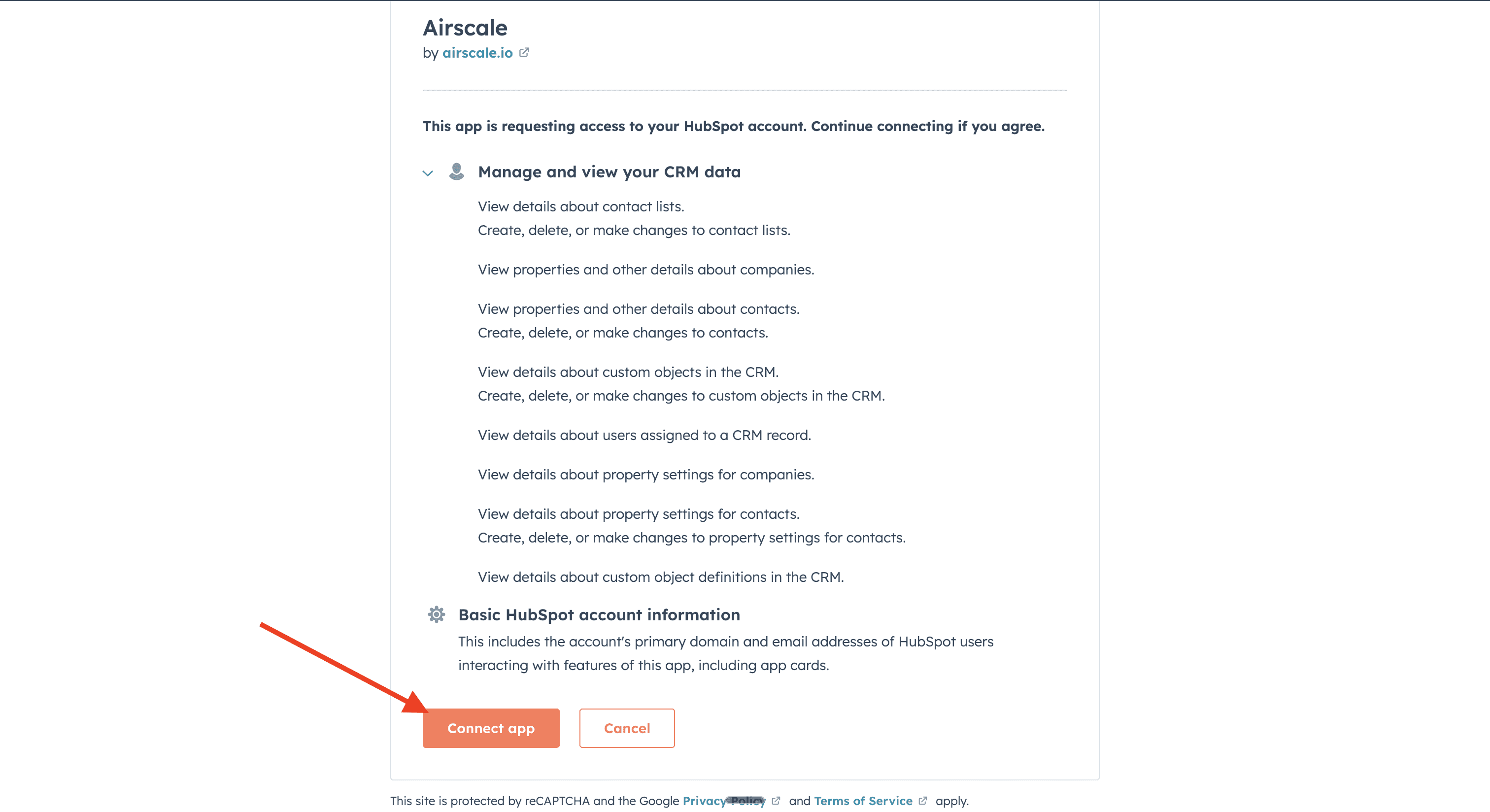
You'll be redirected to HubSpot's authorization page
Log into your HubSpot account if not already logged in
Grant permissions for Airscale to access your HubSpot CRM
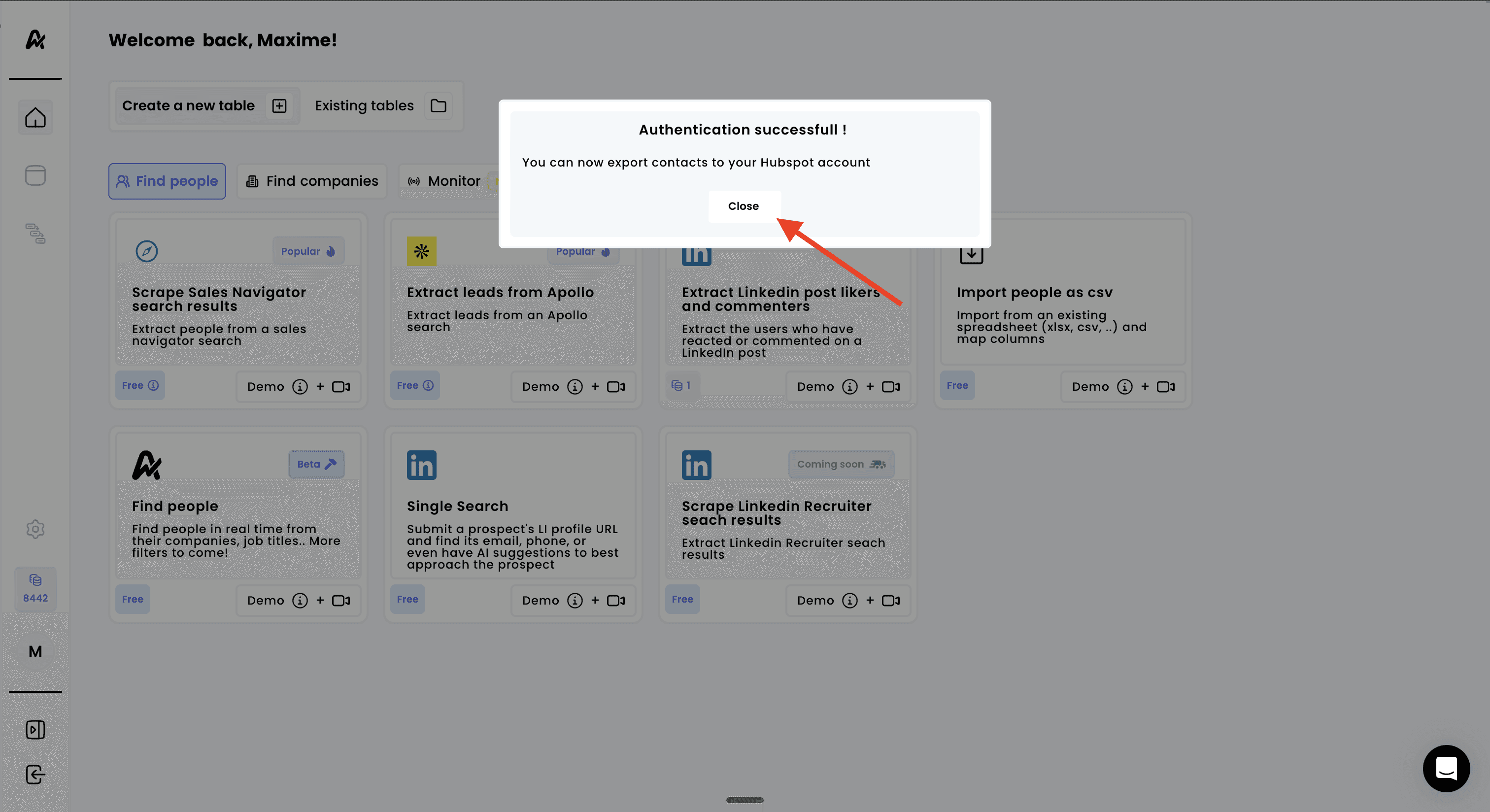
Return to Airscale once authorization is complete
HubSpot integration permissions:
Contact creation and updates for lead management
Company association for account-based tracking
Property access for data mapping and enrichment
Pipeline visibility for lifecycle stage management
Note : HubSpot uses OAuth authentication, so you don't need to share passwords or API keys directly
5. Select a contact owner and lead lifecycle stage
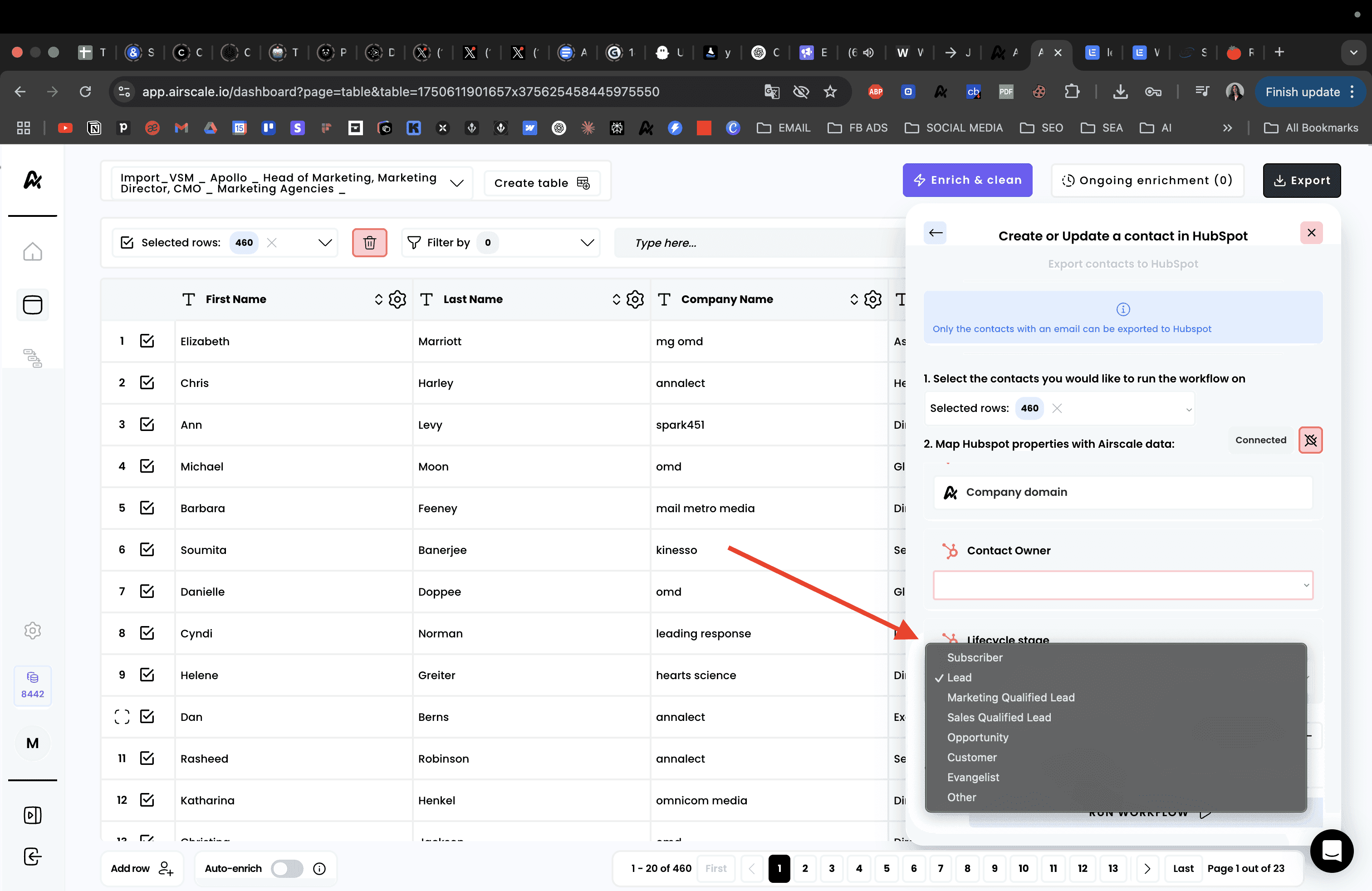
6. Launch your export
Need help? Contact Support
Questions? Contact Sales