1. Select the enrichment
Click Enrich, then choose Find a linkedin company URL.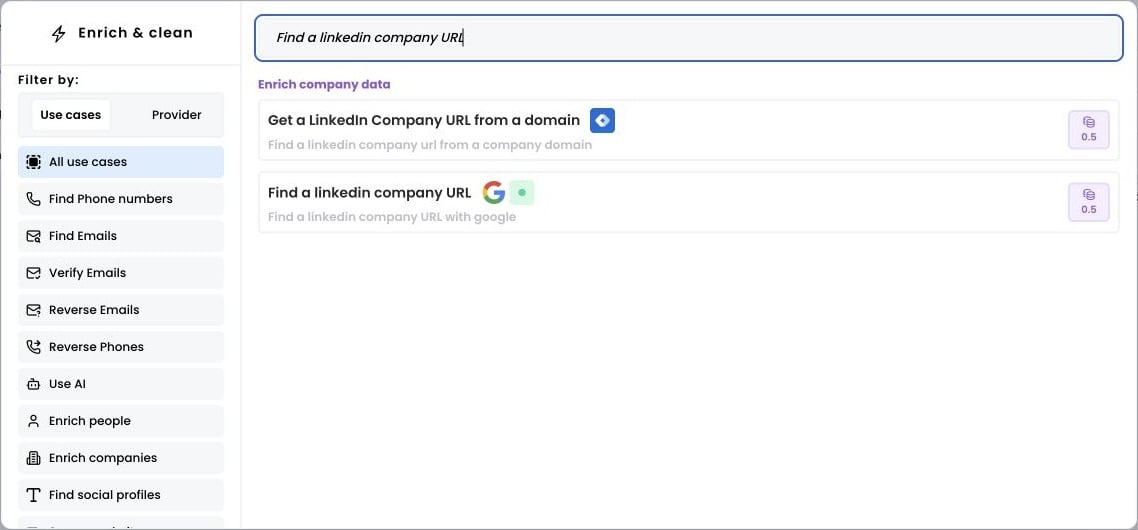
2. Select the rows to enrich
Open Selected rows and choose Add all rows, or enter a range and click Apply.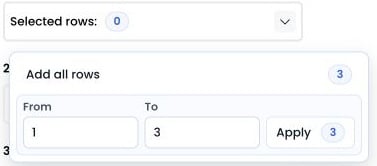
3. Run the workflow
Map the company name column, then choose the output column. Then click Run workflow.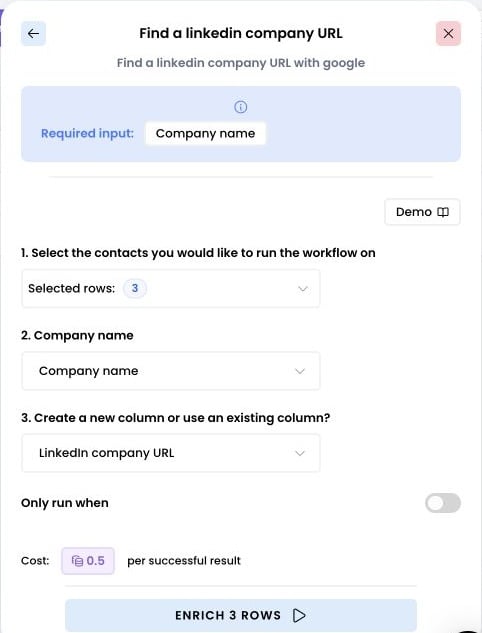
4. Access the results
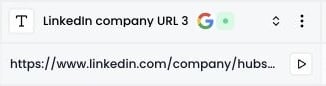
The returned LinkedIn company URL appears in the output column.