1. Select the enrichment
Click Enrich, then choose Get company profile data.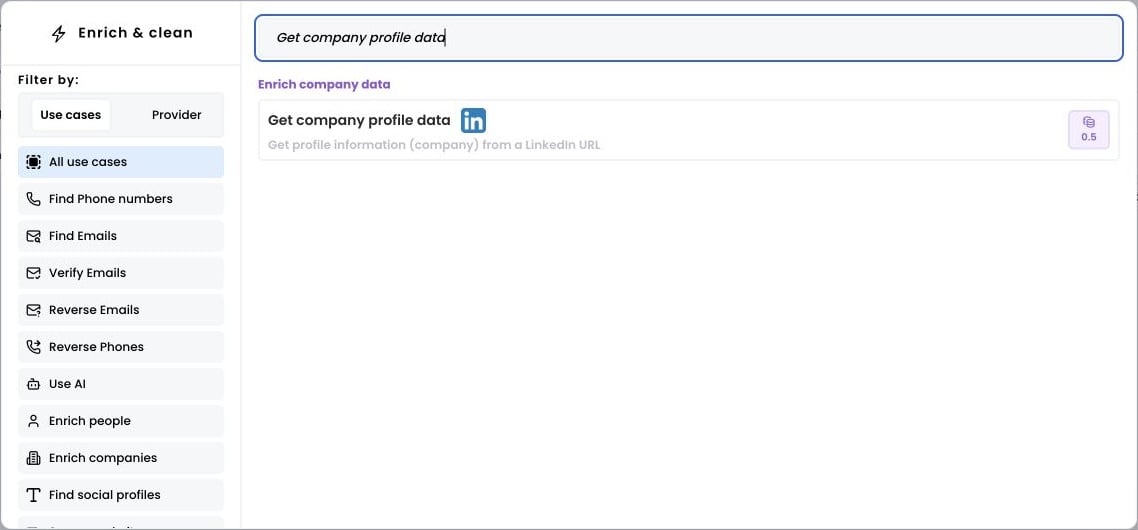
2. Select the rows to enrich
Open Selected rows and choose Add all rows, or enter a range and click Apply.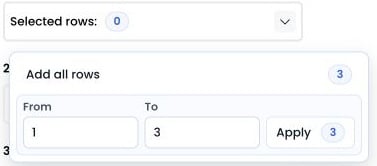
3. Run the workflow
Select the column containing your LinkedIn company URLs and choose the output column. Then click Run workflow.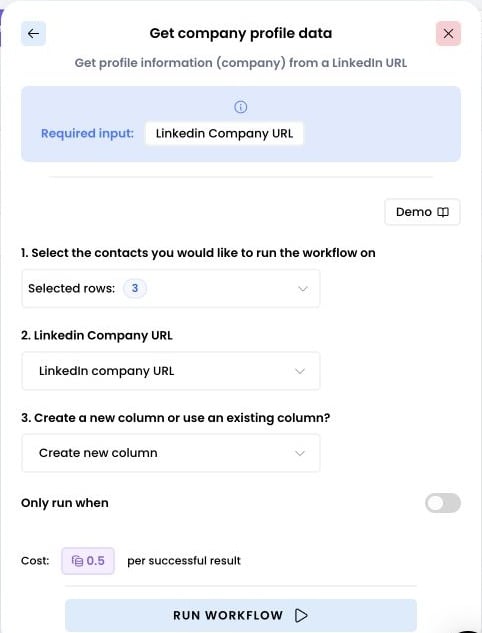
4. Access the results
Click Expand in the result cell to open the JSON mapper.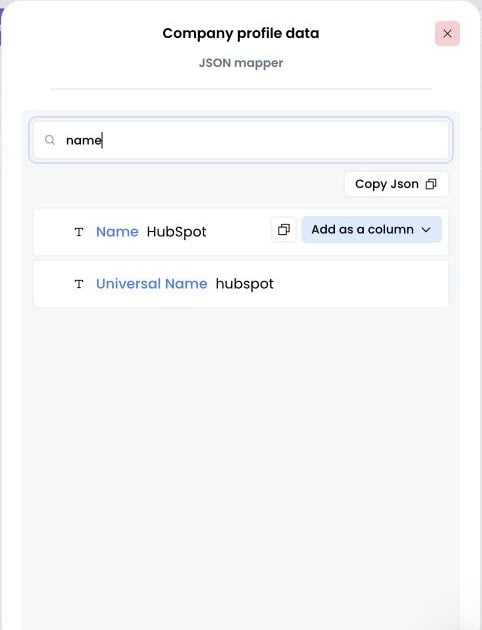
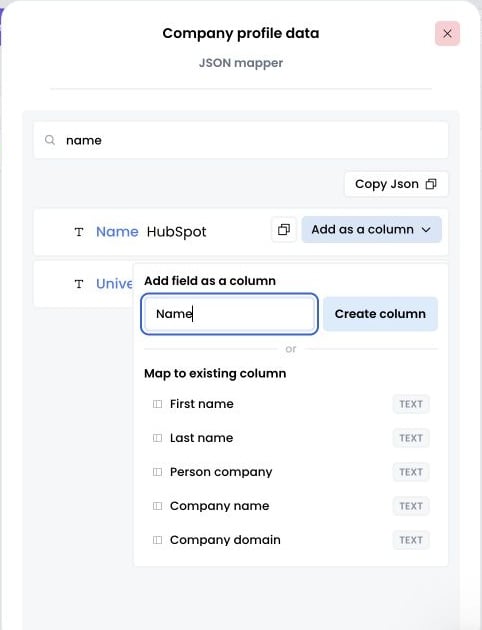
5. Add columns for any data points you want about the company
Choose Add as a column beside a field, then create a new column or map it to an existing one.